Changelog

Follow new updates and improvements to Flashka.

Flashka 4.16: Case Studies Are Here ๐Ÿฉป

Hey Flashka fam! ๐Ÿ‘‹

Remember Case Studies in alpha?
You loved it, so it's officially here ๐ŸŽ‰

This update is all about putting your knowledge to the test: solve real-world scenarios and get scored, generate study images right inside your chat with Ka, and race your friends on study time too.

Let's dive in ๐Ÿ‘‡


1. Case Studies Are Here ๐Ÿ“š

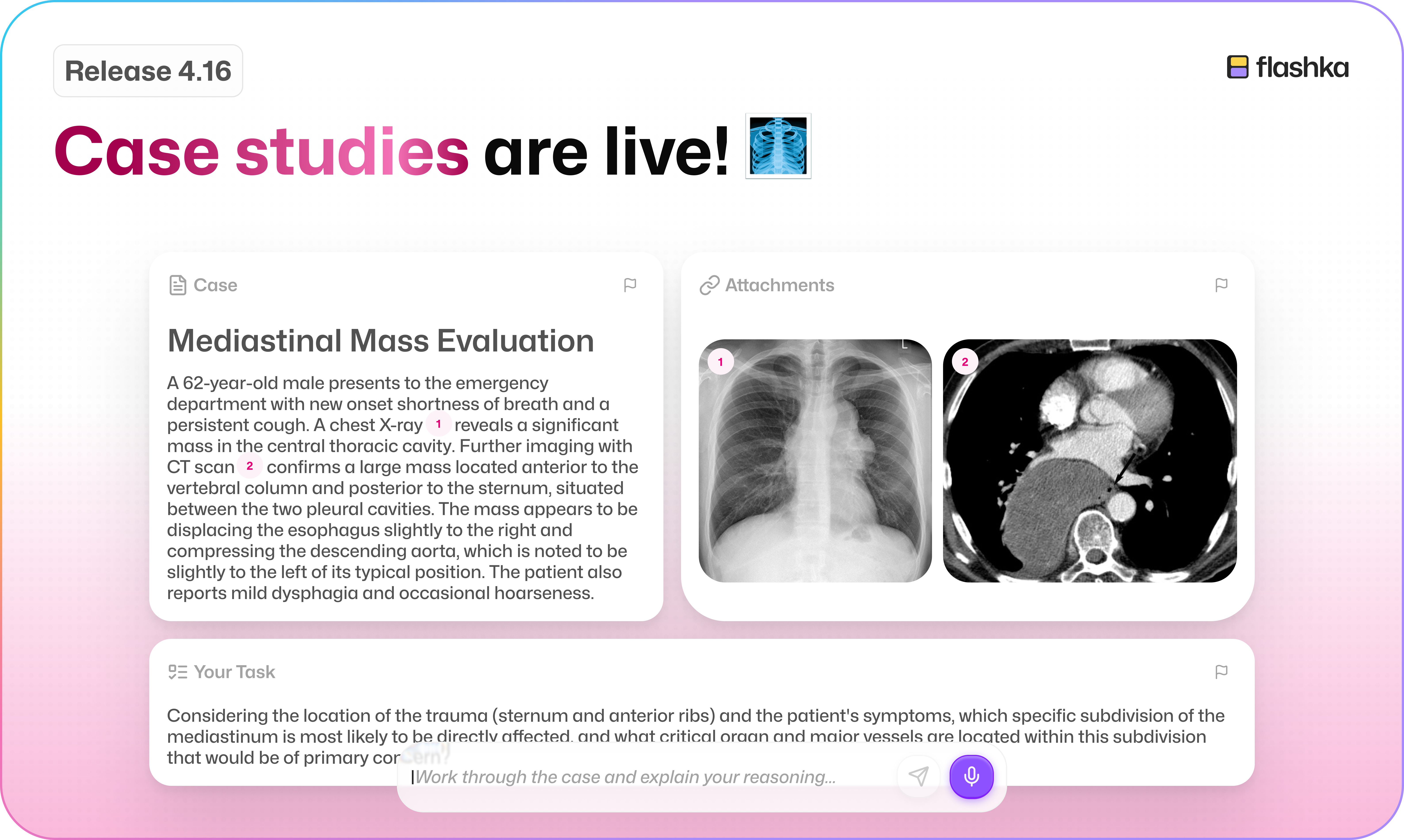
You voted for it, and now it's out of alpha: solve real-world scenarios and get scored on how you did.

It shines for medical and law students, but it works just as well for business cases, physics and maths problems, biology, and plenty more.

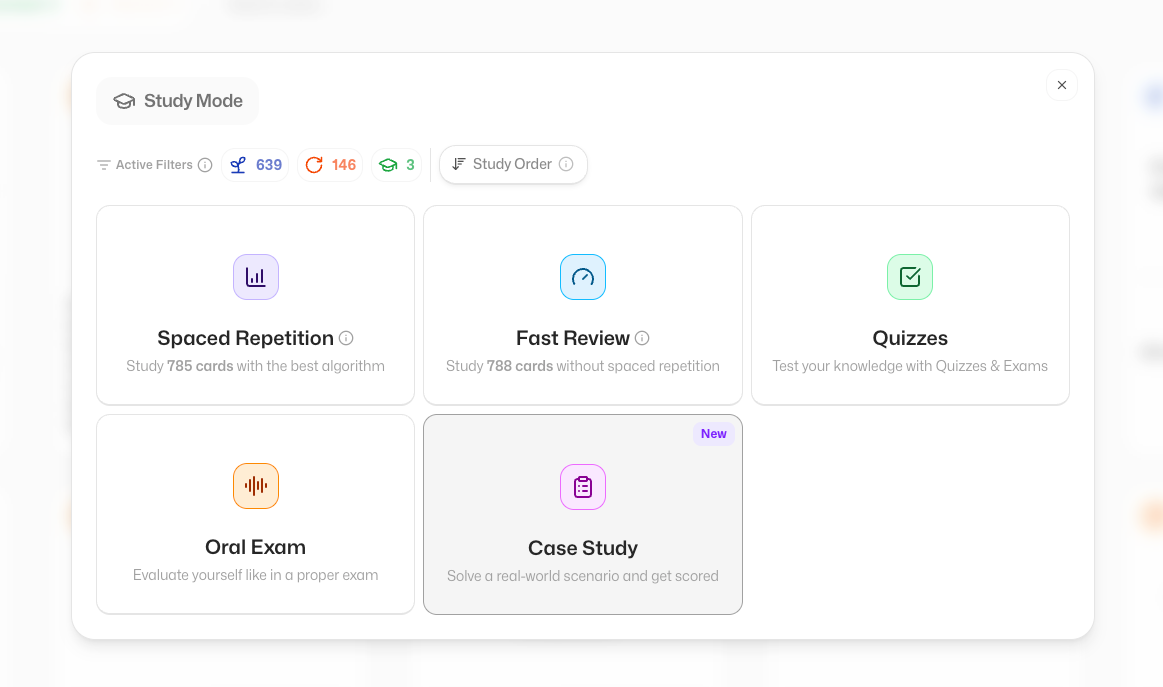
To start one, tap Study now โ†’ Case Studies.

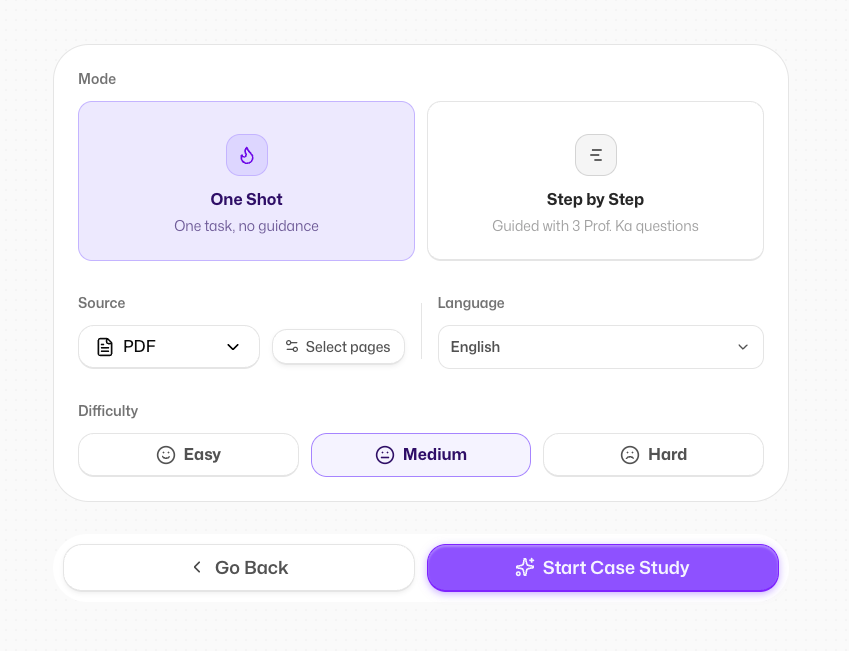
You'll find two modes:

One Shot ๐ŸŽฏ

A single task to solve, no guidance and no hints. Perfect for really putting your knowledge to the test.
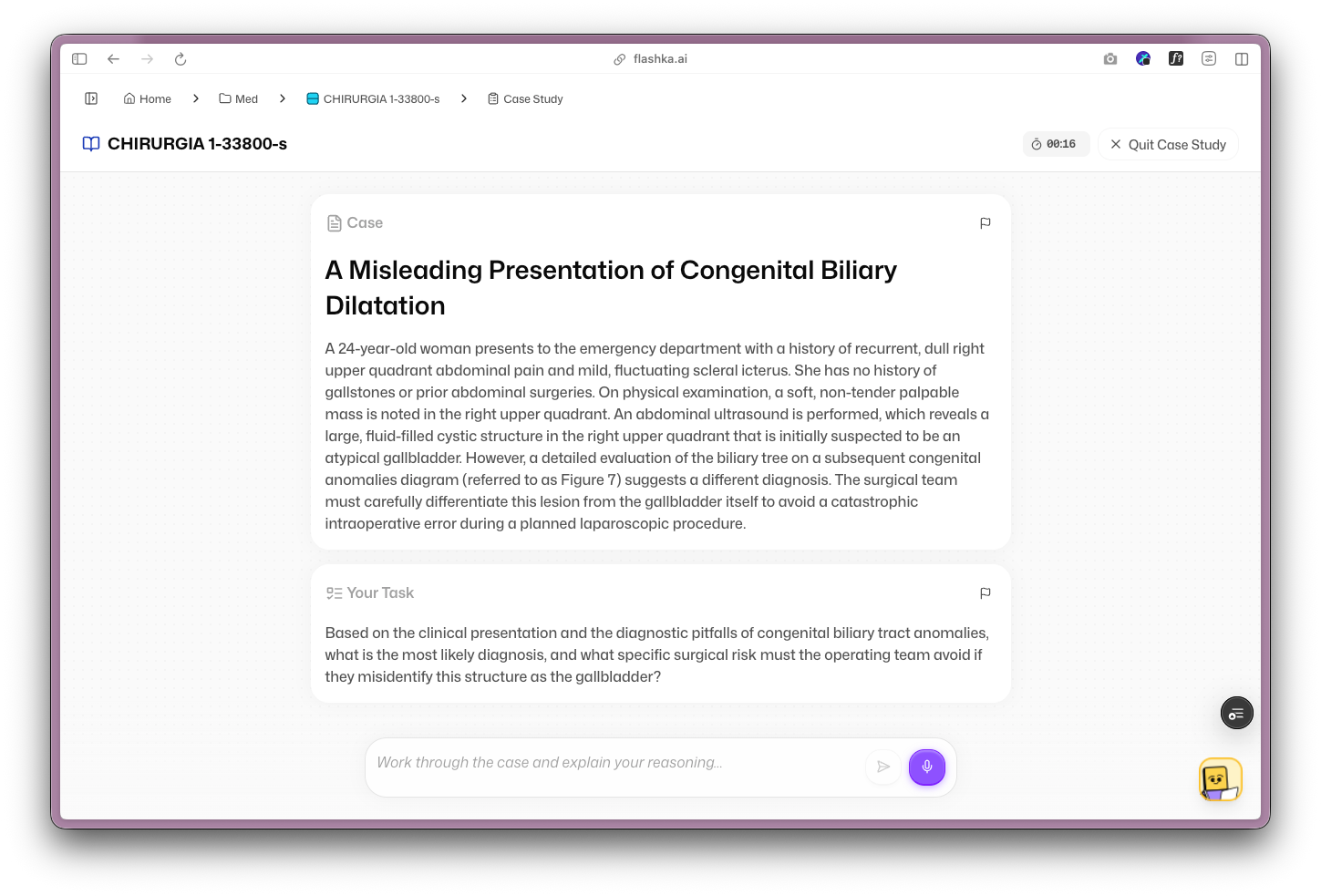
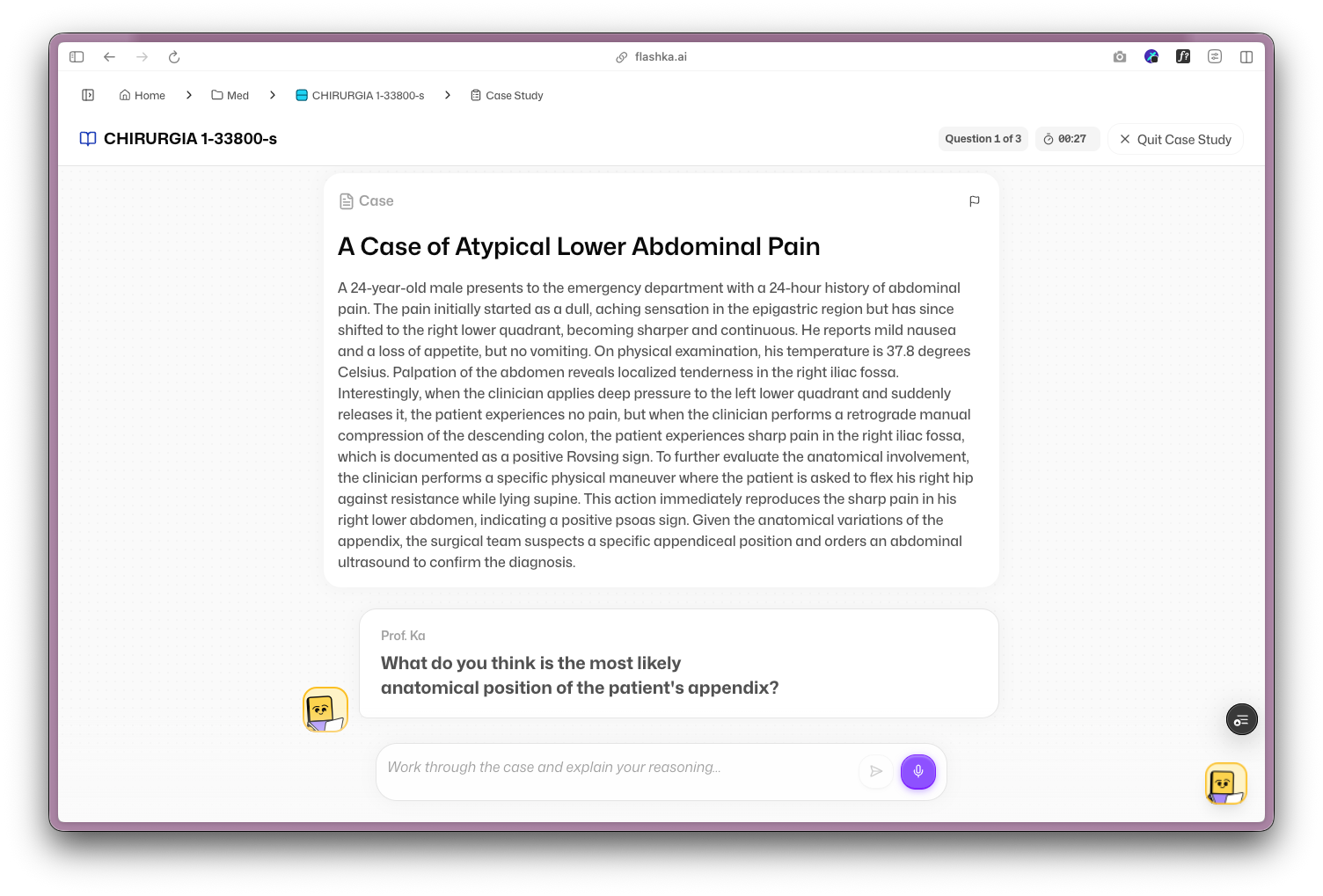
Step by Step ๐Ÿชœ

Three questions guided by Prof. Ka. Ka points you in the right direction, but won't solve the case for you.
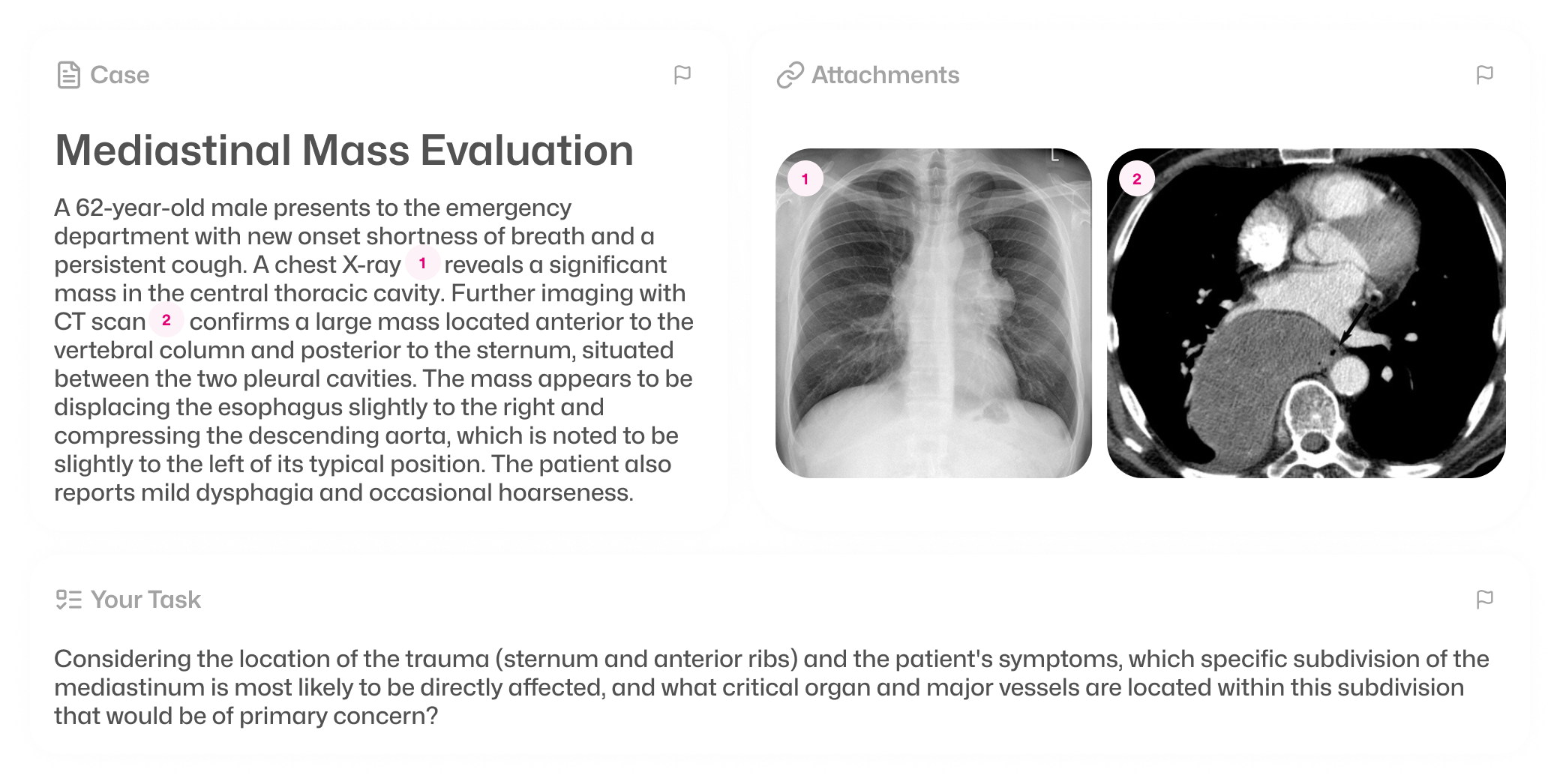
Images for reference ๐Ÿ–ผ๏ธ

Ka often brings in images to support the case. They're not AI-generated, they're hand-picked from Wikipedia, and if one doesn't fit you can flag it with the report button.
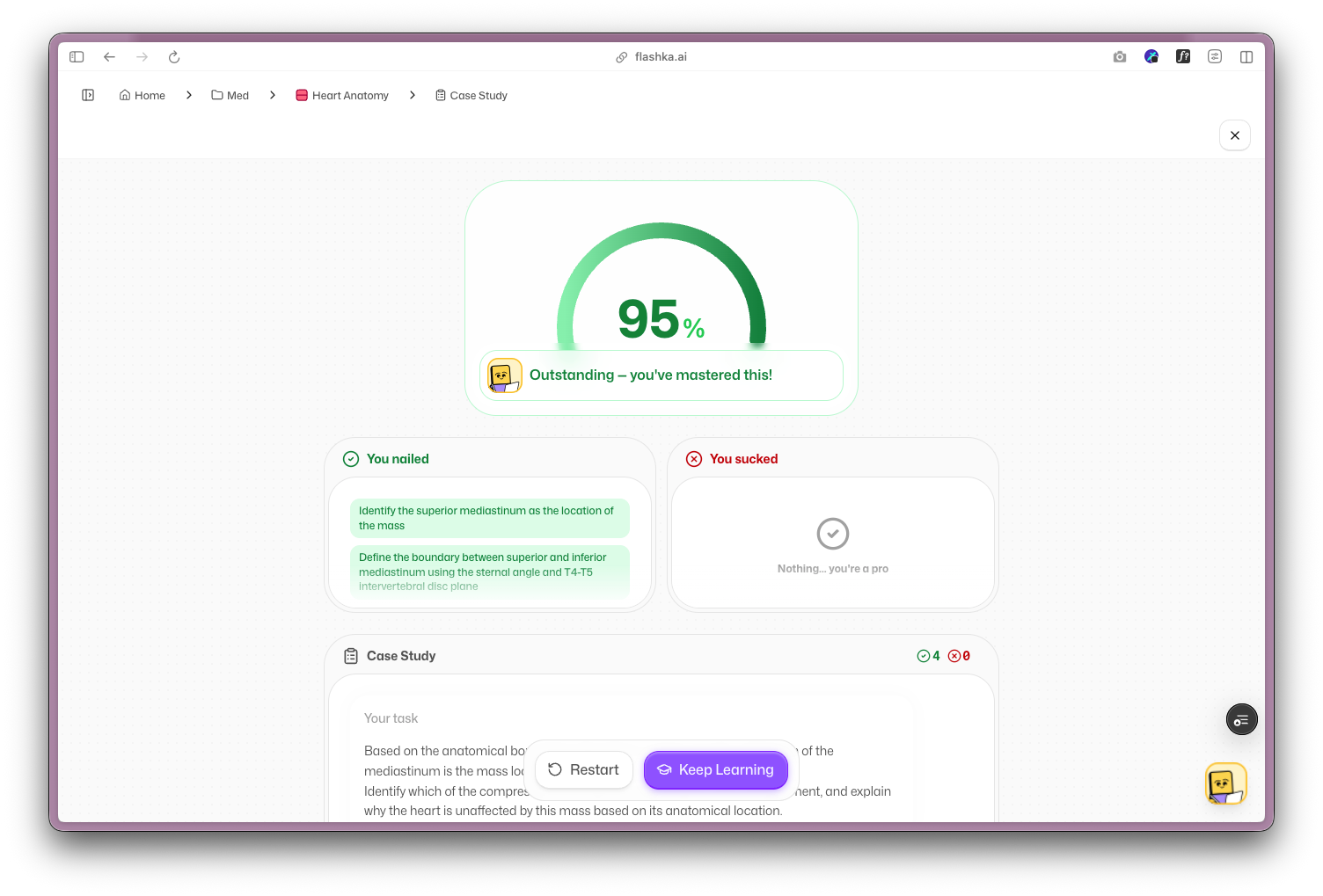
Your results ๐Ÿ“Š

Just like oral exams, you get a clear breakdown of what you nailed and where you went wrong, so you always know exactly where you stand.

2. Ka Can Draw and Create Pics for You Now ๐ŸŽจ

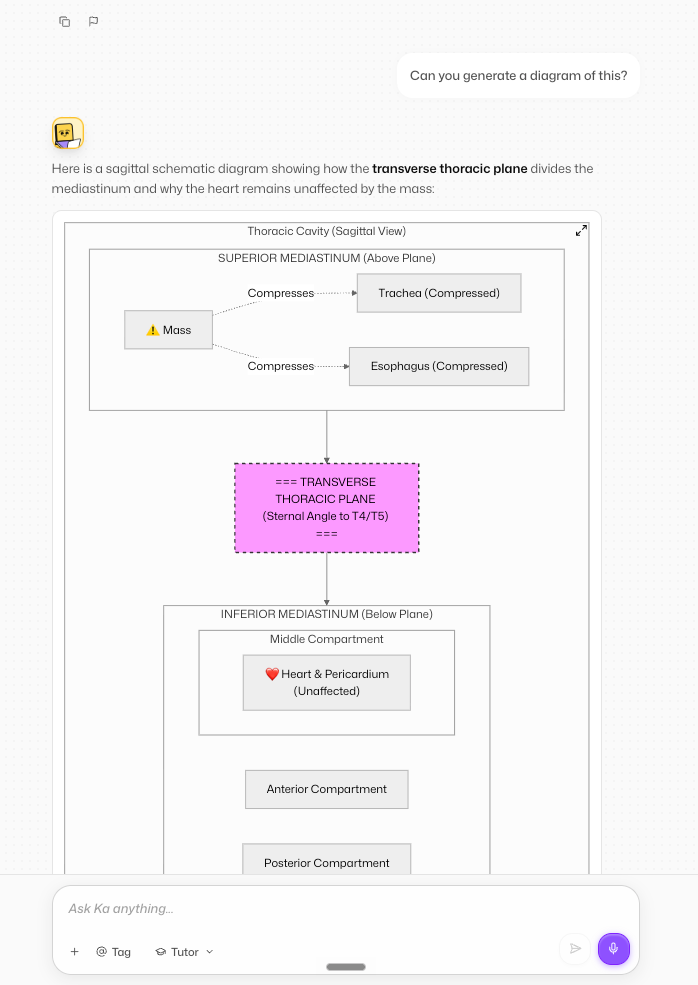
Need a diagram to make something finally click?
Now you can ask Prof. Ka to generate images right inside the chat.

It's perfect for diagrams and visuals that make tricky topics easier to understand. Just ask for it, or tap the suggestion chip, and Ka handles the rest.

Ka can now put together proper diagrams too, not just pictures, so complex ideas are laid out clearly at a glance.

3. Study Time on the Leaderboard โฑ๏ธ

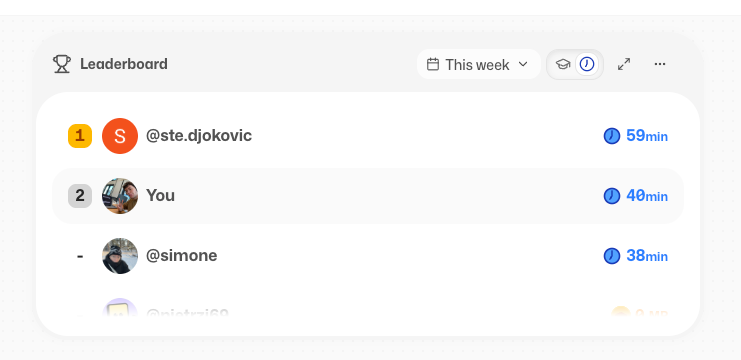
Ready to compete on more than mastery points? Now you can see who's actually putting in the most hours too.

In your study group leaderboard, switch tabs and tap the clock icon to see everyone's study time. And just like mastery points, you can hide yours whenever you like.


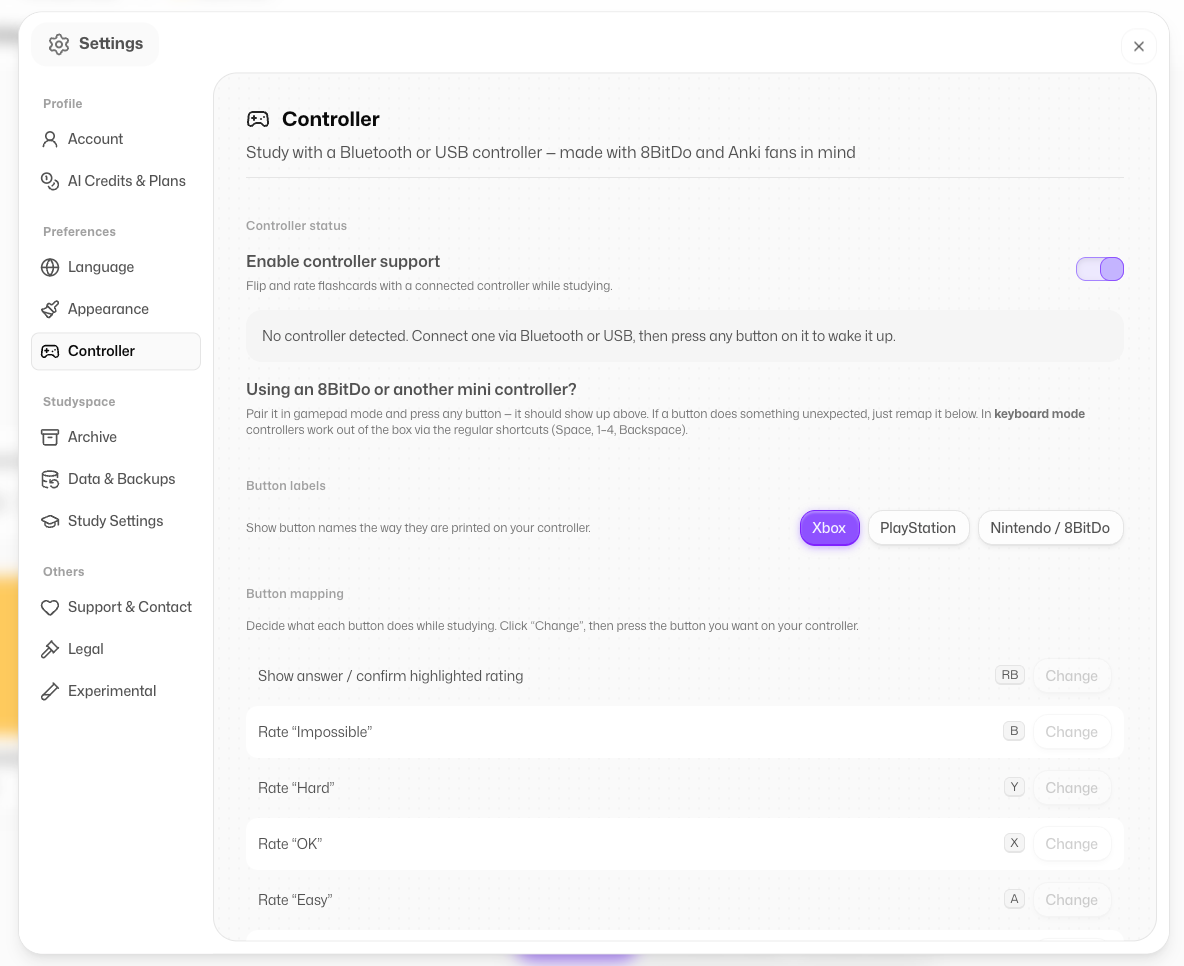
4. Study with a Controller ๐ŸŽฎ

Sometimes you just want to lean back and study.
Now you can connect any controller (yes, your PlayStation one counts ๐ŸŽฎ) and flip through your flashcards or Quizzes without touching the keyboard.

Go on Settings>Controller to personalise your key binds


5. Little Fixes & Polish โœจ

We also shipped a bunch of smaller improvements to make everything smoother:

  • Create Oral Exams straight from your flashcards

  • Faster PDF uploads

  • Big images in your flashcards now compress automatically, so cards load faster

  • No more crashes when using Google Translate on the page

  • Editing cards in study mode on the app is fixed

  • A smoother experience between app and web, with mind maps now more reliable for English requests


Coming Soon @Flashka ๐Ÿ’œ

As always, you decide ๐Ÿซต Drop a comment with the one you want next:

  1. Calendar to plan your study sessions ๐Ÿ“…

  2. More widgets (Pomodoro timer and friends): suggest yours in the chat!

  3. Add a friend and see activity (social feature)๐Ÿ‘ฏ

  4. A full app redesign (see already the new buttons???)๐ŸŽจ


Flashka News ๐Ÿ“ฐ๐Ÿ’œ

We're planning our off-site in Oxford ๐ŸŽ“
If you want to meet us in person, reach out! We'll be at the Freshers' Fair in Week 0, and we might just throw a little party too in the same week๐ŸŽ‰

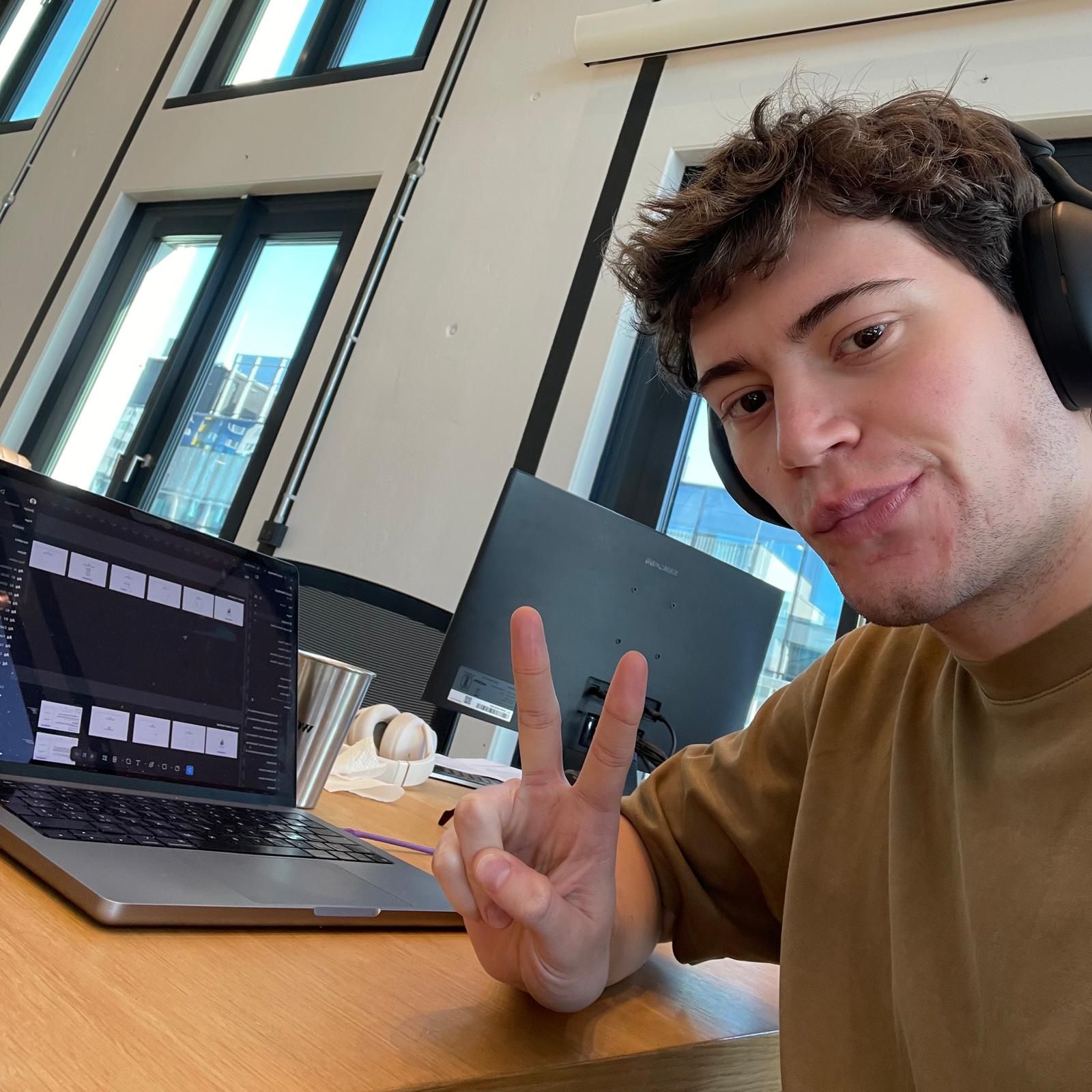
Us in Oxford (lol)

Can't make it in person?
You can still meet us virtually, book a call ๐Ÿ‘‡
๐Ÿ“ž Book your slot here: https://cal.com/simoneflashka/have-a-chat-with-me-get-life-time-access

So go test yourself with Case Studies and see if you can crack them.
And please let us know if you spot anything that isn't quite right ๐Ÿ™๐Ÿป

Happy studying (or summer)! โœจ
Simo & The Flashka Team ๐Ÿ’œ

New FeatureImprovedFixed

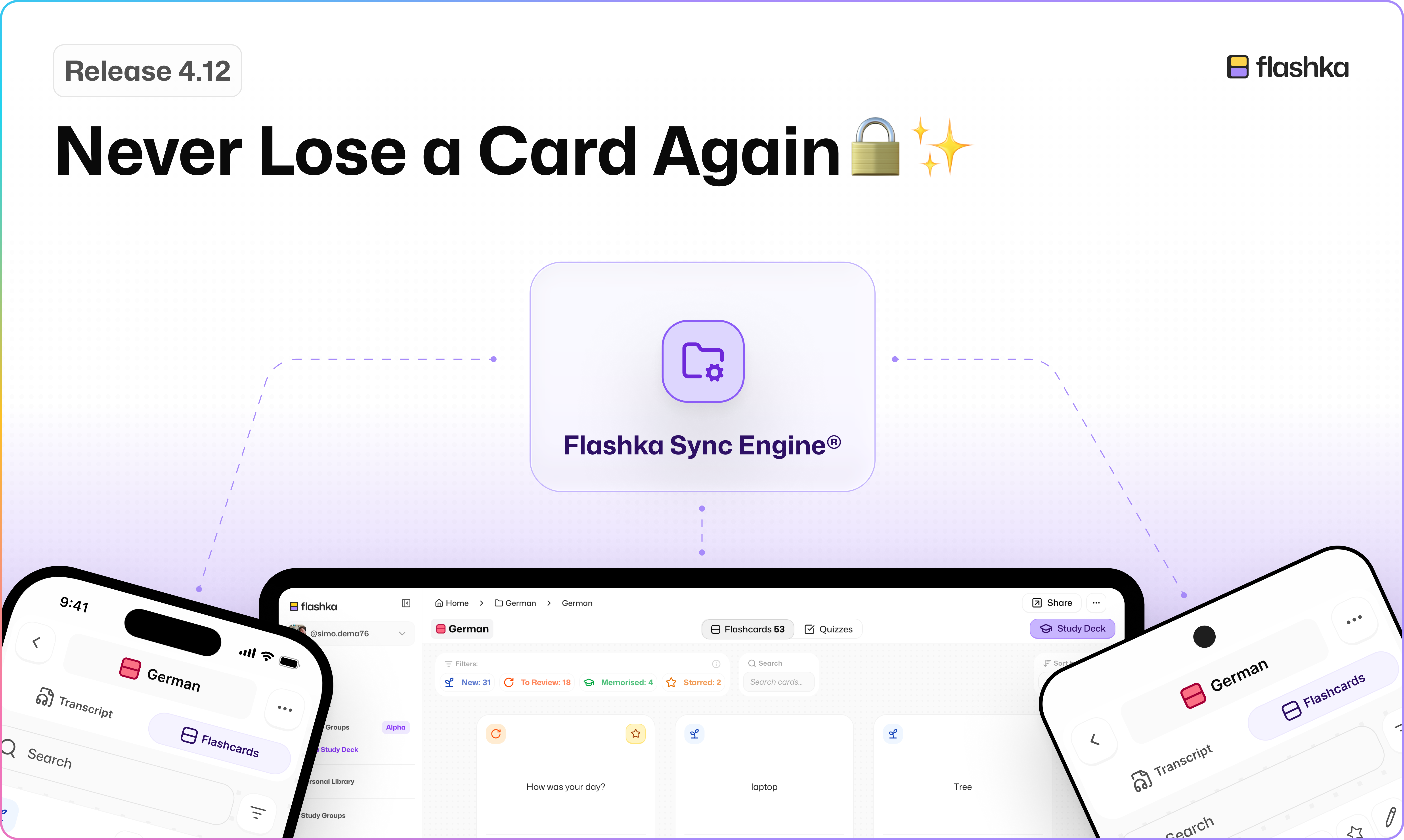
Flashka 4.12: Never Lose a Card Again ๐Ÿ”’โœจ

Hey Flashka fam! ๐Ÿ‘‹

It was hard labor.

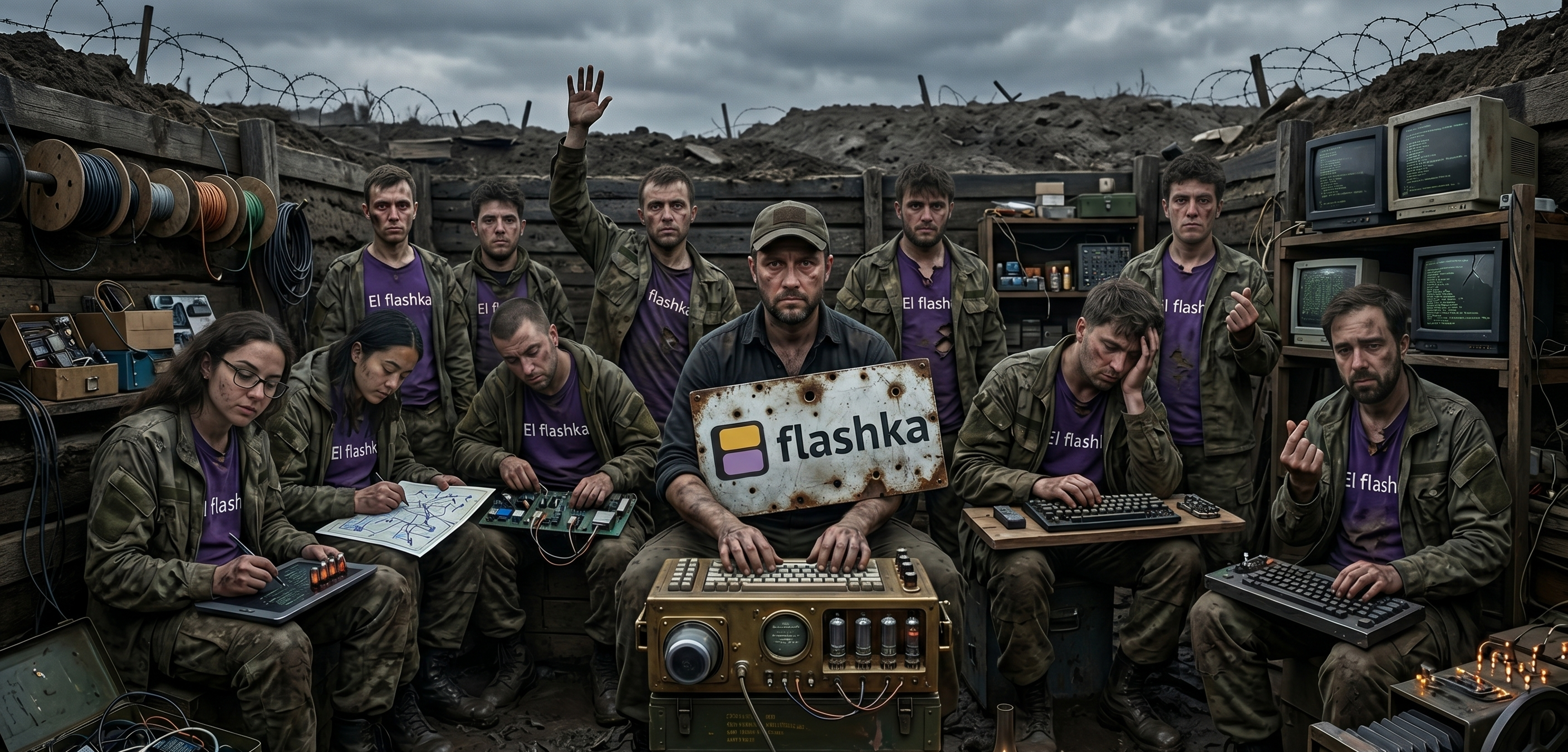
We've been deep in the trenches working on something big:

[Us in the tranches]

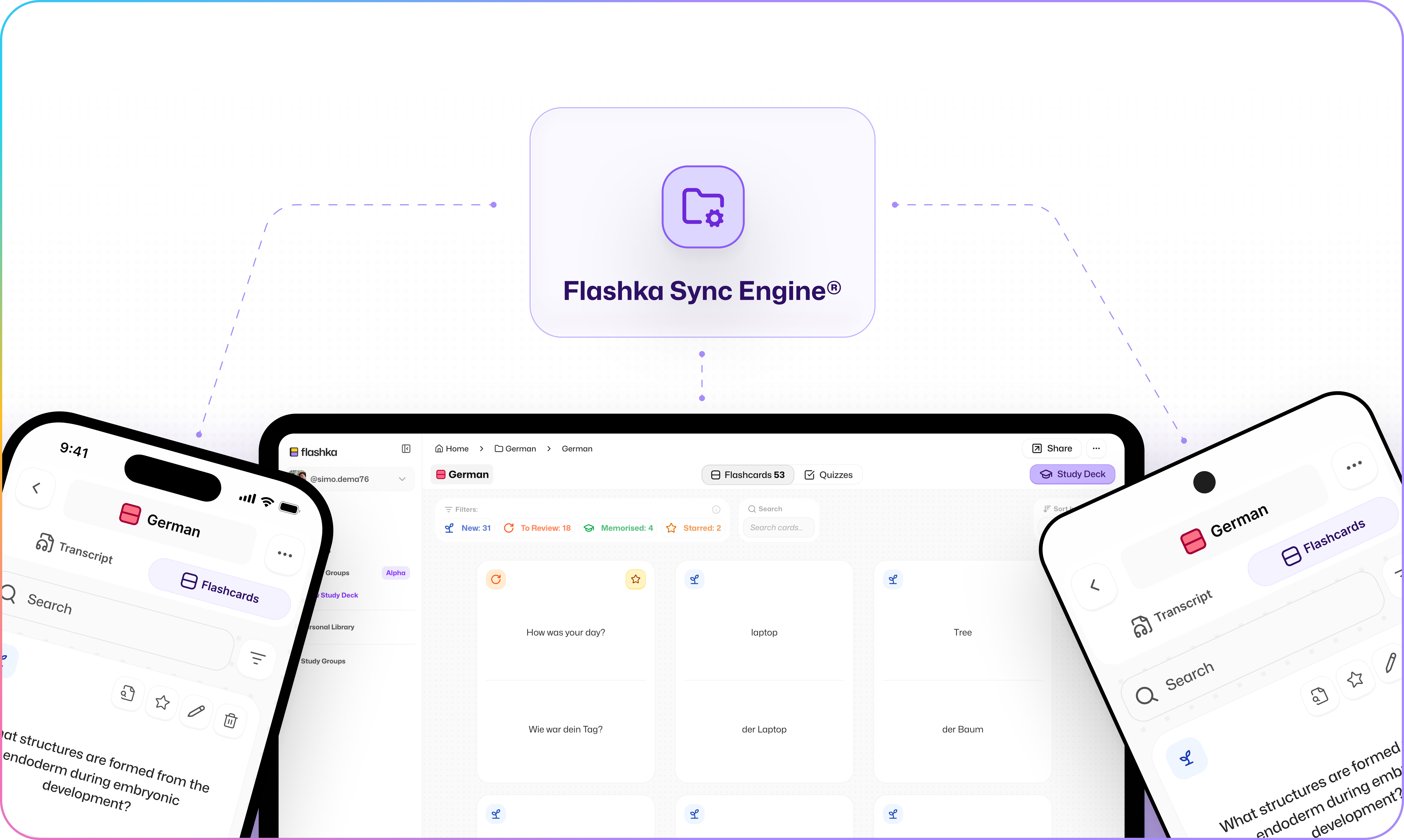
Finally, you won't lose your cards anymore, and you can work across multiple devices at the same time, even offline!

[You studying on Flashka now]

But enough taking,
Let's dive in ๐Ÿ‘‡


1. Never lose cards again ๐Ÿ™‚โ€โ†•๏ธ

Thanks to our brand new sync engine, your cards are safe.

No more sync conflicts, no more "where did my deck go?" moments.
Everything you create stays exactly where it should be, on every device.

On top of that, we now back up your work every 15 minutes of use, so even in the absolute worst case you've got a recent snapshot waiting for you.
Zero data loss, for real. ๐Ÿ”’


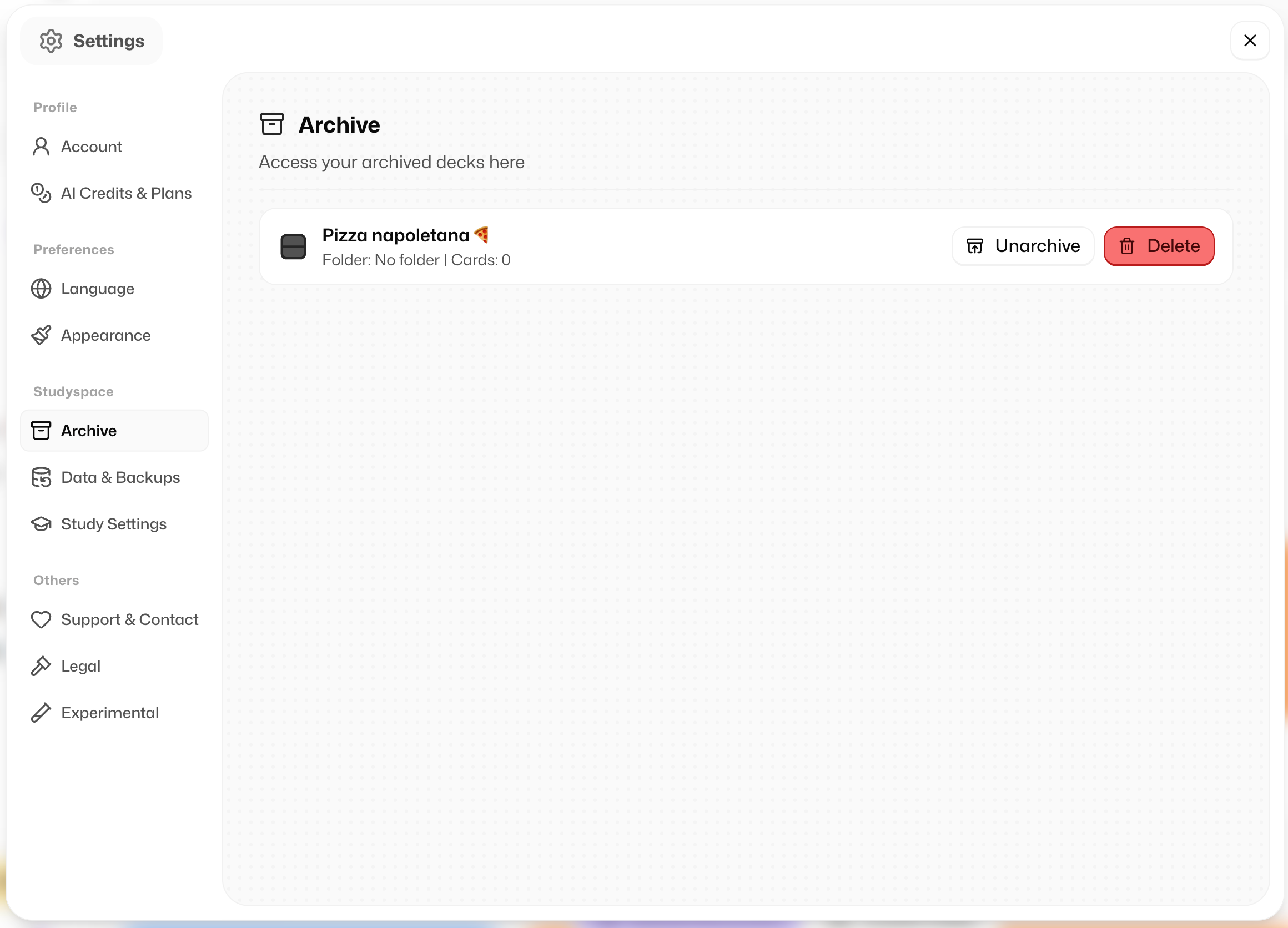
2. Archive your decks (to make Flashka faster) ๐ŸŽ๏ธ๐ŸŽ๏ธ๐ŸŽ๏ธ๐ŸŽ๏ธ

We know some of your accounts are huuuuuge.

Now you can archive decks to keep things fast on every device.

In the background we already auto-archive unused decks for you (until you open them again), but if you do it manually you'll squeeze out even more performance.

You'll find the archive section in Profile > Settings > Archive.

To archive a deck simply click on the three dots icon [โ€ฆ]ย of a deck.


3. Study Groups on the App ๐Ÿ‘ฏโ€โ™‚๏ธ๐Ÿ“ฑ

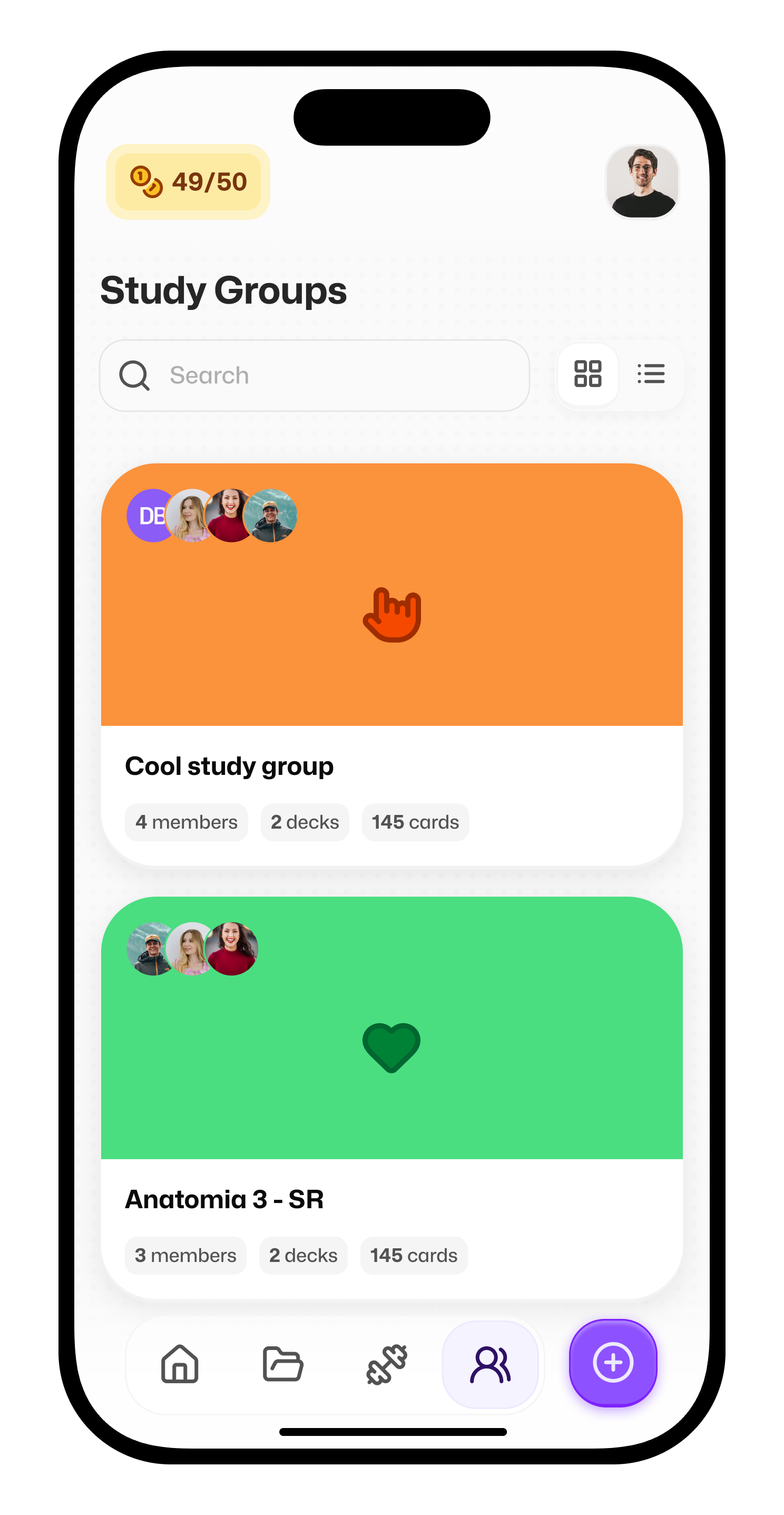
Study Groups are now live on the App!

Notes came along for the ride too (currently a bit hidden: tap a deck > three dots > View Notes), but a fresh app architecture is on the way to make them way easier to find.

A pile of crazy new stuff and improvements is landing super soon on mobile, starting with full feature parity with web ๐Ÿ‘€


4. Live multi-device editing & sync โšก

Things appear magically across devices now.
Use 4, 5, 1000 devices at the same time, it just works.

This also applies to Study Groups:
if your friend adds a card, you can edit it instantly.
Real-time collab vibes ๐Ÿ’œ


5. Resumable quizzes ๐ŸŽฏ

Got interrupted mid-quiz?
No stress.

Quizzes are now fully resumable. Close the tab, switch devices, get pulled away by life, then come back and pick up exactly where you left off.


Flashka News ๐Ÿ“ฐ๐Ÿ’œ

We did an amazing offsite in Bologna where we sat down with you and the team to shape the future of education (yes, plenty of spritz involved ๐Ÿน).
We're cooking up so much stuff.
Stay tuned!!


Wanna discuss the future of education with us? Have a chat with us!
Itโ€™s gonna be 30min call where we can discuss about new ideas and problems you have now on the platform.

๐ŸŽ As gift you can choose between a Professor Ka t-shirt or 1 month for Free!

๐Ÿ“ž Book your slot here:

https://cal.com/simoneflashka/have-a-chat-with-me-get-life-time-access

One last thing ๐Ÿ‘€
drop a comment and guess which feature ships next:

  1. Oral Exam with Prof. Ka ๐ŸŽค

  2. Chat with Ka (like ChatGPT, but with all your study context and progress) ๐Ÿ’ฌ

  3. Case Studies mode (clinical, law, math exercises, and more) ๐Ÿ“š

Try the new sync engine and let us know if everything works for you!

(if now send an email to stefandjokovic@flashka.ai)

Happy studying โœจ
Simo & The Flashka Team ๐Ÿ’œ

New FeatureImprovedFixed

Flashka 4.10 โ€” Study Together with Study Groups ๐Ÿ‘ฅ๐Ÿ‘ฅ๐Ÿ‘ฅ

Hey Flashka fam! ๐Ÿ‘‹

Call your classmatesโ€ฆ
you can now study together directly on Flashka!!
Share decks in one place, study side by side, and stay in sync without messing each other up.

We also dropped a fresh update on quiz cards, sidebar organisation, and some nice fixes๐Ÿ‘€

Letโ€™s dive in ๐Ÿ‘‡


1. Study Groups Are Here ๐Ÿ‘ฅ๐Ÿ“š

You can now create a Study Group, invite friends, and share decks in one place.

How it works

1. Create a group
Pick a name, icon, and colour โ†’ get an invite link

2. Invite your friends via link
Send the link โ†’ your mates join through it

3. Add your decks
Select decks you want to share โ†’ they appear in the group


What your friends see (Member view)

  • They can study your decks (flashcards, quizzes, notes)

  • They have their own progress (stars, spaced repetition, quiz results)

  • Everything is read-only (so no one breaks your content ๐Ÿ˜„)

  • Everyone can add a new deck!


Import to edit (Member view)

Members can import the deck to their Personal Space and make their own version.

Owners can Update the deck if they want๐Ÿ‘‡


Updating content (Owner view)

If you update your deck:

  • You can push changes to everyone

  • Everyone gets the updated version instantly

You stay in control of whatโ€™s shared.


Activity & notifications ๐Ÿ””

Stay updated with whatโ€™s happening:

  • Who joined

  • What was added or updated

  • Study activity inside the group

๐Ÿ‘€This is just the beginning of something bigger.


Study Groups open the door to:

  • Studying with friends

  • Collaborating Live

  • Sharing materials easily

  • Building small learning communities

๐Ÿ‘‰ Now itโ€™s your turn, what would you like to do with Study Groups next?

Let us know, weโ€™re building this with you.


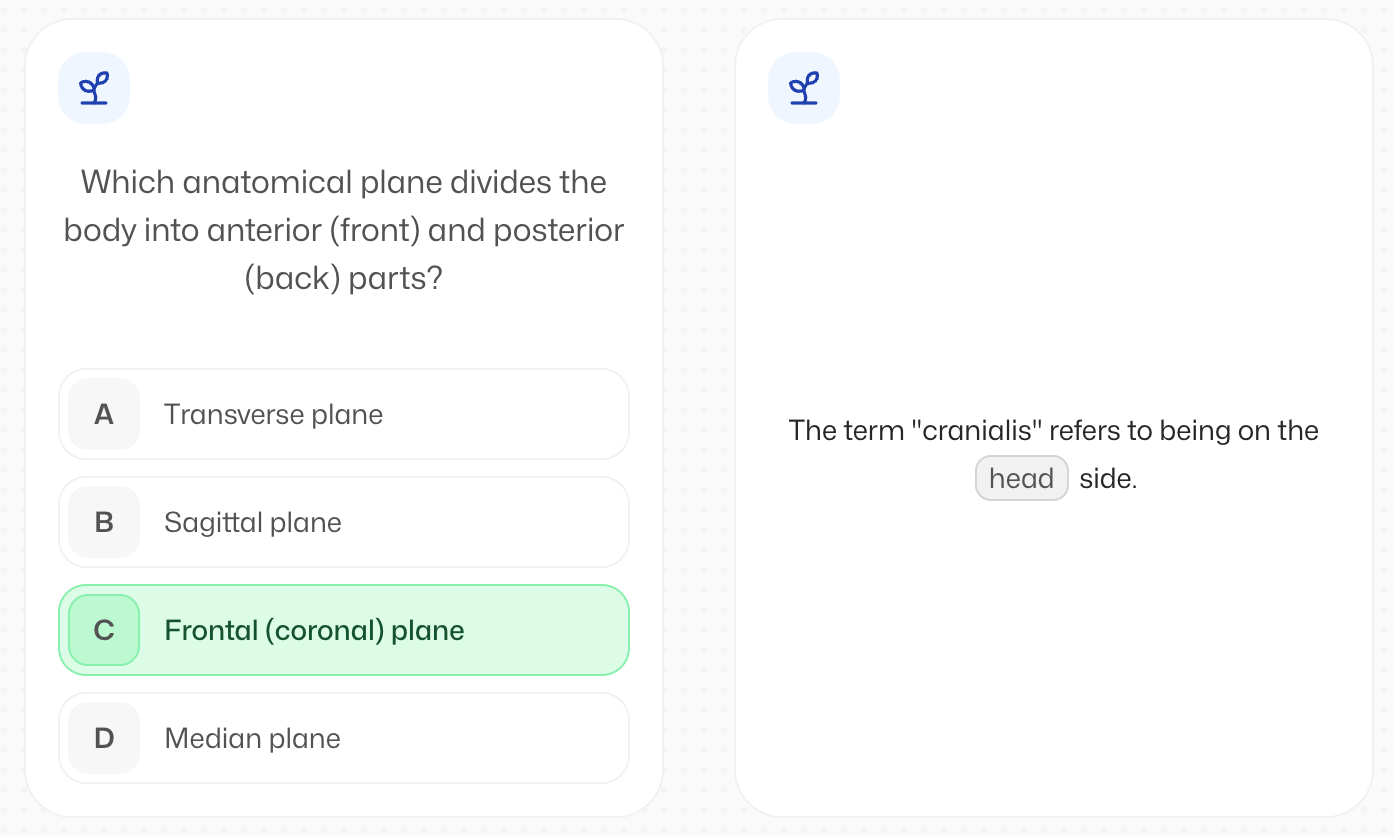
2. New Multiple Choice and Cloze Cards ๐Ÿ‚ก ๐Ÿ‚ฎ

Now Multiple Choice and Cloze cards have a new UI!


While studying there are two new interactions:

  1. Select the answer (or multiple answers) in MCQ cards

  2. Type the deletion in Cloze cards

Remember you can always personalise and choose what kind of cards you want to create inside the generation settings!


3. Organise your sidebar your way ๐Ÿ—‚๏ธ

You can now drag and reorder decks and folders in the sidebar.
Finally.
Just use the handle or grab the folder/deck to move it around


4. Bug fixes ๐Ÿ› ๏ธ

As always we also worked on solving some annoying bugs.

  • Fixed some scrolling issues on documents

  • Skipping streak alerts on desktop is now smoother (yes, โ€œSpaceโ€ works ๐Ÿ˜„)


Flashka News ๐Ÿ“ฐ๐Ÿ’œ

Have a chat with me!

If you wanna shape the future of Flashka together letโ€™s grab a virtual coffee.
Itโ€™s gonna be 30min call where we can discuss about new ideas and problems you have now on the platform.

๐ŸŽ As gift you can choose between a Professor Ka t-shirt or 1 month for Free!

๐Ÿ“ž Book your slot here:

https://cal.com/simoneflashka/have-a-chat-with-me-get-life-time-access

Thatโ€™s it for this one.

Try Study Groups with your friends and tell us how it feels
Weโ€™re super curious ๐Ÿ‘€

Happy studying โœจ
โ€” Simo & The Flashka Team ๐Ÿ’œ

New FeatureImprovedFixed

Earlier updates