2.4.0: Import decks, PDF optimisations and more⚡️
Hey there, Flashka fam! 👋
Got decks on Anki or Quizlet gathering dust? We’ve got you covered :)
These days we’ve been focusing on Deck imports, other new features and fixes to make Flashka even better.
Check out what’s new👇
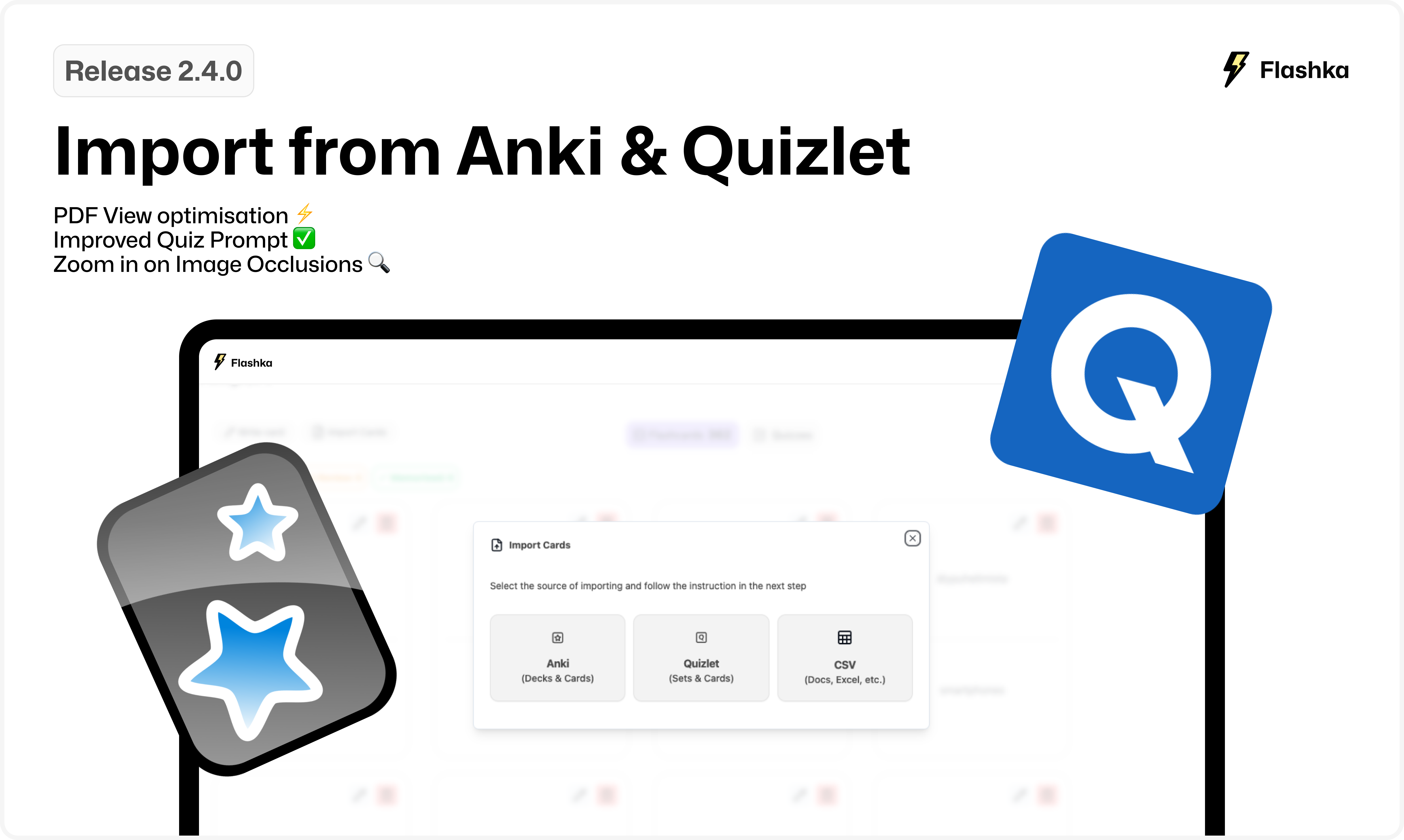
1. Import from Anki, Quizlet & CSV files ⬆️
Finally you can import your decks directly into Flashka!
Here’s how:
Open a deck, go to the Flashcards View and click Import Cards.
Choose your source: Anki, Quizlet, or CSV files.
Follow the pop-up instructions for each source.
Hit Import, and voilà—your cards are ready to use!
Please contact us at stefandjokovic@flashka.ai or on our Discord if your facing issues with the import.
2. PDF View optimisation ⚡️
We’ve made your PDF experience better than ever:
Reduced lag for smoother navigation.
Lower battery consumption, especially with large files.
Your PDFs and flashcards will load faster, and your study sessions will last longer!
Here’s a before and after optimisation👇
Before:
After:
3. Improved Quiz Prompt ✅
We’ve fixed issues with longer correct answers in quizzes.
Now, quizzes are more accurate and reliable, so you can focus on just answering the questions made by professor Ka.
4. Zoom in on Image Occlusions 🔍
Studying with image occlusion?
You can now click to zoom in on images for a closer look.
Coming Soon: Xmas Cleanup 🎄
We’ve added tons of features this semester, and now it’s time to polish everything up —especially for mobile!
What should we polish?
Let us know what you'd like to improve by emailing simone@flashka.ai or use our Discord channel :)
Give these updates a try and share your thoughts!
Even a quick emoji helps 👇
Happy studying! 📚
From Flashka Team with 💜