Flashka 4.10 — Study Together with Study Groups 👥👥👥

Hey Flashka fam! 👋
Call your classmates…
you can now study together directly on Flashka!!
Share decks in one place, study side by side, and stay in sync without messing each other up.
We also dropped a fresh update on quiz cards, sidebar organisation, and some nice fixes👀
Let’s dive in 👇
1. Study Groups Are Here 👥📚
You can now create a Study Group, invite friends, and share decks in one place.
How it works
1. Create a group
Pick a name, icon, and colour → get an invite link
2. Invite your friends via link
Send the link → your mates join through it
3. Add your decks
Select decks you want to share → they appear in the group
What your friends see (Member view)
They can study your decks (flashcards, quizzes, notes)
They have their own progress (stars, spaced repetition, quiz results)
Everything is read-only (so no one breaks your content 😄)
Everyone can add a new deck!
Import to edit (Member view)
Members can import the deck to their Personal Space and make their own version.
Owners can Update the deck if they want👇
Updating content (Owner view)
If you update your deck:
You can push changes to everyone
Everyone gets the updated version instantly
You stay in control of what’s shared.
Activity & notifications 🔔
Stay updated with what’s happening:
Who joined
What was added or updated
Study activity inside the group
👀This is just the beginning of something bigger.
Study Groups open the door to:
Studying with friends
Collaborating Live
Sharing materials easily
Building small learning communities
👉 Now it’s your turn, what would you like to do with Study Groups next?
Let us know, we’re building this with you.
2. New Multiple Choice and Cloze Cards 🂡 🂮
Now Multiple Choice and Cloze cards have a new UI!
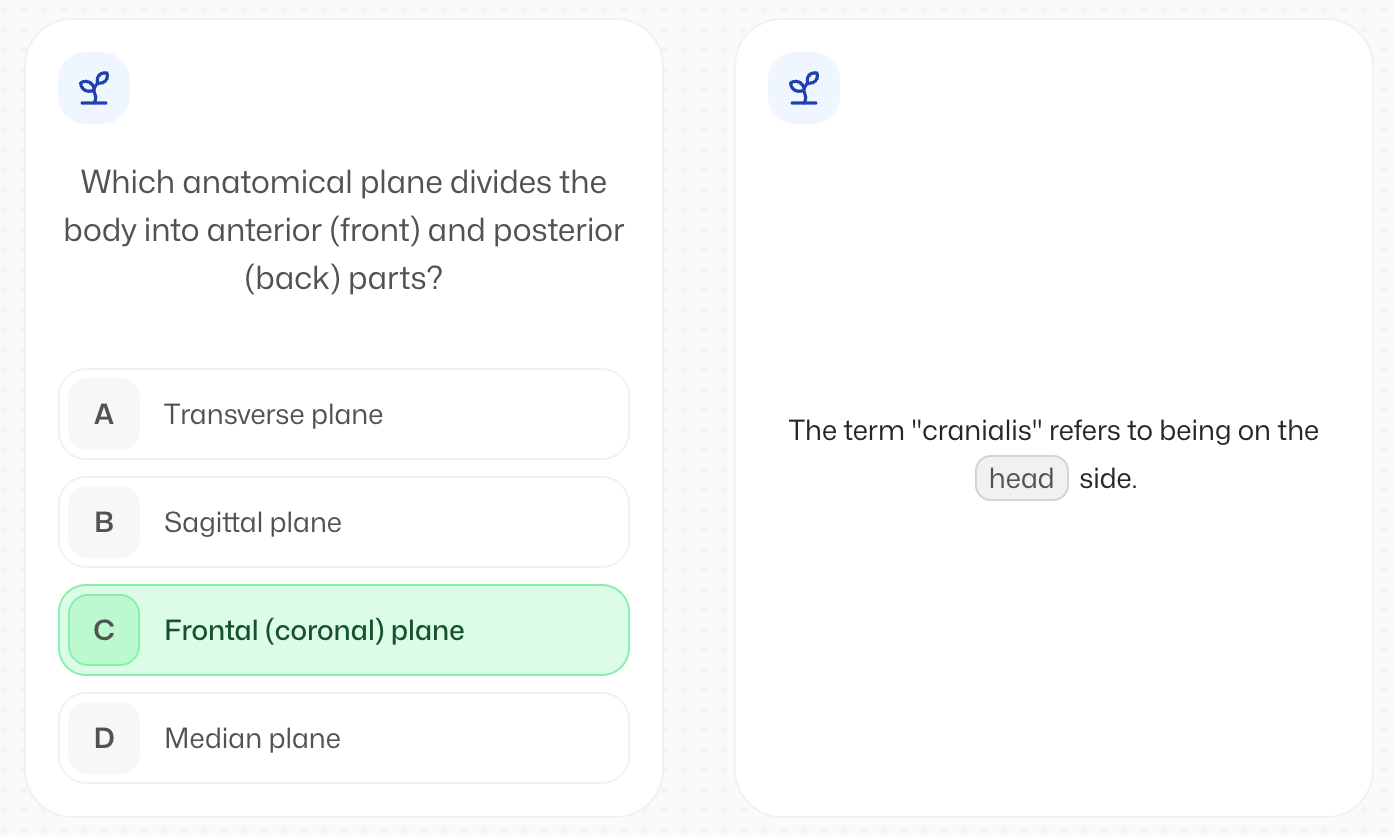
While studying there are two new interactions:
Select the answer (or multiple answers) in MCQ cards
Type the deletion in Cloze cards
Remember you can always personalise and choose what kind of cards you want to create inside the generation settings!
3. Organise your sidebar your way 🗂️
You can now drag and reorder decks and folders in the sidebar.
Finally.
Just use the handle or grab the folder/deck to move it around
4. Bug fixes 🛠️
As always we also worked on solving some annoying bugs.
Fixed some scrolling issues on documents
Skipping streak alerts on desktop is now smoother (yes, “Space” works 😄)
Flashka News 📰💜
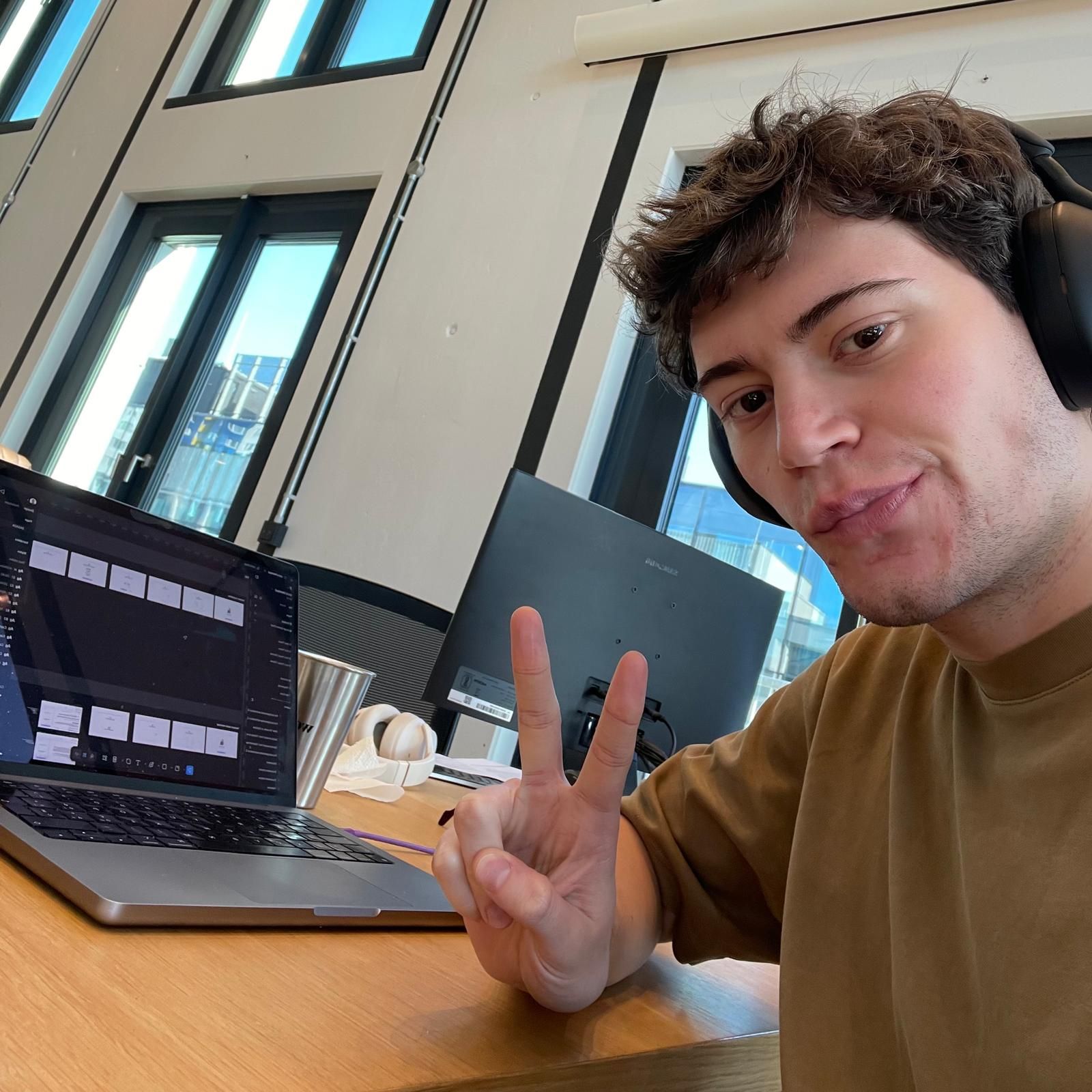
Have a chat with me!
If you wanna shape the future of Flashka together let’s grab a virtual coffee.
It’s gonna be 30min call where we can discuss about new ideas and problems you have now on the platform.
🎁 As gift you can choose between a Professor Ka t-shirt or 1 month for Free!
📞 Book your slot here:
https://cal.com/simoneflashka/have-a-chat-with-me-get-life-time-access
That’s it for this one.
Try Study Groups with your friends and tell us how it feels
We’re super curious 👀
Happy studying ✨
— Simo & The Flashka Team 💜