March 30th, 2026
New Feature

Hey Flashka fam! 👋
This one is a big step.
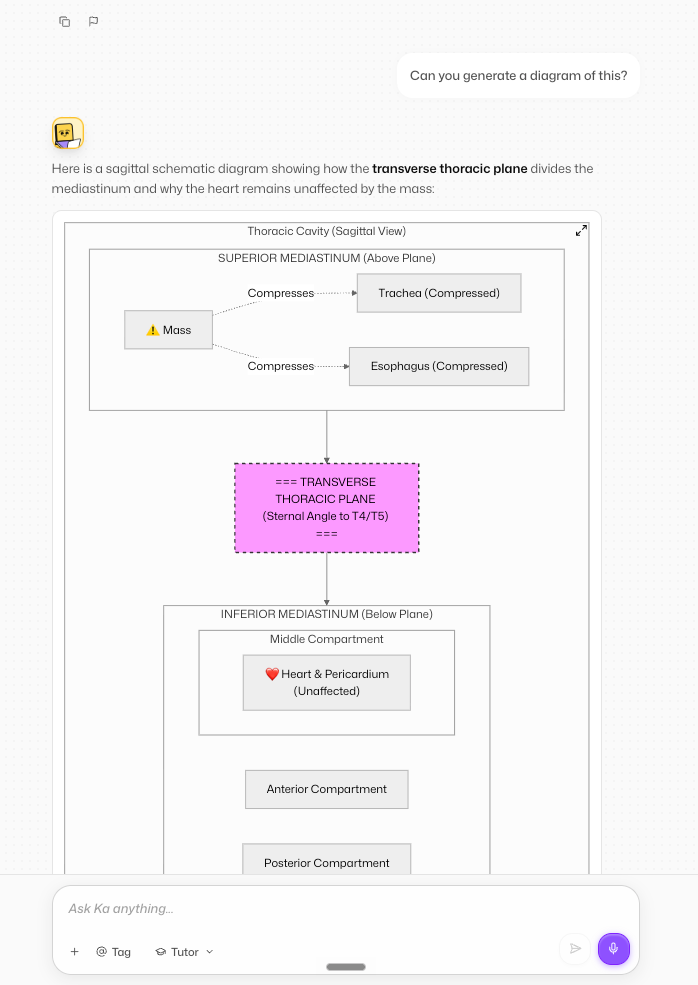
You can now take notes directly inside Flashka, generate them with AI, turn them into flashcards, and actually see what you’ve covered and what not.
Notes are no longer something outside Flashka.
They’re now part of your study flow.
Let’s dive in 👇
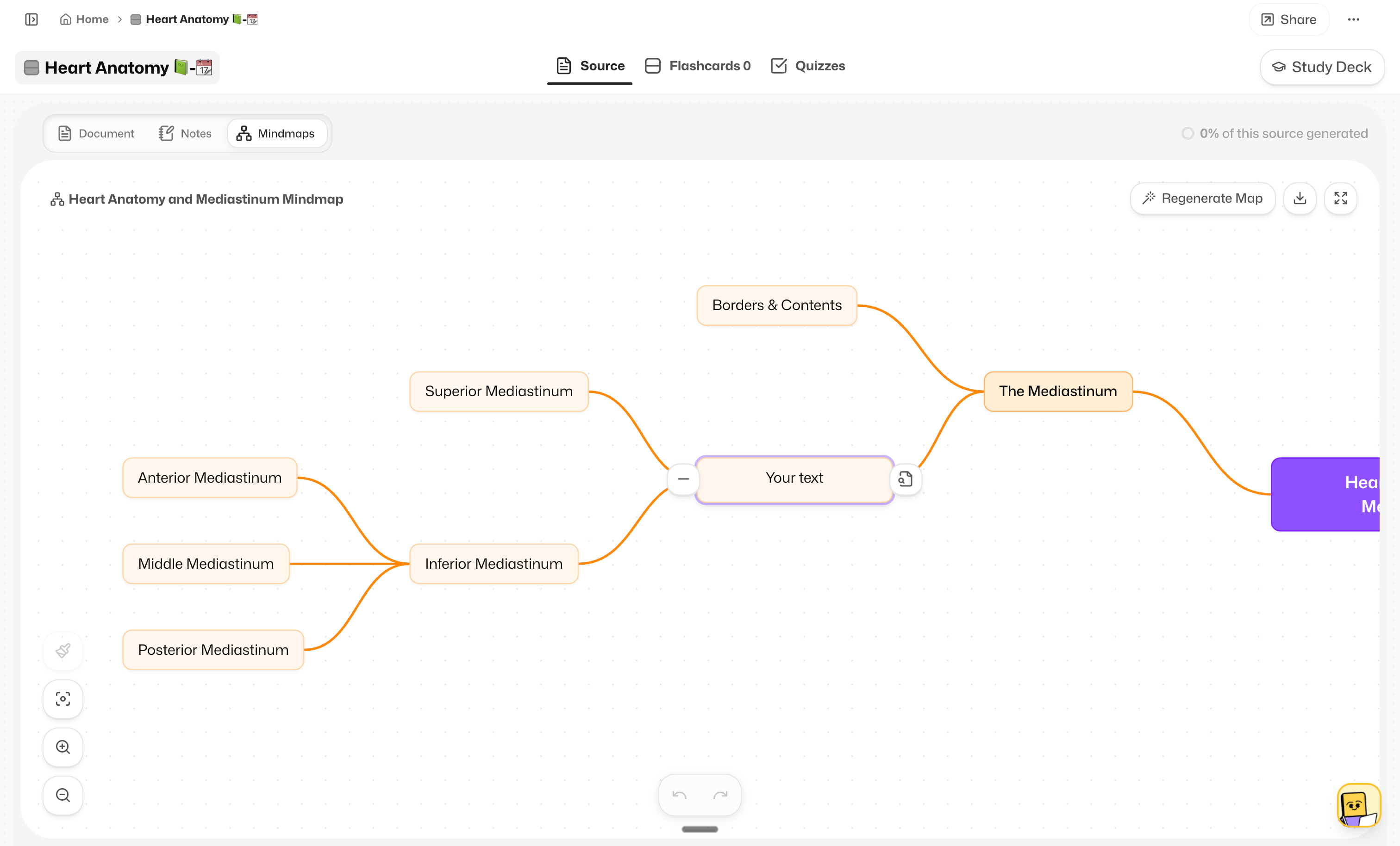
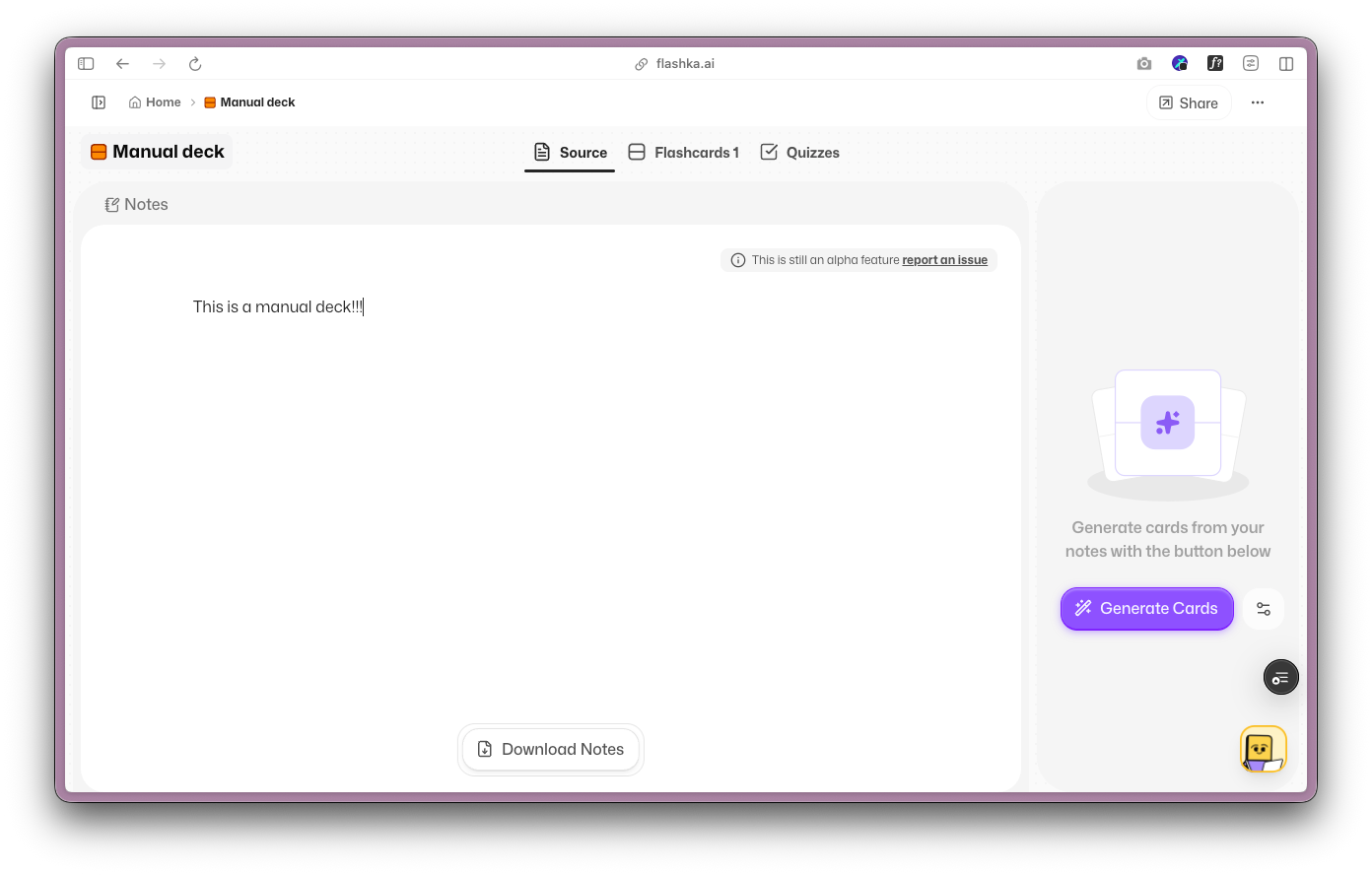
You’ll now see a new Notes tab next to your document.
It’s a full editor where you can:
Write and organise your notes
Format text (titles, lists, checklists, etc.)
Reorder things easily
Just type “/” to access quick actions
Everything is auto-saved and synced, so your notes are always there.
And yes, this works with documents, PDFs, and transcripts (including YouTube).
Don’t feel like writing from scratch?
When your notes are empty, you can:
Generate full notes from your document
Create a summary
Extract key concepts
What other AI feature would you like to see here?
This is where it gets powerful.
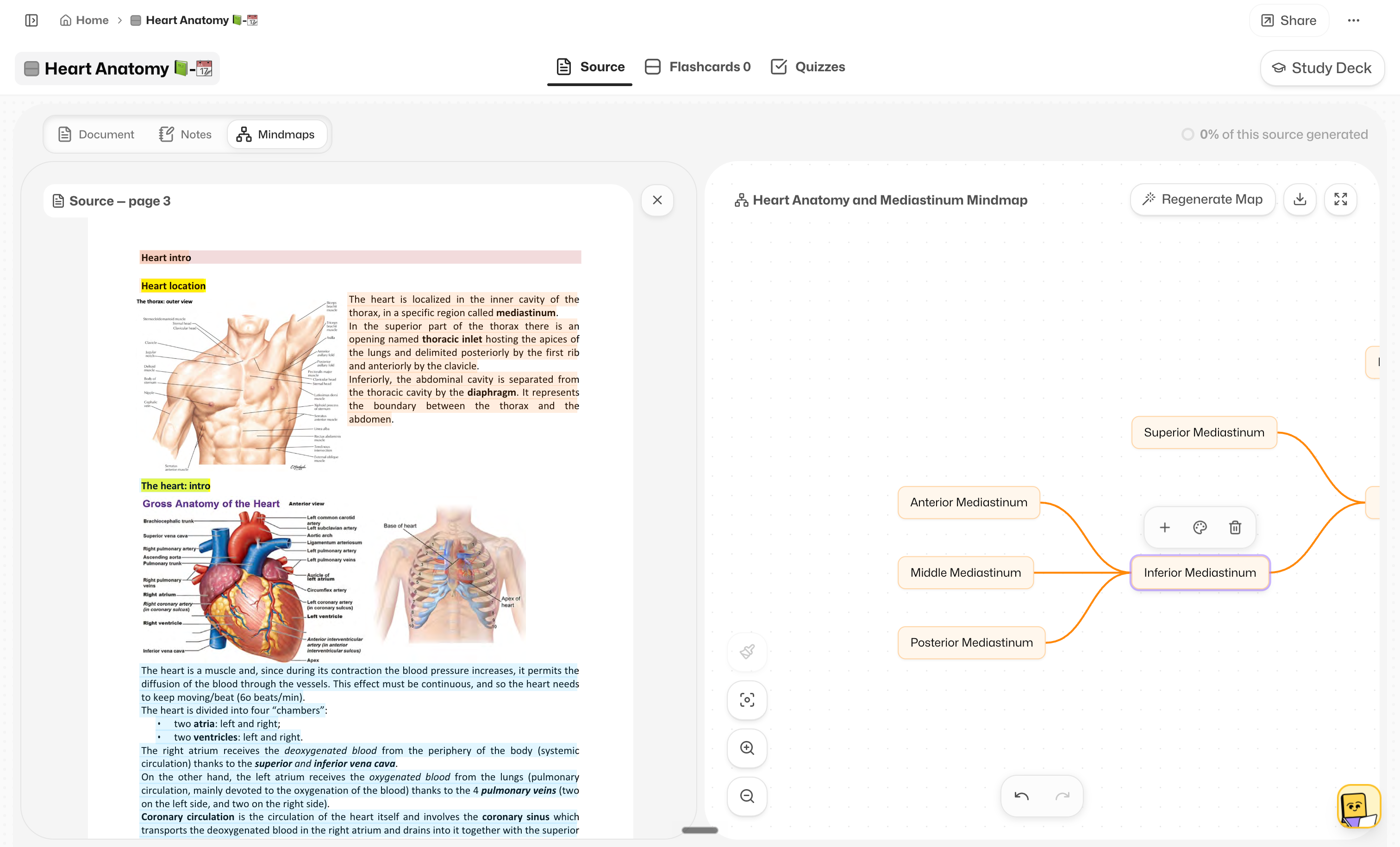
Highlight any part of your notes → generate flashcards
Or write your own card directly from a note
You’ll also see:
Which parts are already turned into cards (highlighted)
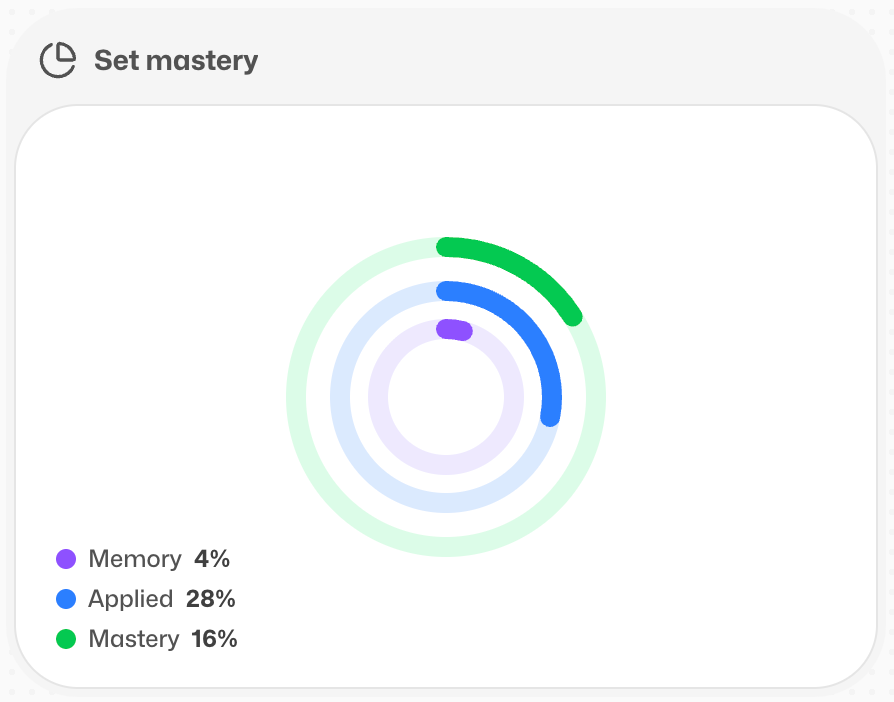
A coverage % showing how much you’ve converted into flashcards
Click a flashcard → jump back to where it came from in your notes.
Everything is connected.
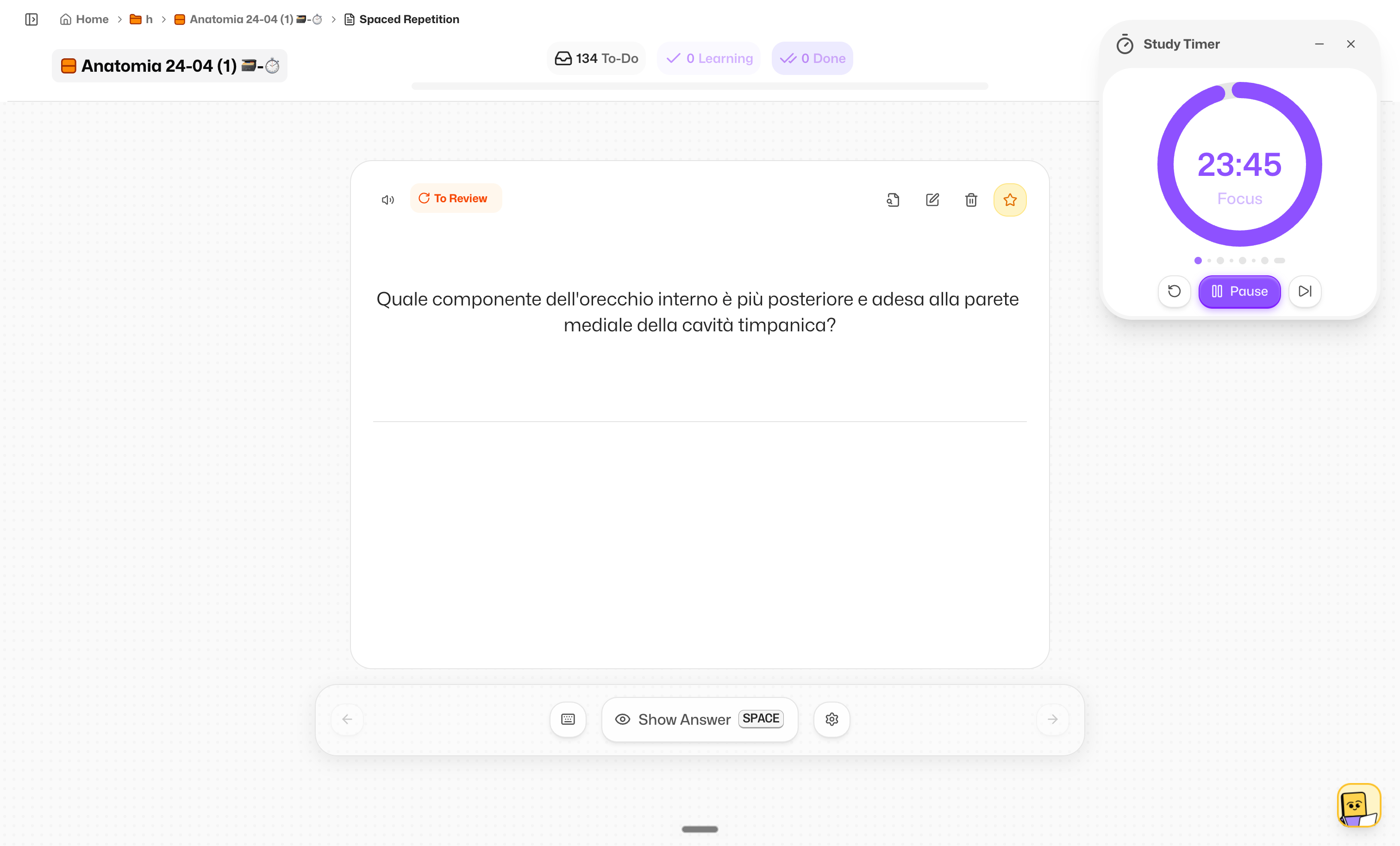
Even if your content comes from audio or video, you can now:
Edit the generated notes
Clean them up
Personalise them
So you always have both:
The original transcript
Your own refined notes
We improved the layout so:
Your document scrolls independently
Your flashcards stay in place
Less confusion, better focus when studying long documents.
When sharing a deck, you can now include your notes too.
Others can read them (read-only), so you can:
Share summaries
Study together
Send clean material to friends
Flashka News 📰💜
This is just the beginning.
Coming soon:
Study Groups (collaborative mode) 👥

Drag & drop organisation for decks and folders 🗂️
check the Roadmap for more
Also… we’re super curious:
👉 What would you love to have inside Notes?
Drop your ideas here, we’re building this with you.
That’s it for this one.
Try Notes, generate something, break it, shape it, make it yours.
This is a whole new way to study.
Happy studying ✨
— Simo & The Flashka Team 💜
March 23rd, 2026
New Feature
Improved

Hey Flashka fam! 👋
This one is big for all the YT lovers.
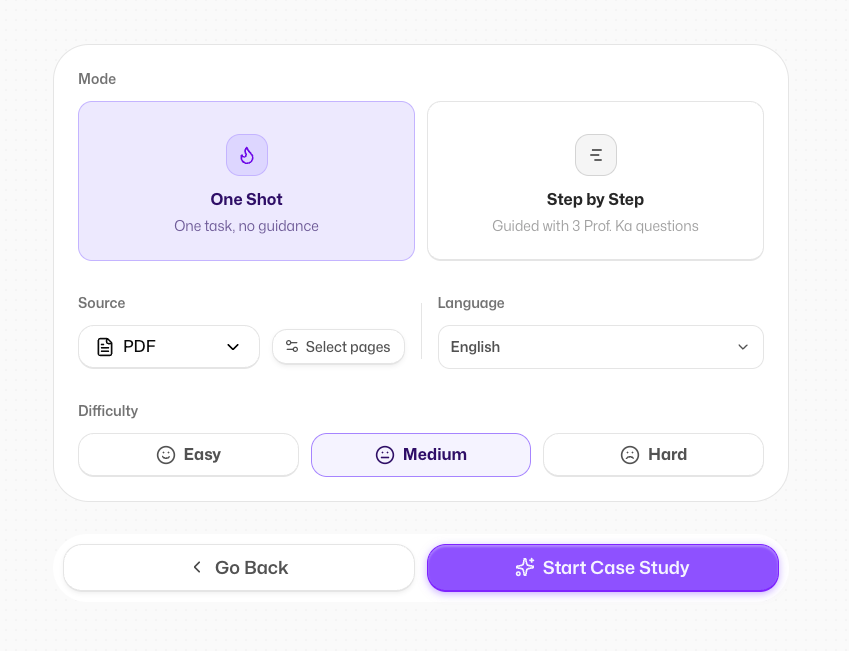
You can now turn YouTube videos into flashcards, preview your documents visually, and get better, cleaner flashcards automatically.
We also gave you more control on how content is generated.
Let’s dive in 👇
Yes, finally.
You can now paste a YouTube link and generate flashcards (and quizzes) from it.
We take the transcript and turn it into structured, study-ready content, just like with your transcriptions.
Also:
New upload/source selection modal (cleaner and faster)
Accessible from anywhere in the app
We’re testing improvements to make generated flashcards way cleaner and more relevant.
What you’ll notice:
Less noise (no useless stuff like indexes or page numbers)
Better understanding of the content
More accurate language and structure
Some of you are already seeing this (A/B test 👀)
Let us know if it feels better.
You now have more control over how Flashka generates your content.
New clean settings interface
Easier to customise how cards are created
Option to apply settings to all decks
Set it once, and Flashka adapts to you.
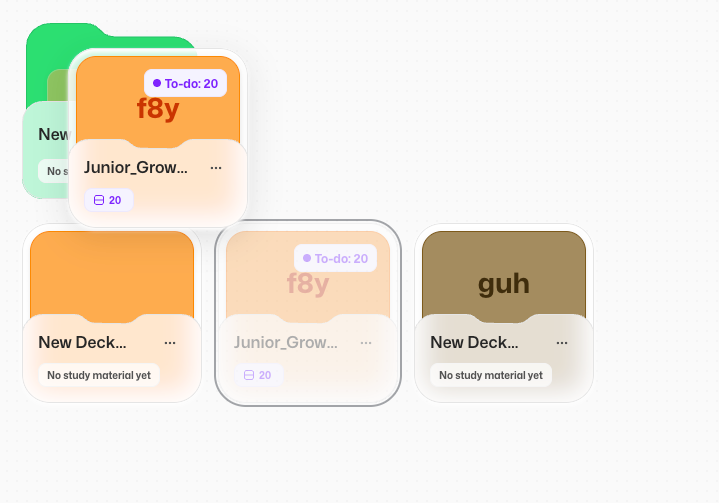
Your colours, your system.
Save your favourite colours for decks and folders
Reuse them anytime
Keep your workspace consistent and clean
No more picking the same colour again and again.
Your decks and folders now show a preview of your document.
We use the first page as a thumbnail so you can:
Recognise documents instantly
Navigate faster
Keep things visually organised
Flashka News 📰💜
We want to meet you 👀
We’re planning our next Flashka off-site and we’d love to meet some of you in real life.
Where should we go?
Drop your city 👇
We’ll organise a small event, hang out, and of course… bring some free merch 💜
That’s it for this one.
Try the new YouTube feature and tell us what you think.
As always, your feedback shapes what we build next.
Happy studying ✨
— Simo & The Flashka Team 💜
March 17th, 2026
New Feature
Improved

Hello Flashka fam! 👋
Quick changelog this week to celebrate something big:
THE ANDROID APP IS FINALLY LIVE 🤖🎉
We had some problems with Google reviews but finally we managed to released it!
Along with that, we shipped some small but impactful improvements like bulk select, study order, and more customisation
Let’s dive in 👇
The Android app is finally available to download.
If you pre-saved it, it should already be on your phone.
If not, you can download it here:
https://play.google.com/store/apps/details?id=ai.flashka.android.dev&pcampaignid=web_share
Try it out and if you find any bug send it to:
simone@flashka.ai or directly to our Android magician dario@flashka.ai 😄
After releasing Study Filters, Kuba closed the chapter of “study however you want” with one more powerful control: Study Order
Before starting a study session you can now choose between:
• Default order
• PDF order
• Creation date order
• Random order
Note: when using Spaced Repetition, this changes the order of groups of cards (New, To Review, Memorised, Starred), while the algorithm inside each group remains intact.
Deleting or starring cards one by one was painful…
Not anymore.
You can now bulk select cards in Flashcards view and:
• Delete them
• Star them
• Flip front/back
Much faster when editing a deck!
A small redesign that increases the vertical space of the app and prepares the layout for some exciting upcoming features 👀
Now you can also upload your profile picture!
Just like decks, folders can now have custom colours!
Want your cardiology folder to be bloody red?
Now you can🫀
Bienvenue, Witamy, Välkomna!

Flashka interface is now available in:
• French 🇫🇷
• Polish 🇵🇱
• Swedish 🇸🇪
If you notice any translation that feels weird, let us know!
📰 Flashka News
We often highlight the product team here, but today we want to give a big shoutout to our marketing team.
Four amazing people just joined Flashka and will help bring Professor Ka across Europe:
• Alma
• Andrea
• Van
• Filip

Give them a warm welcome with reactions and comments 👇💜💛
That’s it for this week.
But stay tuned… some big features are coming soon.
As always, your feedback shapes what we build next.
Try the new features and tell us what you think, here or on Discord, we’re listening.
Happy studying ✨
— Simo & The Flashka Team 💜
February 27th, 2026
New Feature
Improved

Okay fam, this time I’m too excited not to shout it:
THE ANDROID APP IS AVAILABLE FOR PRE-SAVE AND STUDY FILTERS ARE FINALLY OUT!!!!!And that’s not all. We also shipped new beautiful settings, a new Help Center module, and a way to retake only wrong answers in quizzes and track all attempts.
Ready?
Let’s dive in 👇
(with cute videos this time — yes I finally learnt how to edit videos lol)
The Android app is ready for pre-save.
It will automatically download next week when we release it to everyone.
Go on the PlayStore and search for “Flashka”
Click on “Install”

Then “Got it”

And on the day of the release the app will be automatically downloaded on your device🎉
In the last update we introduced stars and new categories like New, To Review and Memorised cards.
Now you can use them to fully personalise your study sessions.
Here’s how it works:
Select the cards you want to study in Flashcards view or directly in the Study modal
Choose between Spaced Repetition or Fast Review
Start studying your selected batch
⚠️ Remember: whenever you filter cards in the Flashcards view, those filters automatically apply to Study Mode as well.We also redesigned the end-of-session screen to make it clearer and more session-based.
You can now jump directly into another study mode.
If you’re curious about how filters interact with the study algorithm, reach out to kuba@flashka.ai — he’s the grandmaster behind this feature :))
Yes… we procrastinated this forever :3
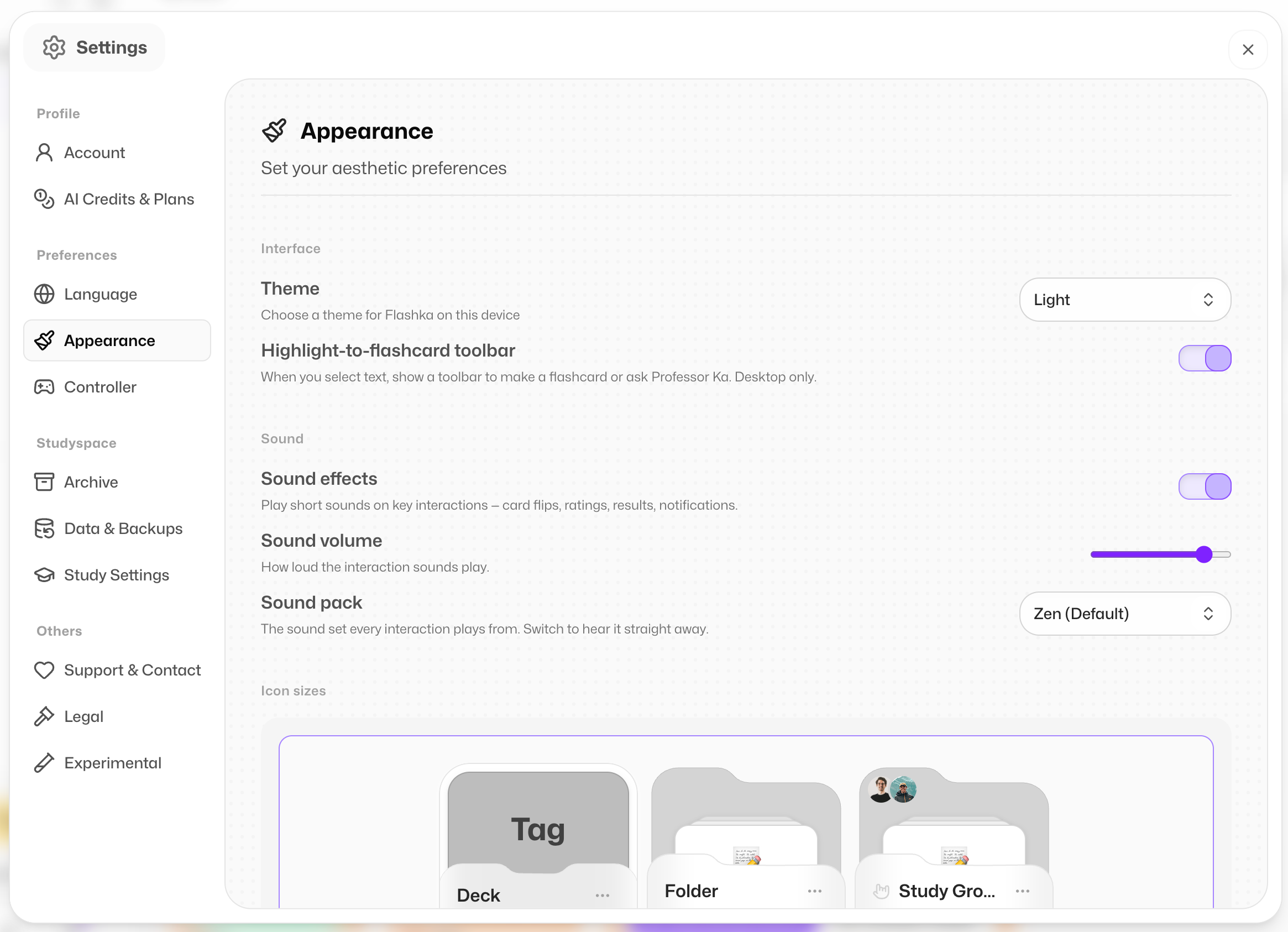
But now Settings finally got a proper upgrade.
Cleaner, more organised, and everything you need to personalise your Flashka experience in one place.
You can find Settings by clicking the Profile icon in the top-right corner.
Feel free to explore and don’t miss the experimental section 👀
Getting help is now faster and more interactive.
Click Help Center and you’ll meet Professor Ka’s Assistant, an AI that knows everything about Flashka.
You can:
• Ask questions about features
• Get step-by-step help
• Search documentation
• Read changelogs
• Or ask to be connected with a real human (me) if needed :)
Small feature, big impact.
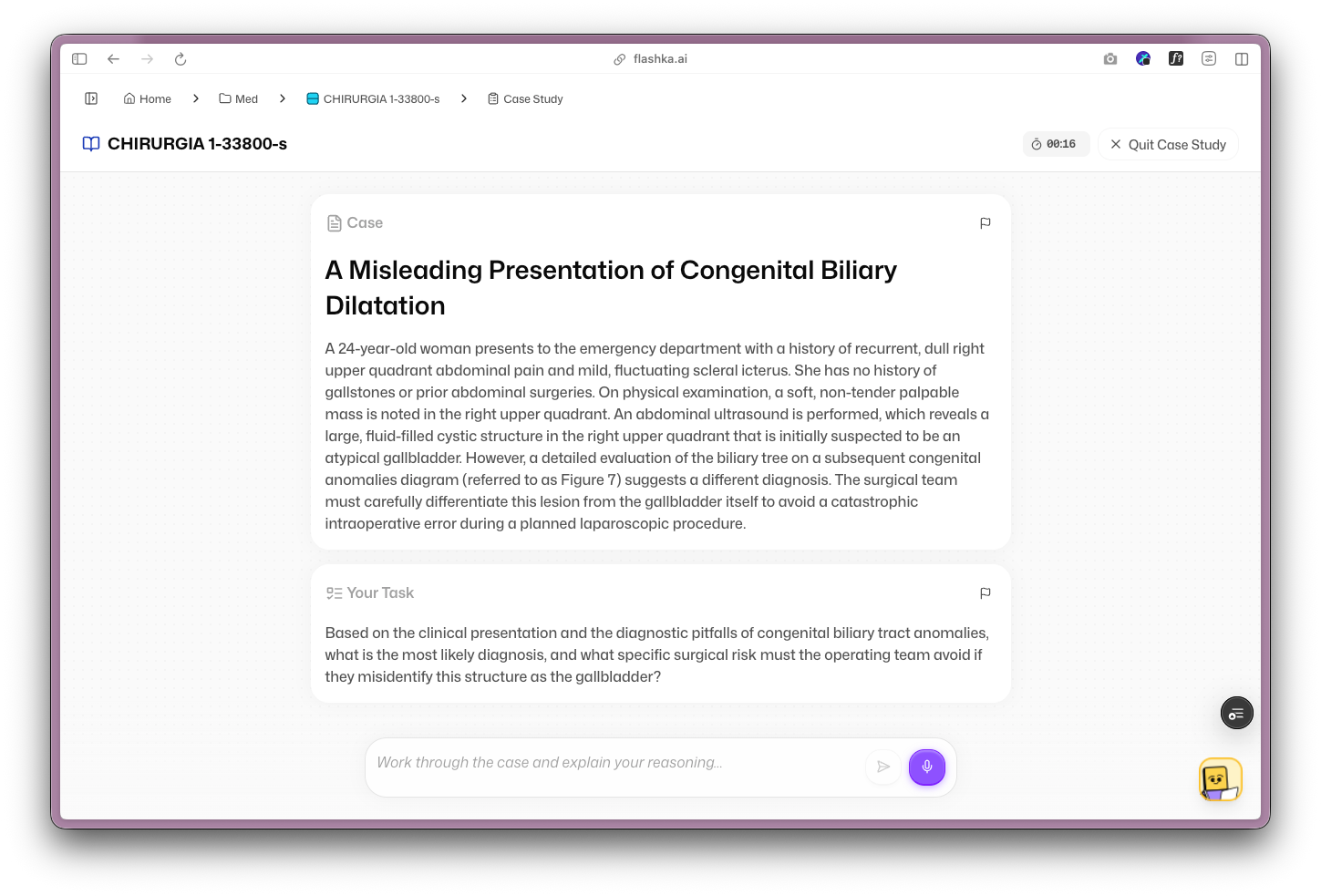
After finishing a quiz, you can now retake only the questions you got wrong.
Perfect for quick improvements before an exam.
Every new attempt is saved, so you can track your progress over time.
📰 Flashka News
Since I love this format where I show who's behind each feature, let me introduce:
Kuba, Study Filters Master ⭐

Dario, Android App Magician 🤖

They’re not new members, but they worked insanely hard on these releases, so show them some love 👇💜💛
That’s it for today.
Excited for the Android release next week?
As always, your feedback shapes what we build next.
Try the new features and tell us what you think, here or on Discord, we’re listening.
Happy studying ✨
— Simo & The Flashka Team 💜
February 5th, 2026
New Feature
Improved

Hey Flashka fam! 👋
This weeks we worked on control and clarity.
Finding things is quicker, quizzes are smarter and more interactive, and you now have more say in how Flashka generates content from day one.
Plus, a small sneak peek of what’s coming next 👀
Let’s see what changed 👇

We added a global search inside the sidebar so you can quickly find:
Flashcards
Decks
Folders

Use cmd or ctrl + K to quickly access to it!
No more scrolling or hunting, just search and jump straight to what you need.
Quizzes got a serious upgrade:

Just like flashcards, quizzes now show their source.
When generating quizzes from flashcards, you can see which cards they come from

When generating quizzes from a document, you can see the exact source content

More transparency, more trust, easier revision.

Math formulas now render correctly inside quizzes, just like on flashcards. Clean equations, no broken symbols.

After seeing an explanation, you can now ask follow-up questions directly. Perfect when something almost clicks… but not quite.
We rebalanced quiz difficulty so questions feel more consistent and better aligned with what you’ve studied.
Especially for Hard questions😮💨
⏭️ More to come on quizzes:
e) See all past attempts
f) Retake only wrong answers
g) Better UI for stats and dashboard
h) Improved Quality (no more repeated or missing questions, and language errors)

We brought the quiz dashboard from the app to the web, clearer overview, better structure, easier navigation. Here you can see every Quiz and Exam Simulation done.
This is currently in A/B testing, so some of you may have already noticed it.
If you have it, tell us what you think and if you don’t, let us know if you want it rolled out to everyone.

Did you see a little star appearing?
You can now star a flashcard to mark it as important.
For now you can filter out the starred cards inside the flashcard view by pressing on this tag:

This is just the first step, study filters based on starred cards are coming soon 👀

During your first experience on Flashka, you can now set how you want content to be generated.
This helps personalise cards and quizzes from the very beginning, without digging into settings later.

We also added back the setting to tweak your cards before generating.
More things are coming on this direction!
📰 Flashka News

New month, new team member, say hi to Massimo (Max) 👋
Max is the new engineer behind quizzes and cards personalisation, and a true guru of speed and pixel-perfect execution.
Expect great things.
Show him some love & give him a warm welcome with reactions and comments below
👇💛💜
As always, your feedback shapes what we build next, especially tell us what you think about the a/b tests!
Try the new features and tell us what you think, here or on Discord, we’re listening.
Happy studying ✨
— The Flashka Team 💜
January 12th, 2026
New Feature
Fixed

Hey Flashka fam!
Happy New Year 🎉
Over the holidays we didn’t just eat panettone. We worked on a full revamp of Image Occlusion, polished the overall experience, fixed some annoying app bugs, and added a new way for you to rate flashcard quality so we can keep improving our AI.
Let’s see what changed👇
Creating and editing Image Occlusion cards is now much more powerful and easier:
Flashcards created from PDF view or manually are now grouped into a single card in the Flashcards view

Image Occlusion cards are editable even after creation
Cleaner and clearer occlusion UI in both edit mode and flashcard view
Peek-on-hover to quickly see hidden parts

Clear warning before deleting an occlusion group
Brand new editor with 3 modes: select, edit, pan

Zoom on the canvas for precision
Undo / redo actions
Edit multiple occlusions together in select mode
Group occlusions, then split them when needed

Studying with occlusions is now more flexible:
Show / hide other occlusions while reviewing (for specific cards)
Two review behaviours available:
Hide all occlusions

Hide one occlusion at a time

You’ll now see thumbs up / thumbs down on generated flashcards.

👍 for good cards
👎 for bad ones, with a quick follow-up question
This feedback helps us directly improve future generations.
We squashed some annoying issues:
Fixed editing glitches
Fixed back of cards disappearing
Fixed image uploads inside cards
Small changes, big impact:
New enhanced Select pages UI while uploading
Faster and smoother uploads with new animations
Fixed language issues during flashcard generation
Added German UI support 🇩🇪
📰 Flashka News

Our family keeps growing!
Meet Gabri, the mind behind the new Image Occlusion feature.
He’s a pixel-perfect wizard and will be working hard to make your study experience even more high-end.
Show him some love & give him a warm welcome with reactions and comments below
👇💛💜
Got feedback on the new Image Occlusion or the new rating system?
Tell us on Discord, we’re listening.
Happy studying ✨
— The Flashka Team 💜

December 5th, 2025
New Feature
Improved

Hey Flashka fam! 👋
This week we worked on saving you time while keeping your study materials cleaner and easier to control. Creating a deck is quicker, highlighting is more powerful, and improving one weak flashcard is finally a one-tap job.
Let’s see what changed 👇
You can now drag a rectangle over text on your document and generate flashcards straight from that exact section.
It’s perfect when you want to grab a definition, a paragraph, or a chunk of notes quickly, without selecting line by line.
Highlights are no longer stuck at “always 3 cards”.
Now Flashka generates more (or fewer) cards based on how much you highlighted, so long highlights can produce richer sets automatically.
Not happy with one card?
Now you can regenerate just that flashcard instead of regenerating the whole deck.
You can regenerate using these functions below👇
When you upload a document, Flashka now auto-names the new deck using your file’s title.
Less typing, better organisation, and your library stays tidy by default.
Got feedback on the new highlight flow or regeneration?
Tell us on Discord, we’re listening.
Happy studying ✨
— The Flashka Team 💜
November 20th, 2025
New Feature
Improved

Hey Flashka fam! 👋
We’re growing fast, and we want you to have an even bigger say in what we build next.
Today we’re launching a public roadmap with structured feedback so you can suggest, upvote, and help us prioritise what matters most.
Alongside that, a new Help Center makes answers easier to find, and Image Occlusion is now far more reliable.
Let’s see what changed 👇
We’ve made feedback simple and visible:
Click Feedback button on the sidebar

Submit ideas or bugs in a guided flow

Upvote what you want next, comment with context
See items move through Planned → In Progress → Done
Your votes help us pick what to build first, so the roadmap reflects real student needs.
The roadmap is now open to all.

Browse what’s coming up, what we’re building now, and what we just shipped.
Want something bumped? Upvote it.
Got a twist on a feature? Add a comment.
Have an idea? Provide a feedback with the method mentioned above.


Have a problem, click the Help Center in the sidebar:
Always-up-to-date guides and troubleshooting
Search across articles or ask our Help Assistant (it answers only from our docs)
Available in multiple languages
Whether you’re stuck or just curious, you’ll find clear steps and tips in minutes.
We’ve improved detection so text is recognised more consistently and your occlusions line up the first time. Fewer retries, cleaner cards, faster study.
Got a feature idea, a bug to squash, or a vote to cast?
Head to the Feedback → Roadmap flow and make your voice count.
As always, drop thoughts in Discord, we’re listening.
Happy studying ✨
— The Flashka Team 💜
November 7th, 2025
New Feature
Improved

Hey Flashka fam! 👋
From this week on we’ll have two sections on the changelog: web and app!! 🎉
On web we have worked on math support for your cards, highlights across pages, right-to-left support and on the mobile side, gentle nudges to keep your streak alive, new languages, and a sturdier upload path.
Let’s dive in 👇
Math lovers here’s a great news:
Flashcards now support LaTeX, so equations look clean and readable!
Wrap your formulas in $$ and try things like:
• Fractions: $\frac{a}{b}$
• Square roots: $\sqrt{2}$
• Exponents: $x^{2} + y^{2}$
• Sums and integrals: $\sum_{i=1}^{n} i and \int_0^{\pi} \sin(x)\,dx$

If anything looks off, ping us with a screenshot and the exact formula. We’ll tune it
You can now highlight across pages smoothly. More PDF enhancements are on the way: zoom, highlight-without-generation, and a better “highlight → flashcards” flow
We’ve added full RTL support inside every flashcard. Studying in Arabic, Hebrew, or Persian feels natural and correctly aligned

A friendly nudge, right when you need it. Turn on daily reminders to keep your routine steady and your streak smiling

Hola! Ciao! The app now speaks Spanish and Italian.
Go on Settings to Switch language

Uploading bigger files is now smoother and more dependable on the app, so you can get straight to generating cards :)
We’ve tidied layouts and fixed little quirks that got in the way on smaller screens
Got a tricky formula, a PDF wish, or a any other idea?
Drop a comment here or tell us on Discord, we’re listening.
Happy studying ✨
— The Flashka Team 💜
November 4th, 2025
New Feature

Hey Flashka fam! 👋
The wait is over.
Our iOS app is officially out and ready for your studying.
Android friends, you’re next. We’re already working on it.
Let’s see how to download the app and what changed 👇

Open the App Store
Search “Flashcards” and look for our app (this will help us become more popular 🥹)
Scroll till you find “Flashka”
Tap on “Get”
Pro tip: searching “Flashcards” helps our ranking. If you’re in a rush, just search “Flashka” directly
🔔 WE NEED APP FEEDBACK
We want Flashka to be the best study app on iOS, and your ideas shape the roadmap.
Coming soon inside the app:
• Audio-Transcriber mode to go from lecture to notes, cards, and quizzes
• Internationalisation support 🇮🇹🇪🇸
• Show source paragraph for each flashcard
• Better stats and streaks for a more playful, motivating experience
• Bug fixes and design polish to keep things smooth
Got a feature you want us to move up the queue?
Say the word :)
Little wins worth celebrating 🎉
We already reached Top Free in Italy and Spain. Big love to everyone who downloaded, studied, and told a friend
Questions, ideas, wild requests?
Drop a comment here or tell us on our Discord
We’re listening and iterating.
Happy studying ✨
— The Flashka Team 💜