Flashka 4.11 — New Home, Folders in Study Groups & More 🏠✨

Hey Flashka fam! 👋
Big drop today.
We rebuilt the Home, launched a second version of Notes (with LaTeX 🤓),
made Study Groups massively more powerful with Folders, and reworked the Quiz Flow from the ground up.
Let's dive in 👇
1. A Brand New Home 🏠✨
We redesigned the Home page from scratch.
Introducing widgets: streak + heatmap, mastery, and recently studied, all in one view
Customise your dashboard: toggle widgets on/off and drag to reorder them, your layout is saved automatically
Make Home feel like yours.
2. Notes v0.1: Math, Images & Magic 📝🧮
Our note editor just got a serious glow-up.
LaTeX support ✍️ inline and block equations powered by KaTeX (PDF export works perfectly too)
Images 🖼️ drag & drop, paste, or insert via slash command
Math nerds and visual thinkers, you're welcome 💜
3. Folders Inside Study Groups 📁👥
Study Groups just became a proper workspace.
Folders & subfolders: create, rename, recolour, delete, drag to rearrange
Move decks into folders with a clean folder picker
Bulk select decks inside a group (with read-only protection for members)
Study from a folder: launch Spaced Repetition, Quiz, or Exam straight from a group folder
Big leap for everyone studying together 🚀
4. New Quiz Flow 🎯
We reworked the entire quiz experience.
Smarter creation dialog with document-aware size options (Quick / In-Depth / Custom)
Settings persist between sessions: no more reconfiguring every time. A new settings icon lets you tweak mid-quiz
Streak animations while you answer 🔥
Redesigned ending screen with a score donut chart
5. App Changes📲
Big drop on Native apps too. Here's what landed:
🖼️ Image Occlusion: create flashcards from images by covering parts of a diagram, screenshot, chart, or photo, then study by revealing the hidden answers. Preview and edit cards before creating them.
🎙️ Audio to deck: turn voice recordings into notes, transcripts, and AI-generated decks
⭐ Star your favorites: mark important cards so they're easier to find again
🇵🇱🇸🇪 New languages: Flashka now speaks Polish and Swedish
📄 PDF upgrades: open sources faster and more reliably, with smoother previews and branded exports
💬 In-app support: reach out directly from Settings or any error screen
Other upgrades ⚡
A pile of small things that add up:
⌨️ Keyboard nav while studying —
←/→to pick a grade,Enterto confirm (works in Spaced Repetition + Fast Review)🔄 Fast Review now persists across reloads — saved for 7 days, with a Reset button + undo
🖼️ Images on MCQ & Cloze cards finally render properly while studying (with click-to-zoom)
⌨️ New shortcuts:
Cmd/Ctrl + ,opens Settings,Cmd/Ctrl + Dcreates a new deck — pill hints in the sidebar show you the way
Bug fixes 🛠️
Fixed a blank screen when the streak modal triggered before data loaded
Fixed toast clickability when a dialog is open
Flashka News 📰💜
👀 Coming soon:
We're working hard on a new sync engine so you won't lose your cards anymore, and the app and web will be synced live. This change in the back will allow us to create collaborative features and better reliability.
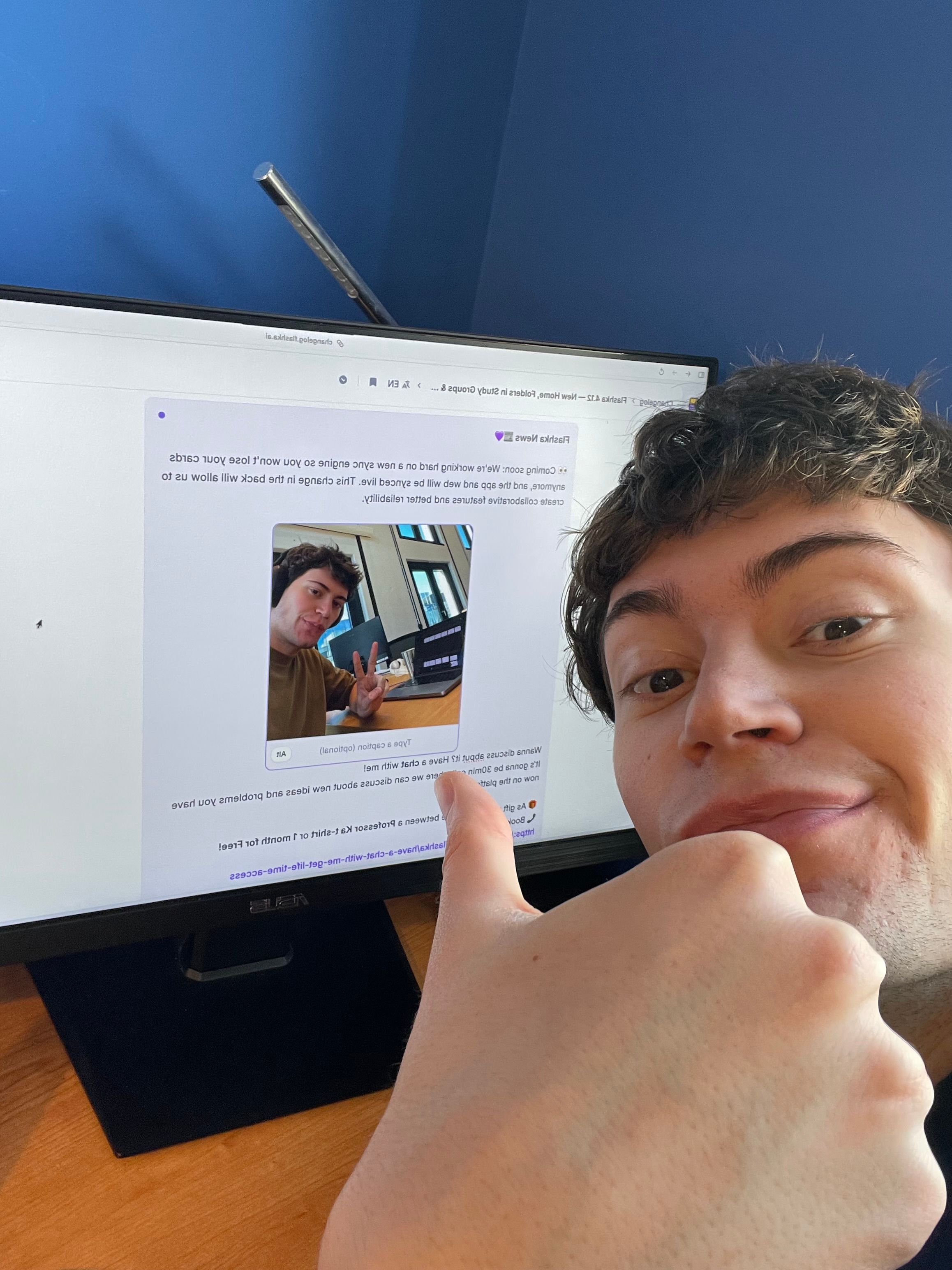
Wanna discuss about it? Have a chat with me!
It’s gonna be 30min call where we can discuss about new ideas and problems you have now on the platform.
🎁 As gift you can choose between a Professor Ka t-shirt or 1 month for Free!
📞 Book your slot here:
https://cal.com/simoneflashka/have-a-chat-with-me-get-life-time-access
Try the new Home and bring Folders into your Study Groups, we're super curious what you'll build with this 👀
Happy studying ✨
Simo & The Flashka Team 💜