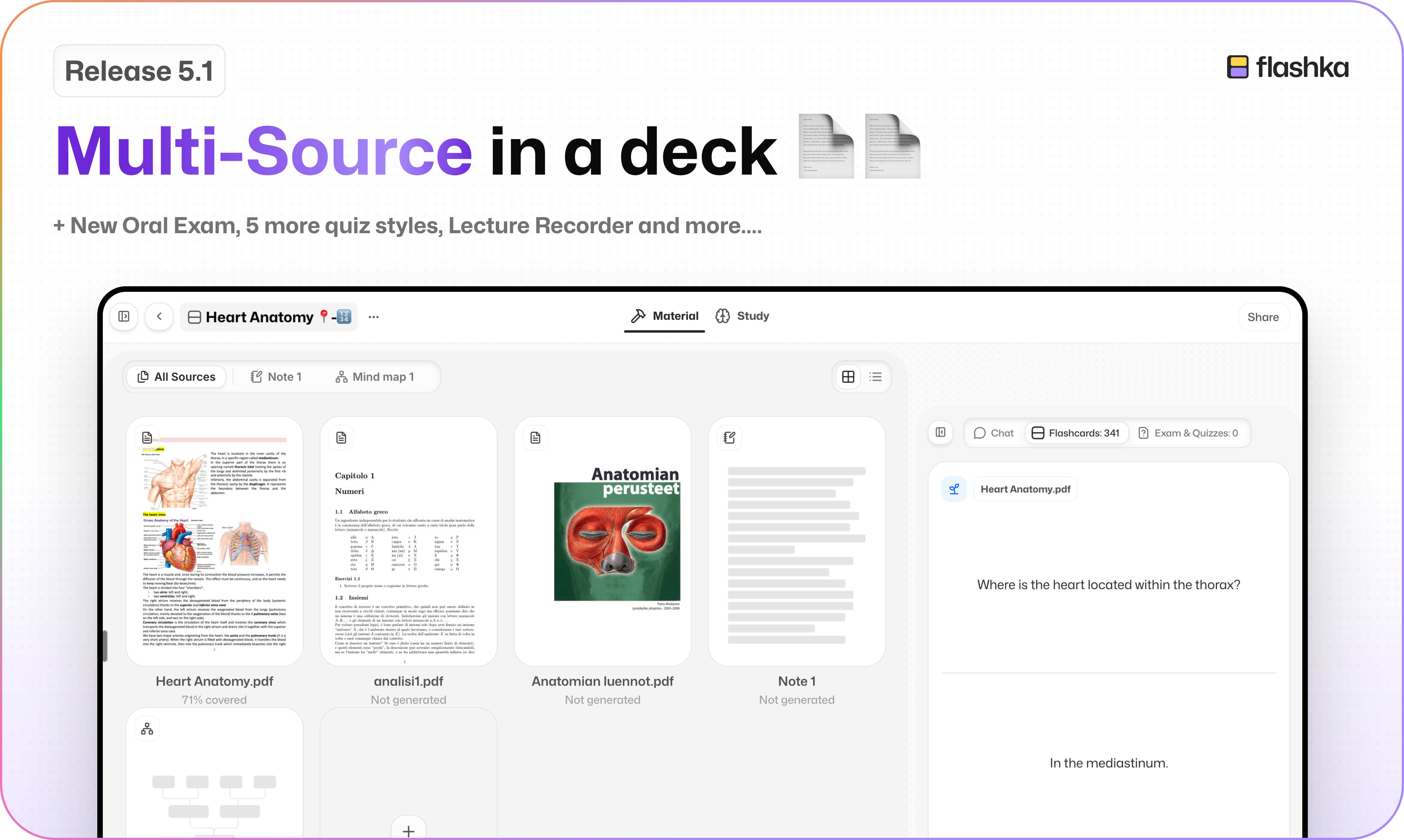
Flashka 5.1: Back to Class, Multi-source is here📄📄🎒
Hey Flashka fam! 👋
We hope you had a lovely, lazy summer. Sadly, the semester is here 🫠
Good news: we didn't take the summer off. This is one of the biggest updates we've ever shipped. Your whole course can now live in one set, you can record your lectures, and you can finally talk to Prof. Ka out loud, in a much more natural way 🗣️
But that's not all. We also shipped:
5 new quiz types and a full quiz redesign 🧩
A brand new flashcard editor on web and app ✏️
Global leaderboards: friends, university and global 🏆
A credit system that finally makes sense 💳
Study filters and order on the app 🎯
Anki import on mobile 📥
Push notifications on the app 🔔
Much faster PDFs ⚡
Let's dive in 👇
1. One Set, All Your Sources 📚
Your course isn't one PDF. So your set doesn't have to be either.
A set can now hold several documents, photos, recordings, YouTube videos, notes and mind maps, all together.
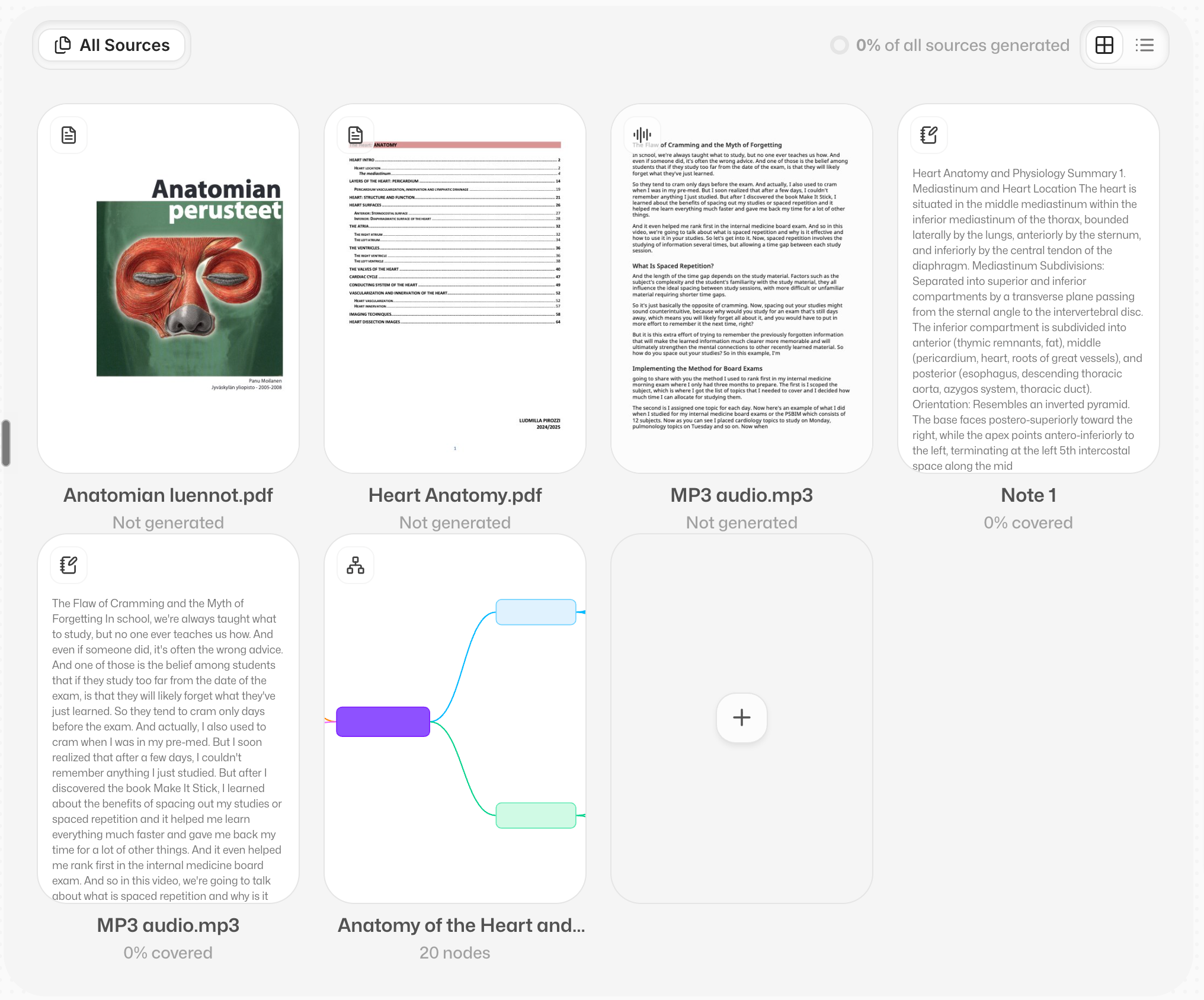
Each material gets its own tab. All Sources shows everything at once, as a grid or a list.
Hit + to add a document, photos, a mind map, audio, notes, a YouTube link, or record a lecture.
Every card, quiz question and mind map node remembers which document it came from. Tap Source and you're there.
Each document shows how much of it you've covered with cards, so you know what's left 👀
2. Record Lectures, Study Videos 🎙️
Half your course happens out loud. Now Flashka can study that too.
Record a lecture straight from the + menu. When you stop, it becomes a set, even if you close the app halfway through.
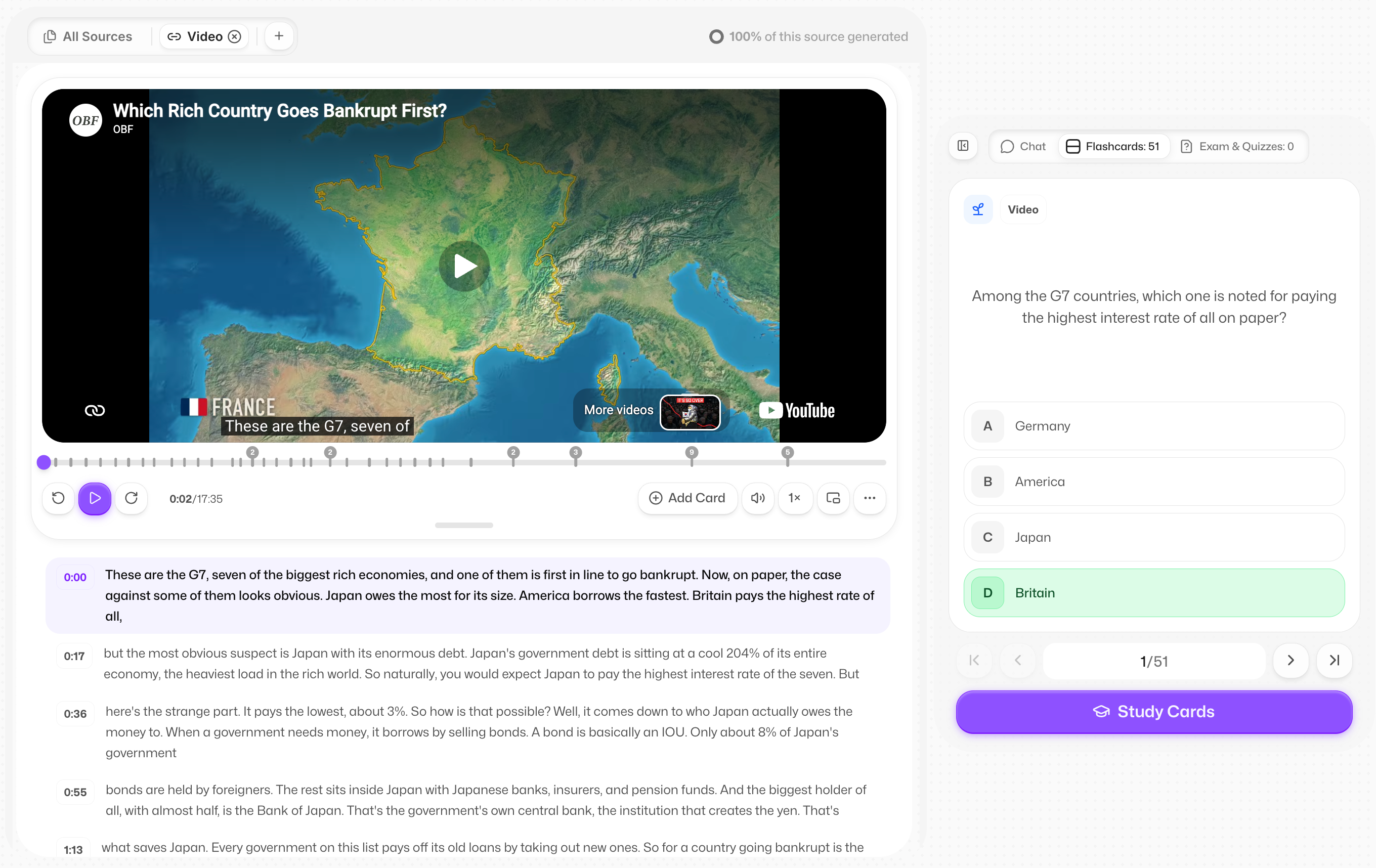
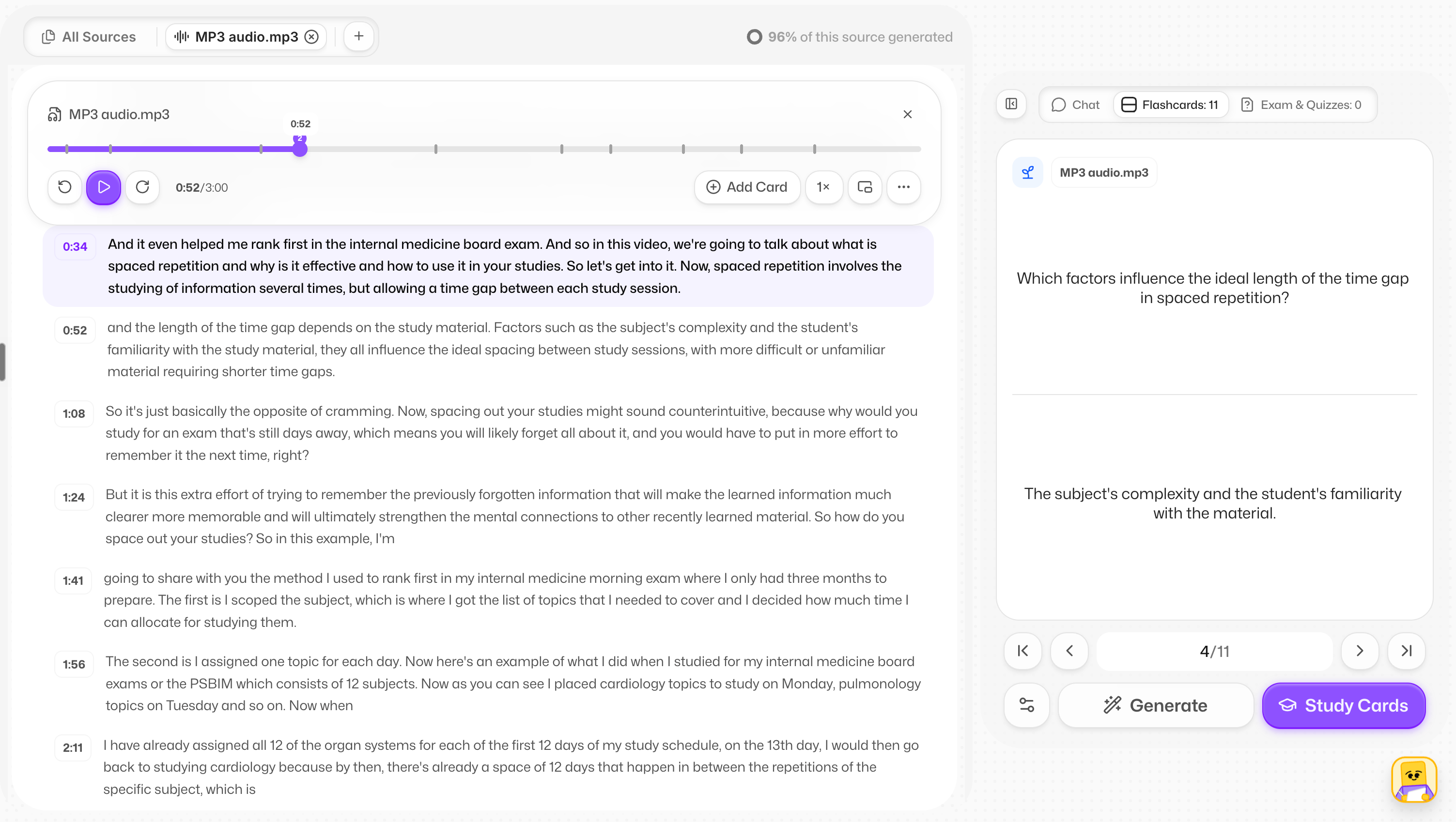
Recordings and YouTube videos now share one proper player:
±10 seconds and up to 3× speed (for the brave)
A clickable transcript
Your cards marked on the timeline, so you can jump straight to the moment each one came from
Notes that follow the audio
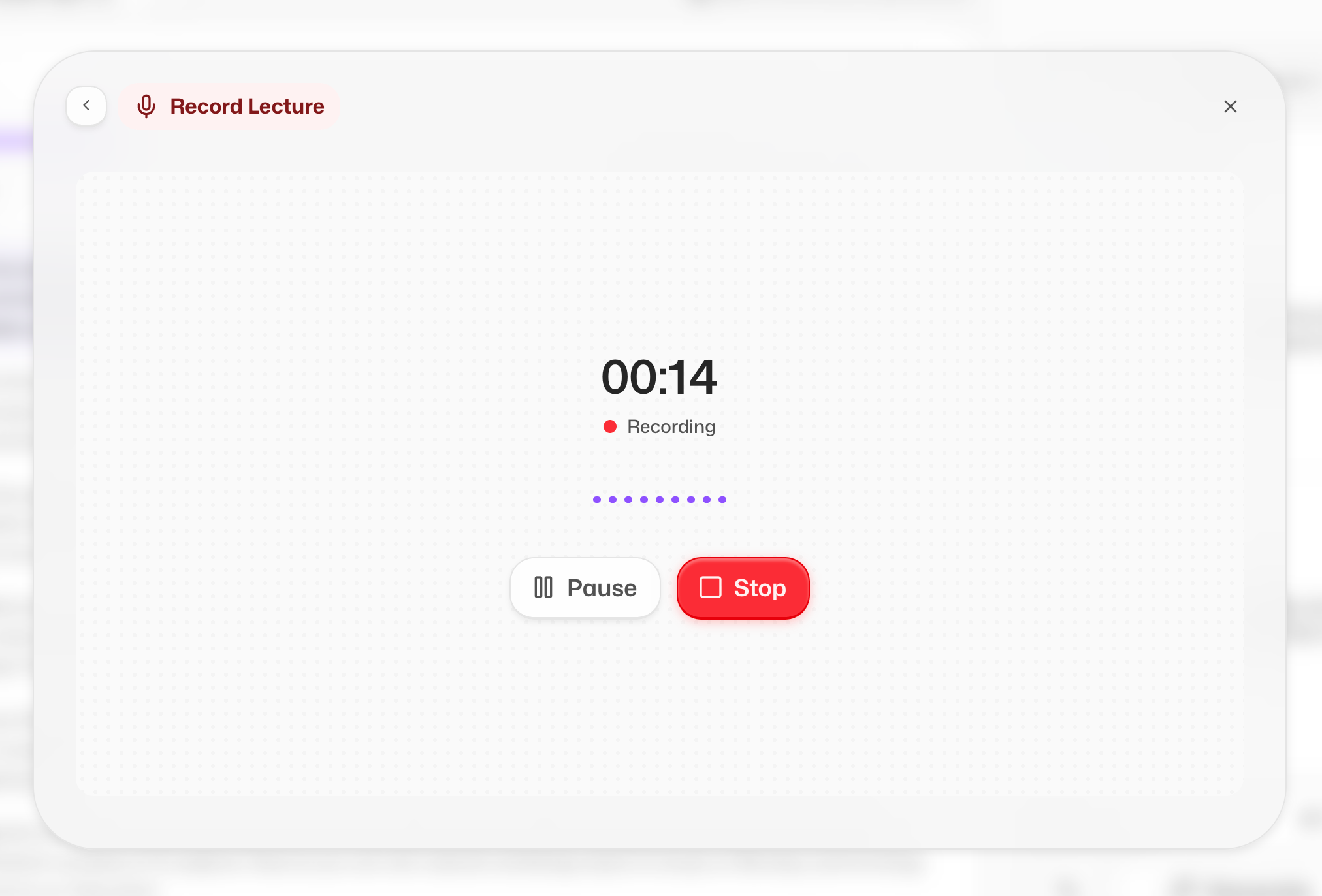
On web, leave the tab while it's playing and a mini player follows you around 🎧
One honest note: YouTube sets on the phone app aren't here yet. Soon.
3. Talk to Prof. Ka: Voice Oral Exams 🗣️
This is the closest thing to a real oral exam without the sweaty hands.
You now talk with Prof. Ka in real time, out loud, on web and app. He asks, reacts, and pushes back when you're waffling 😏
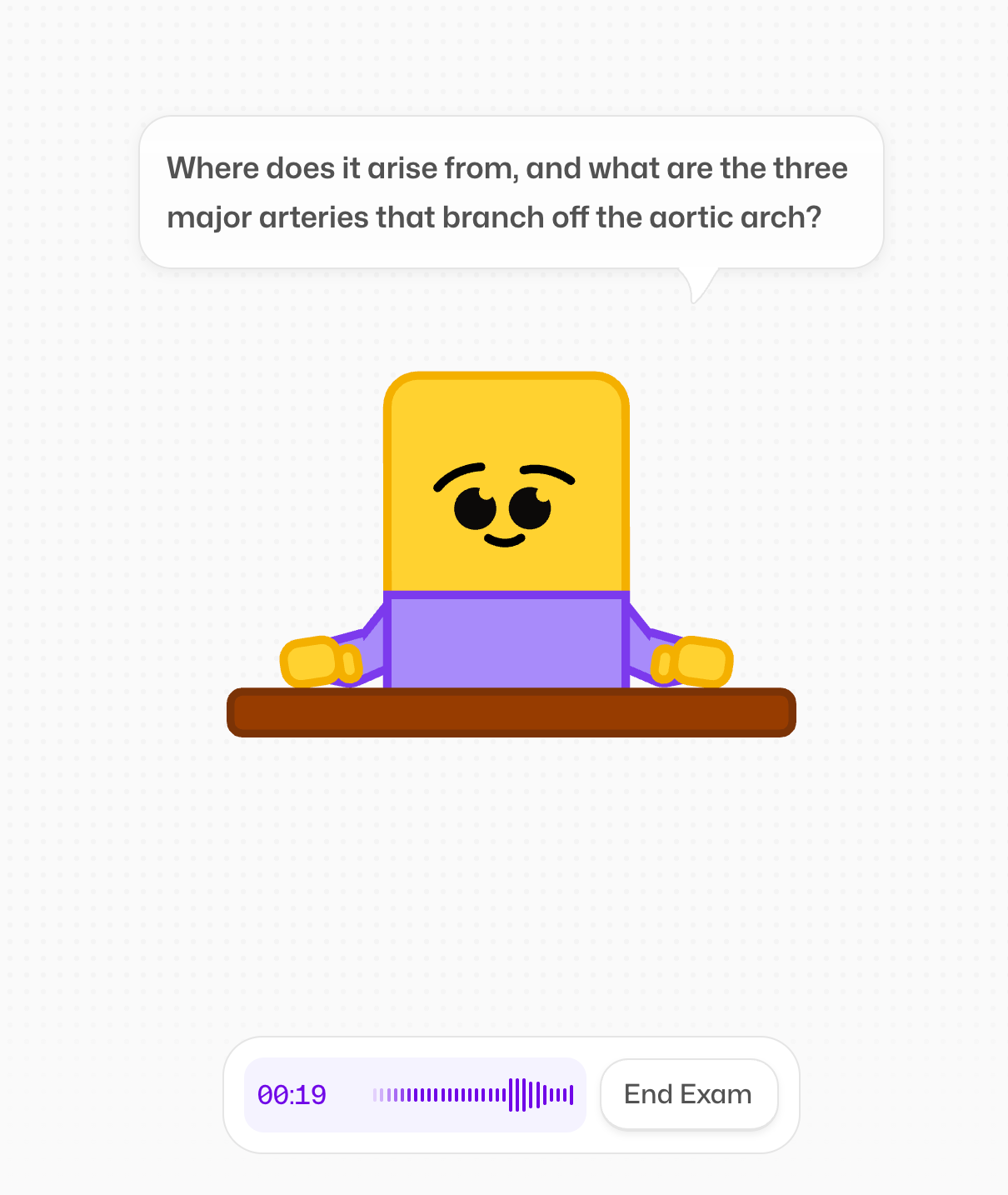
Two modes:
Oral Exam 🎤 he asks and probes over 4 to 6 answers
Open Recall 🧠 one big question, then he listens for up to 30 minutes and grades you on what you actually said
He's animated now too, and starts talking in about half a second, in 96 languages 🌍
The old Q&A mode has retired. Your past attempts are still there, and retaking one turns it into a voice exam.
4. New Cool Types of Quizzes 🧩
Multiple choice is great. Five new question types are better:
Select all ✅
Odd one out 🙃
Match the pairs 🔗
Categorise 🗂️
Order the steps 🔢
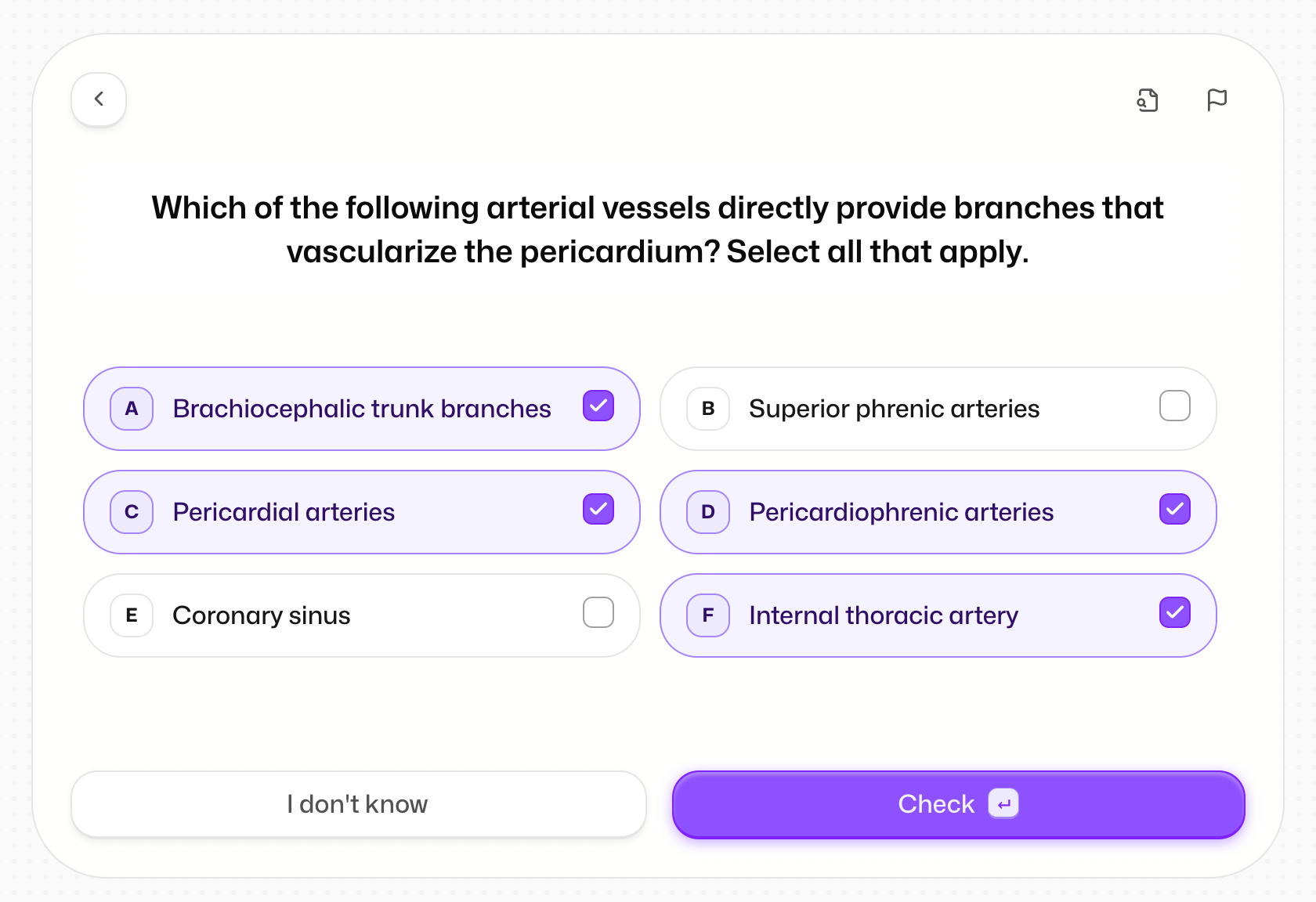
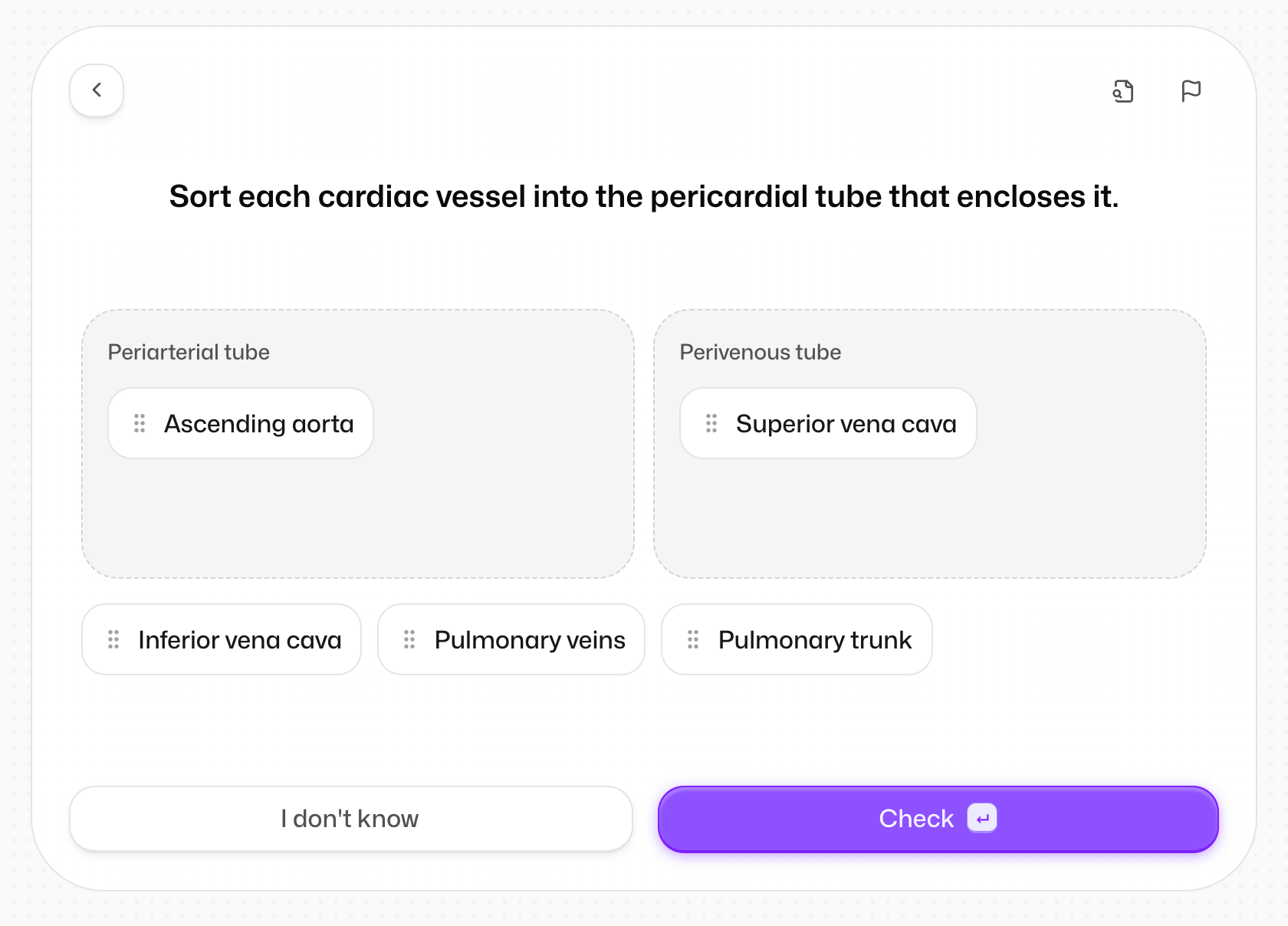
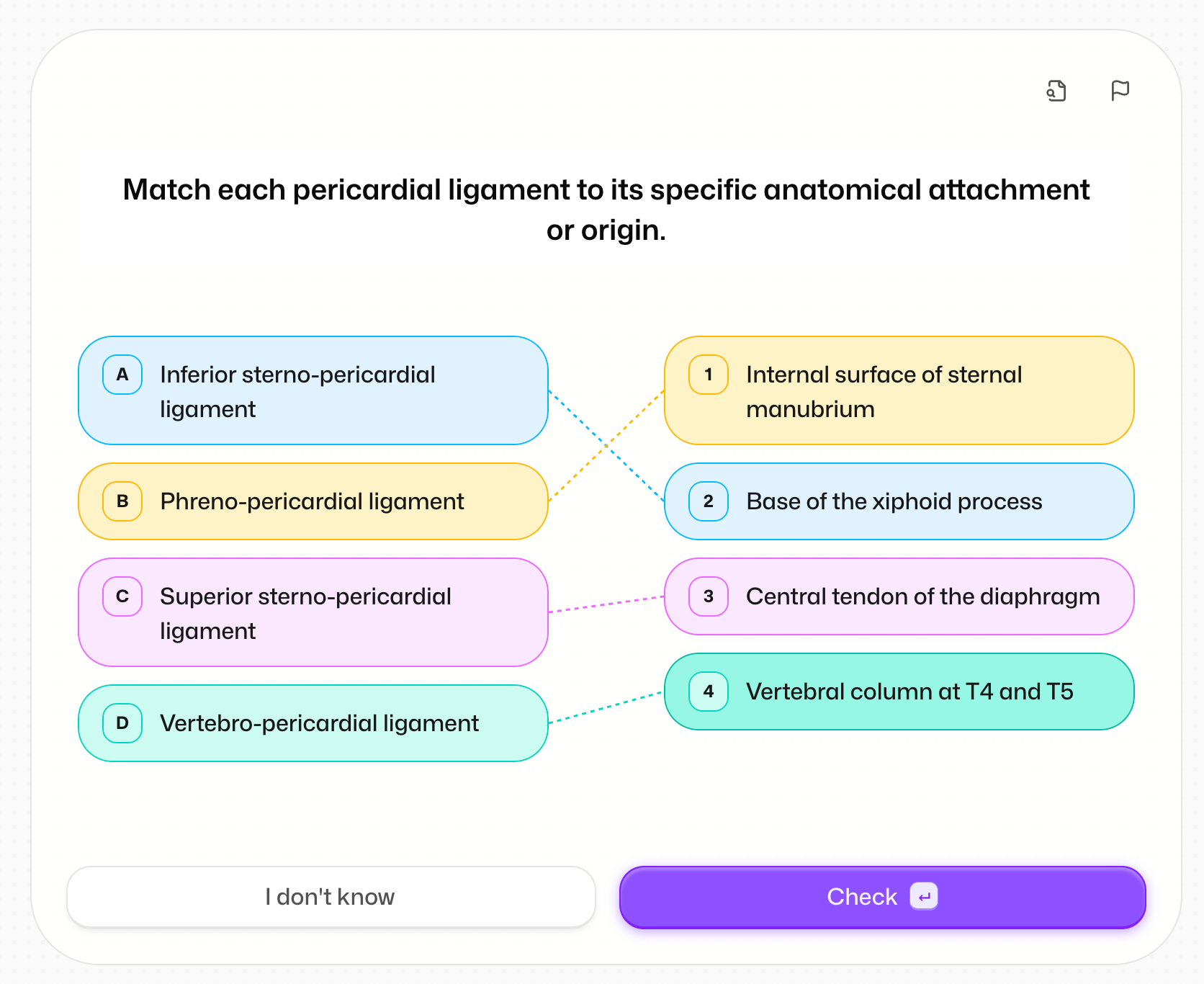
Quizzes also got a full redesign, and they're smarter:
Fewer repeated questions, because each quiz knows what it asked you before
Go back to earlier questions, or hit "I don't know" to see the answer
Partial credit when you're almost there 🤏
Quizzes start faster, and a failed batch never wipes the answers you already gave
5. A Brand New Flashcard Editor ✏️
One editor, everywhere, on web and app.
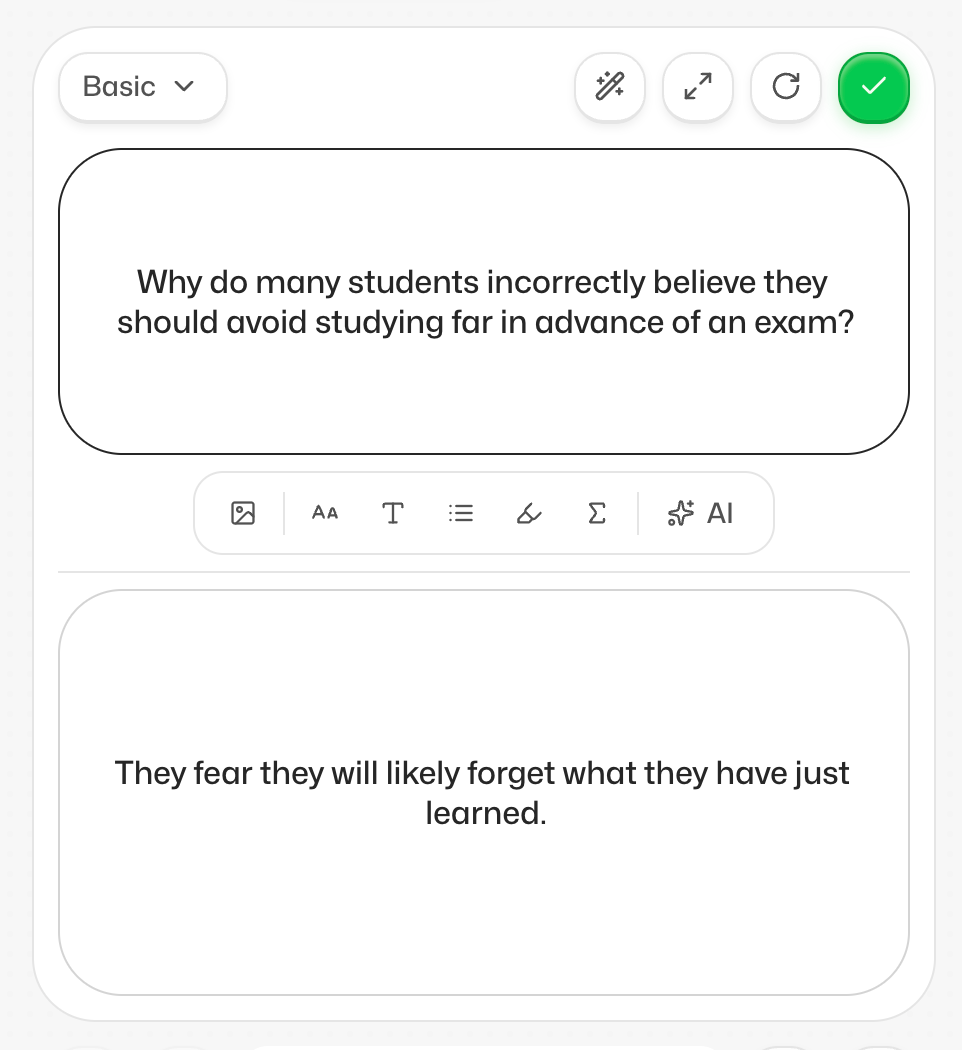
Pick your card type: Basic, MCQ, Cloze, Term & Definition, Image occlusion
Autofill (the wand, or ⌘G) fills in only what's missing
Make any field shorter, simpler, or grammar-fixed in one tap
None of these AI actions cost credits 🎉
Edit cards in the middle of a study session, no need to leave
And the app now shows and studies MCQ and cloze cards exactly like web.
6. Global Leaderboards 🏆
We know you like seeing your progress. We know you like seeing it next to everyone else's even more 😏
So now there are three leaderboards:
Friends 👯
Your university 🎓
Global 🌍
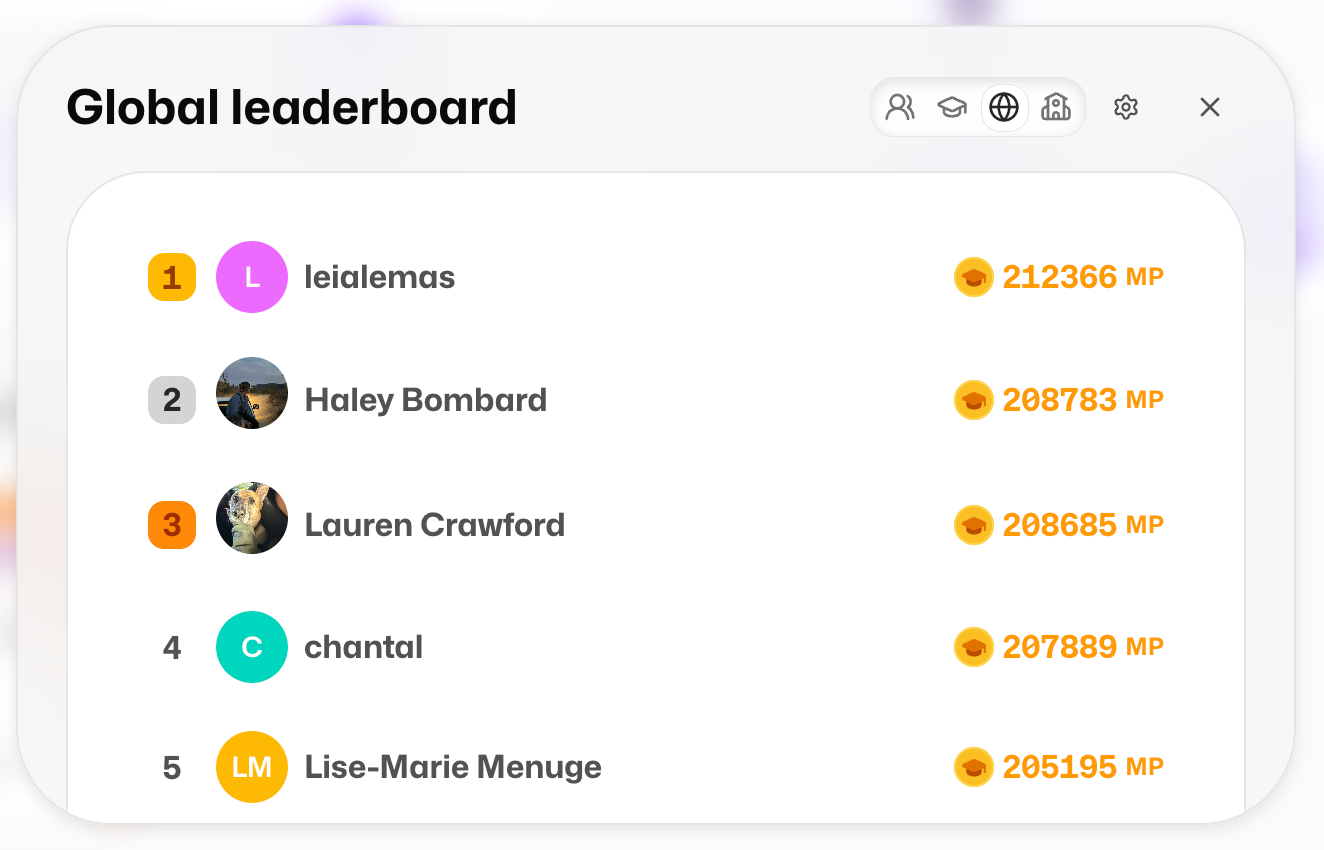
And the important fix: you now earn Mastery Points (MP) whenever you study, not just inside study groups. Much fairer fight 💎
Honestly, seeing how much you all study is the best part of our week 🥹
More things for you and your friends are coming very soon 👀
7. A New Credit System 💳
Some of you spotted this already: 50 credits a day was limiting, and frankly a bit unfair 😅
So we rebuilt it. Now you get one generation per feature: cards, quizzes, exams and the rest.
And here's the bit that changes everything: a generation costs the same whether it makes 10 cards or 3000 🤯
Any problems, email me at simone@flashka.ai, or blame @Dario Passarello (kidding, he did a brilliant job on this) 😄
8. Study Your Way 🎯
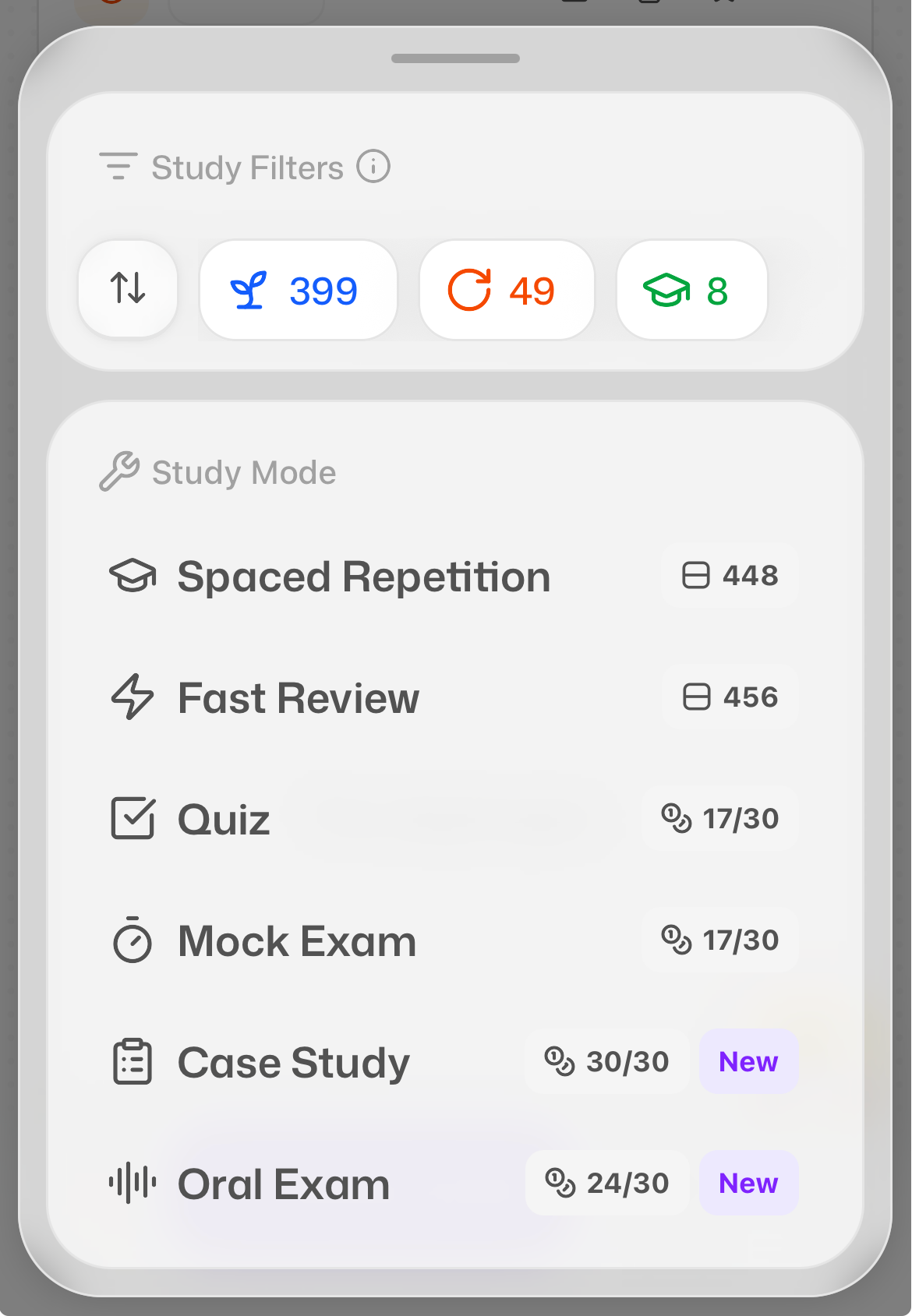
On the app, you can now filter and order your study sessions, just like web:
Filters: New, To Review, Memorised, Critical, Starred
Order: Default, Date created, PDF order, Random
The Critical filter is back on web and app too. That's the cards you keep forgetting, the ones that need some tough love 💀
A few more:
Reset progress on a set or folder and start fresh. Your stars, notes, streak and Mastery Points stay safe, and you get 5 seconds to undo 😅
Remove from To-do on any set or folder, without losing the cards
Anki import on mobile: bring your
.apkgfiles (up to 150MB) straight into the app 📥Push notifications on the app: new followers, someone overtaking you, study plan reminders, your weekly recap. You can switch them off in Settings 🔔
9. PDFs, Much Faster ⚡
Big PDFs used to make Flashka sweat. Not any more.
On a 1,000-page PDF with 5,000 cards:
Jumping to a card's page: 10 seconds → under 1 second
Jumping to a far card: 1 second → basically instant
A huge card list loads in about a second instead of freezing
And sets no longer lose their document. If one of yours went missing, it comes back next time you open it 🙏🏻
10. Little Fixes & Polish ✨
We also shipped a pile of smaller improvements:
Smarter AI for card and set generation, now the default. Prefer the old one? Settings > Experimental
Lecture notes are written much faster (about a minute → about 9 seconds)
When Prof. Ka is tagged on a set, he now sees your notes and mind maps too
The app got a big polish pass: swipe between Home, Library and Study Groups, smoother loading, a rebuilt study screen and quiz runner
Apple Pencil hover on iPad highlights sets and folders, like a mouse on web ✏️
Study groups are safer: only the person who shared a set can remove it, and no one can mess with your stuff
And a long list of bugs squashed on web, iPad and phone 🐛
Coming Soon @Flashka 💜
As always, you decide 🫵
Drop a comment with the one you want next:
YouTube sets on the phone app 📺
More social features: tell us what you want to do with your new friends 👯
Auto-generated flashcards with images, plus automatic image occlusions 🖼️
Flashka News 📰💜
We just got back from a fantastic off-site in Oxford 🎓
We even made it to the Freshers' Fair in Week 0, met loads of you in person, and handed out a little discount to everyone who stopped by.
And honestly?
You deserve it too 🤫
So here's a discount code for our premium plans. Our CEO David never reads these updates, so let's keep this between us, yeah? Wink wink 😉
[BACK2SCHOOL26]
Use it at checkout. You saw nothing.
Oh, and if you'd like a few months free: come and chat with me or Ayushi.
Share your ideas and feedback, and if they're useful we can hand out up to a whole year 🎁
📞 Book your slot here: https://cal.com/team/flashka/have-a-chat-with-us-win-a-ka-t-shirt
That's the summer done then.
Put your whole course in one set, record your next lecture, and go have a proper chat with Prof. Ka. Then tell us what you think 💜
Happy studying ✨
Simo & The Flashka Team 💜