Flashka 3.2.0: Zoom IN/OUT & Responsive Flashcards!
Hey Flashka fam! 👋
This week marks the start of a big revamp to how flashcards look and feel and today we’ve released a big update for the Flashcard view.
We focused on giving you more control over how you view and edit your cards, while also making everything smoother and more accessible.
Here’s what’s new 👇
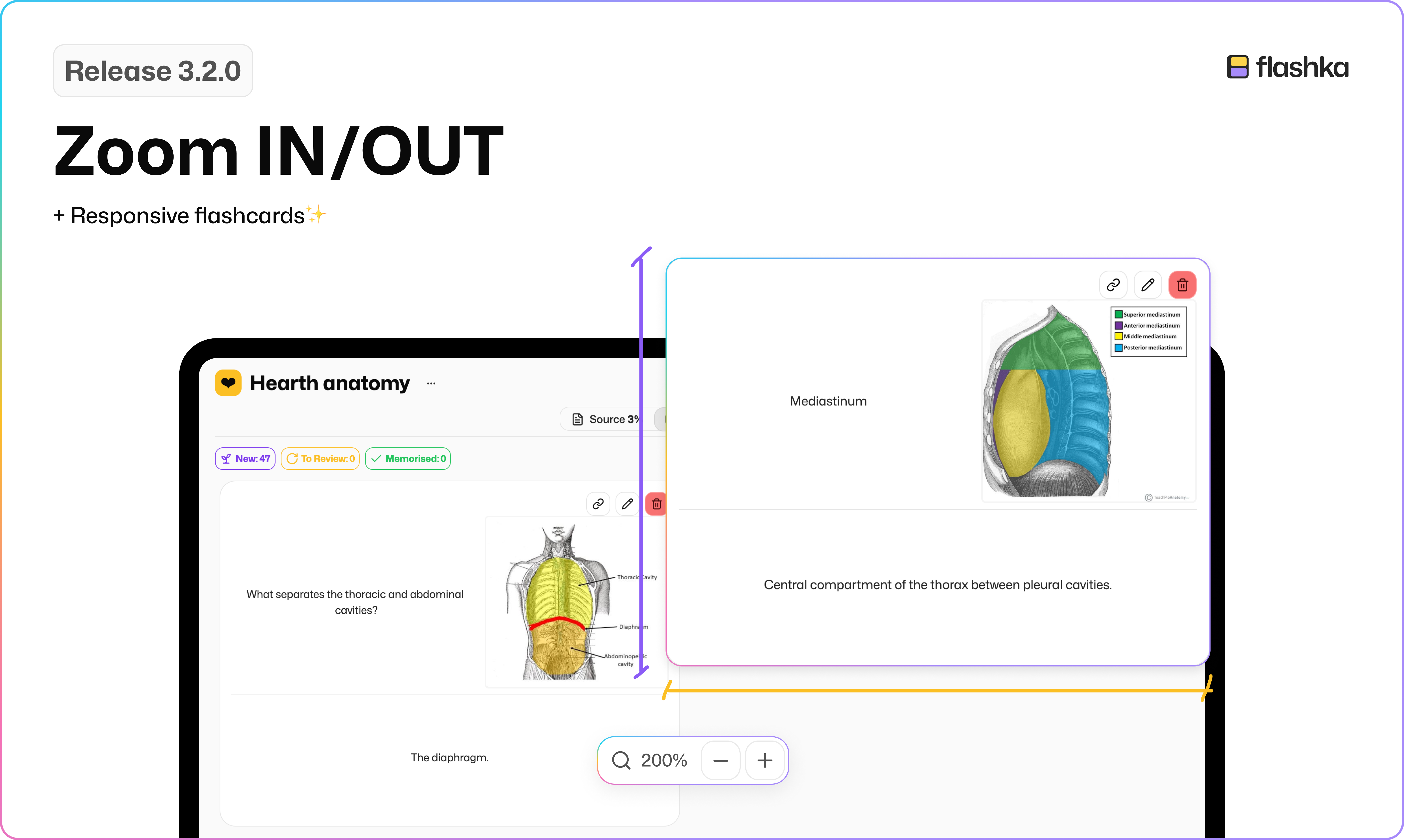
🔎 Zoom In/Out in flashcard view
Tired of squinting or endless scrolling?
Now, you’ll be able to switch between 4, 3, or 2 flashcard per row, giving you total control over how you review and edit your decks.
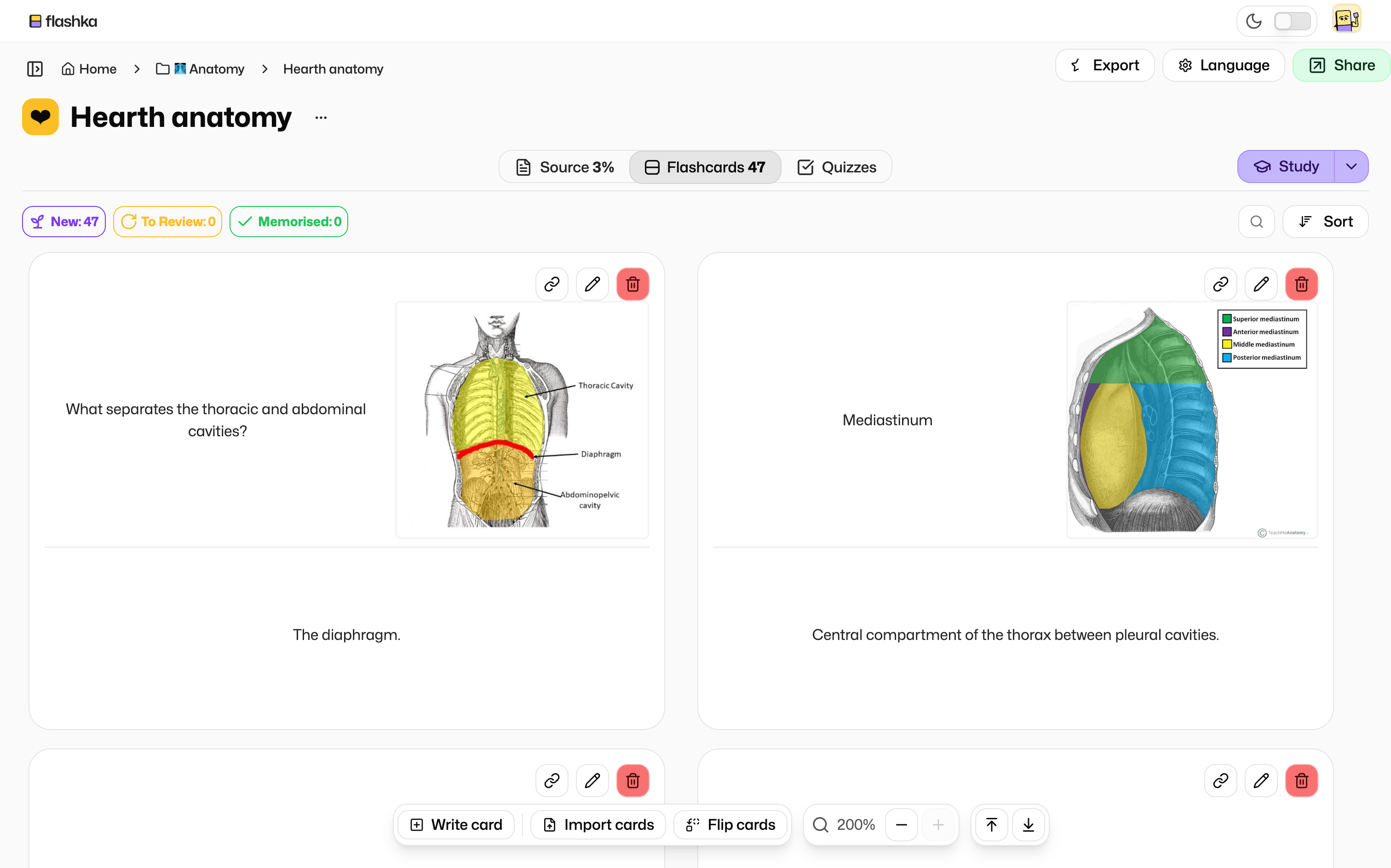
All you have to do is click the “+” or “-” buttons inside the Floating bar.
Like in this video below👇
This works really well specifically with images 👀
📐 Responsive Flashcards
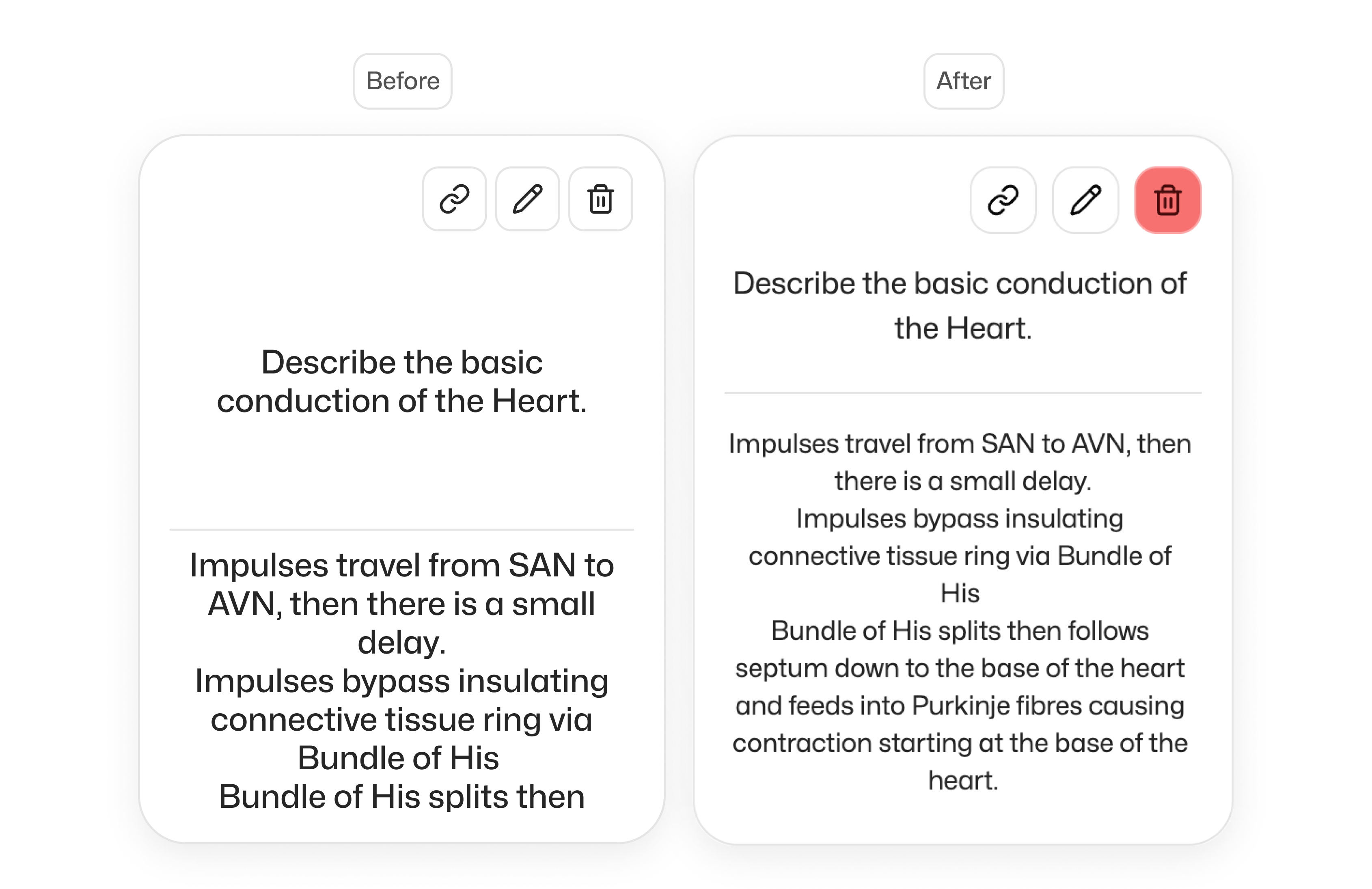
No more overflowing text or cut-off content!
The front and back of the card now adjust their size based on your content, keeping things tidy and readable, whether it’s one word or a whole paragraph.
Moreover now the text automatically resizes down to a minimum size in case of really long text.
🚨 WE NEED YOUR FEEDBACK!
What would make Flashcard View perfect for you?
Drop your thoughts in the comments or email simone@flashka.ai, we’d love to hear your ideas!
Give this update a try and let us know what you think!
Even a quick emoji helps 👇
Happy studying! 📚
—The Flashka Team 💜