Flashka 3.1.0: Sub-folders are finally here! 📂
Hey Flashka fam! 👋
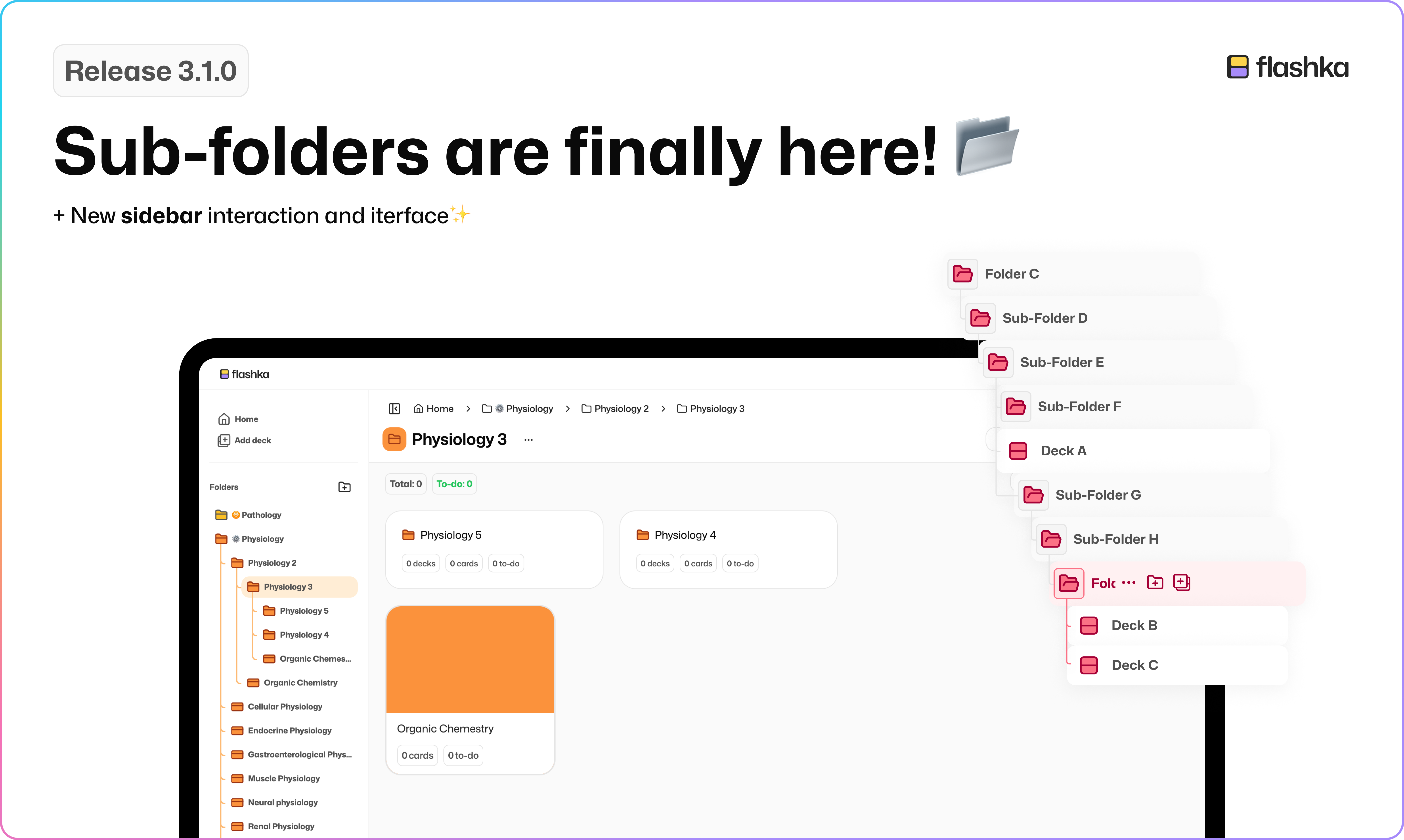
One of your most requested features ever is finally live: subfolders and a whole new way to organise your study space! 🎉
We’ve been working hard to rethink how decks should be grouped, moved, and nested, aaand while it’s not 100% finished, we couldn’t wait to share it and hear your thoughts.
Here’s how it works 👇
How to create new a Sub-Folder 📂
Go into the folder where you want to add one
Click on “Add folder” button
Name and personalise the folder
Boom! You can now create unlimited nested folders
How to move a Sub-Folder ↕️
Go to the folder you want to move
Click the three dots “…” button
Choose “Move Folder”
Select the destination folder
A new Sidebar: Flashka goes Fullscreen! 🔎
Along with sub-folders, we’ve redesigned the sidebar UI/UX so you can fully focus on your content and navigate more easily:
✨ Hide the sidebar for a fullscreen study mode
👆 Hover near the left edge or click the top-left button to reveal it
📌 Want it to stay open? Just click the button after hovering
🚨 WE NEED YOUR FEEDBACK
We know studying is a super personal experience, and so is organising it.
Got an idea to make folders even better for you?
Drop it in the comments or email simone@flashka.ai, we’d love to hear from you!
Give this update a try and let us know what you think!
Even a quick emoji helps 👇
Happy studying! 📚
—The Flashka Team 💜