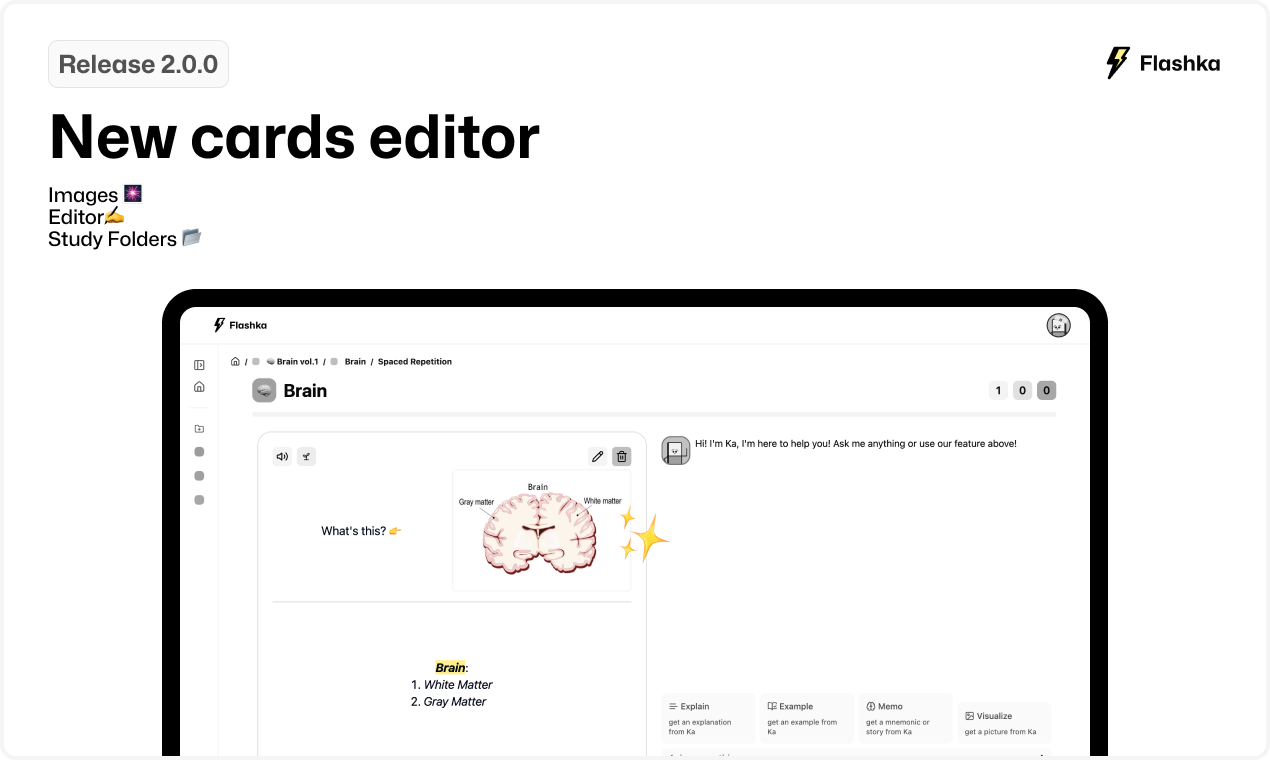
2.0.0: Images🎆 Editor✍️ & Study folders📂
Welcome back! 👋
Scroll to check 4 big updates for you👇
1. Images are finally here! 🎆
Thanks to all your amazing feedback, we’ve made it happen! 🎉
Now, you can add images to your flashcards, making studying even more fun and engaging
How to Add an Image👇
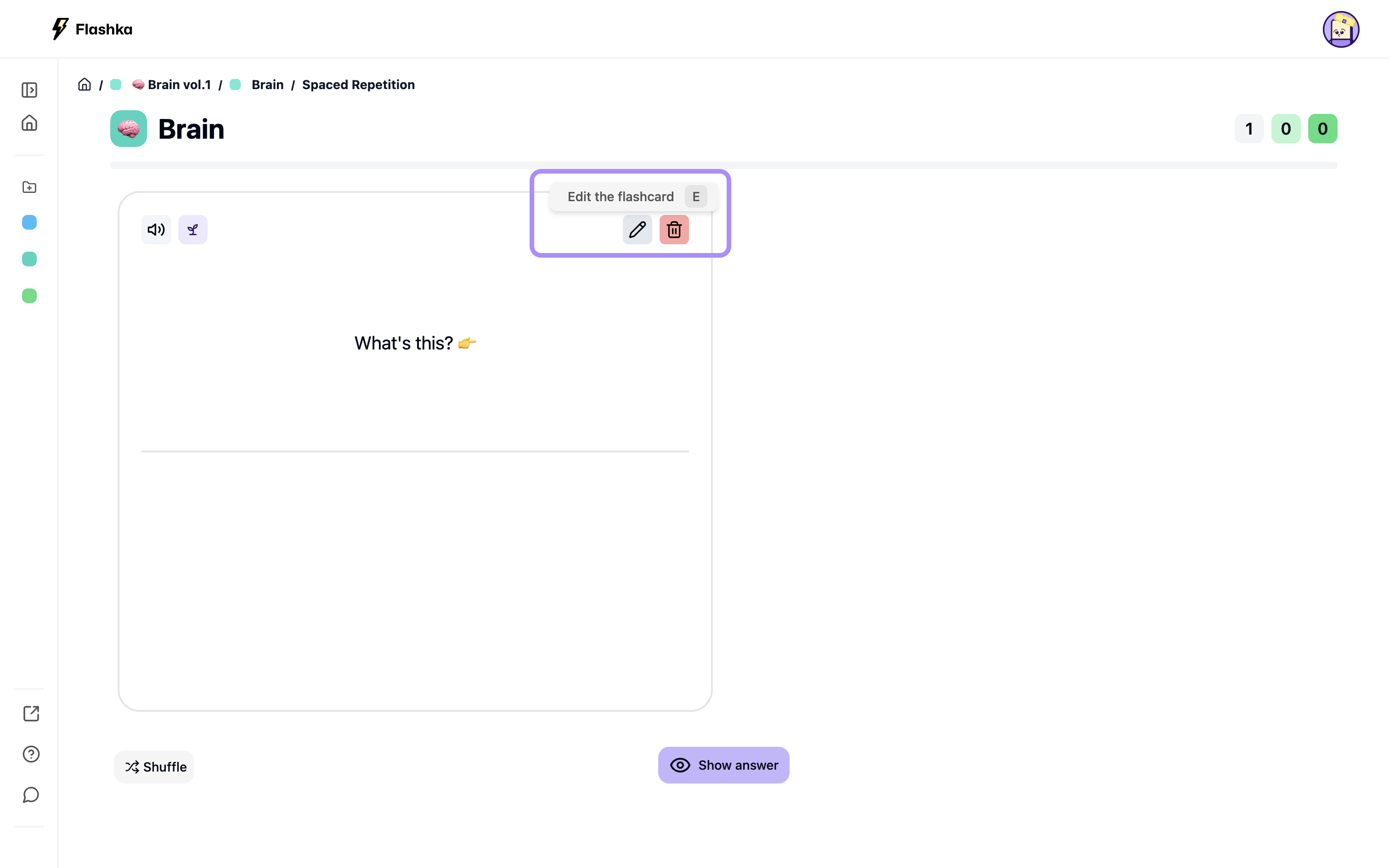
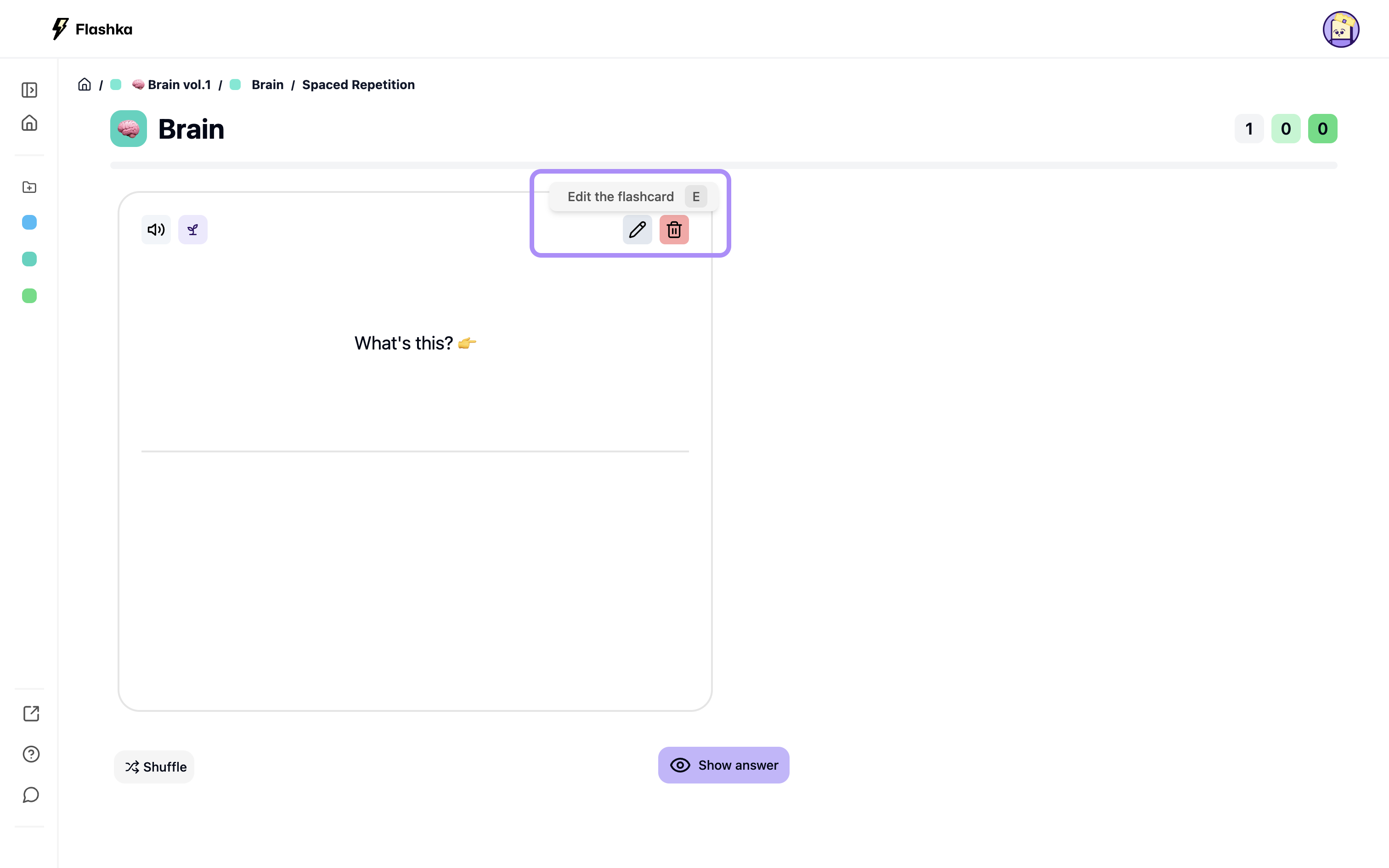
Click the edit icon to open the editor
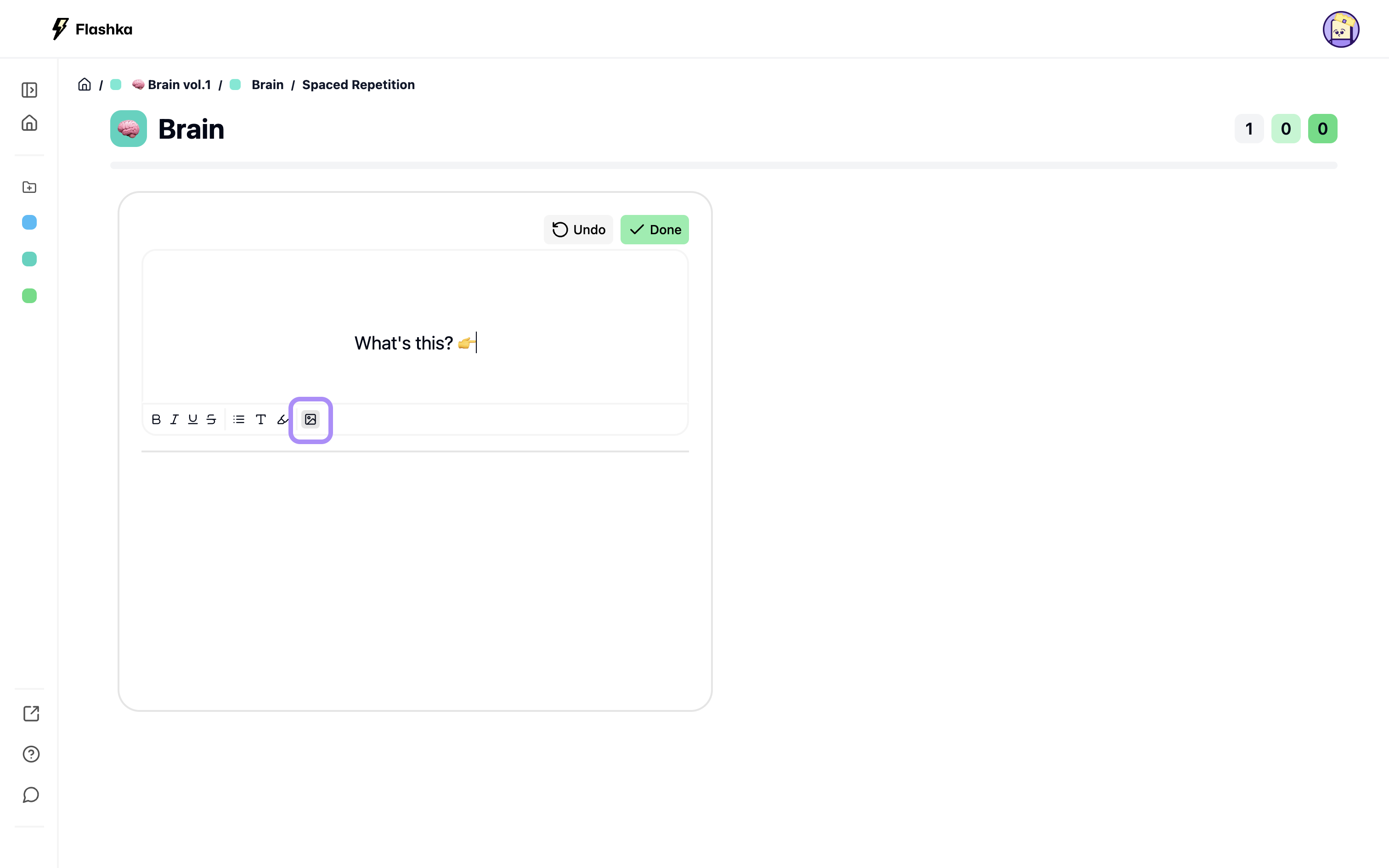
Click the photo icon to upload your image
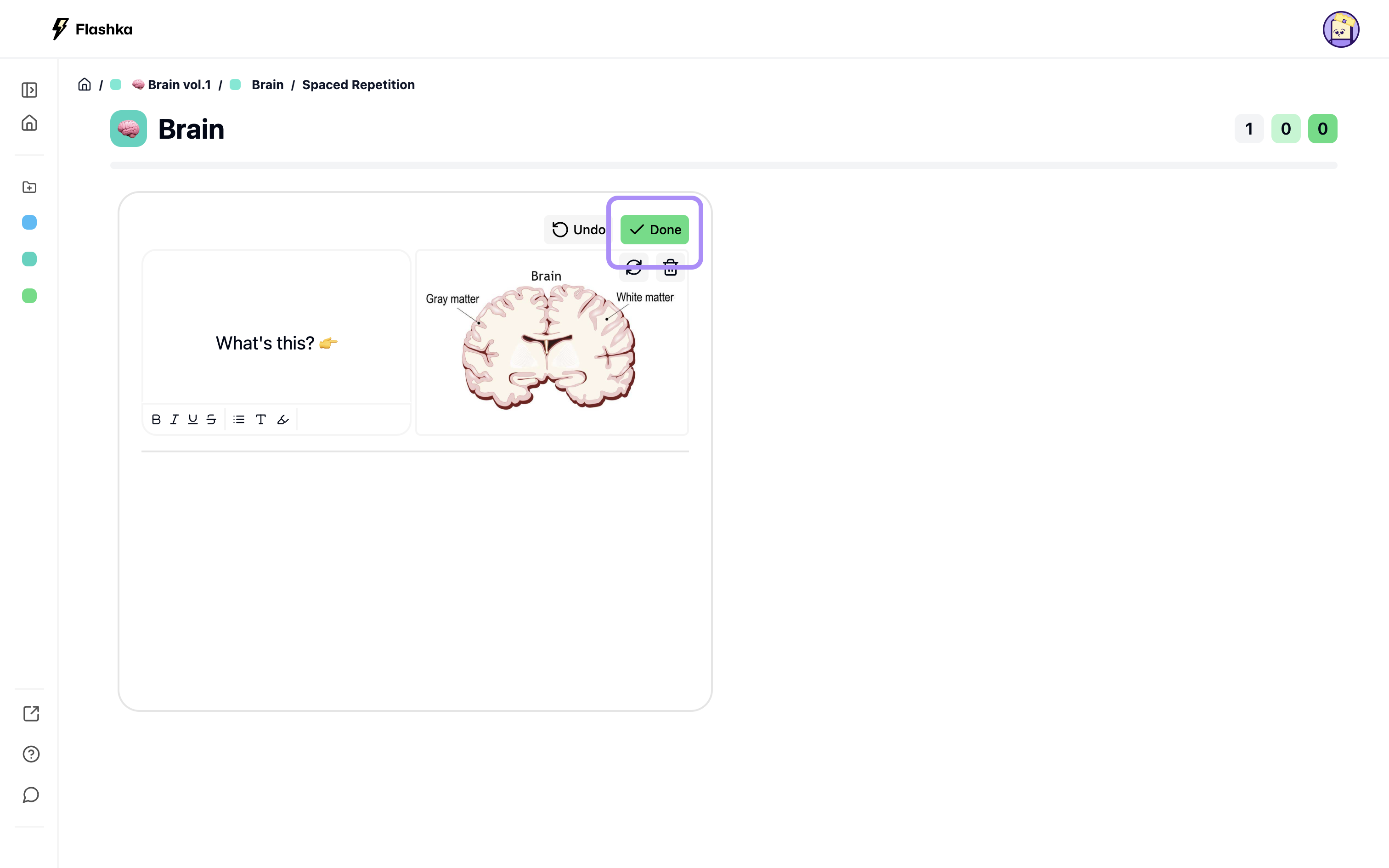
Click done to save it
Easy, right? 👀
Oh, and did we mention… we also support GIFs! Get creative and play around with it 🎨
2. Bold, italics, and more in your flashcards ✍️
Our editor just got a glow-up✨
You can now use markdown to edit your flashcards however you like
How to Use Markdown👇
Click the edit icon to open the editor
Use the Bold, Italic, etc. buttons or keyboard shortcuts (⌘+B, ⌘+I, etc.)
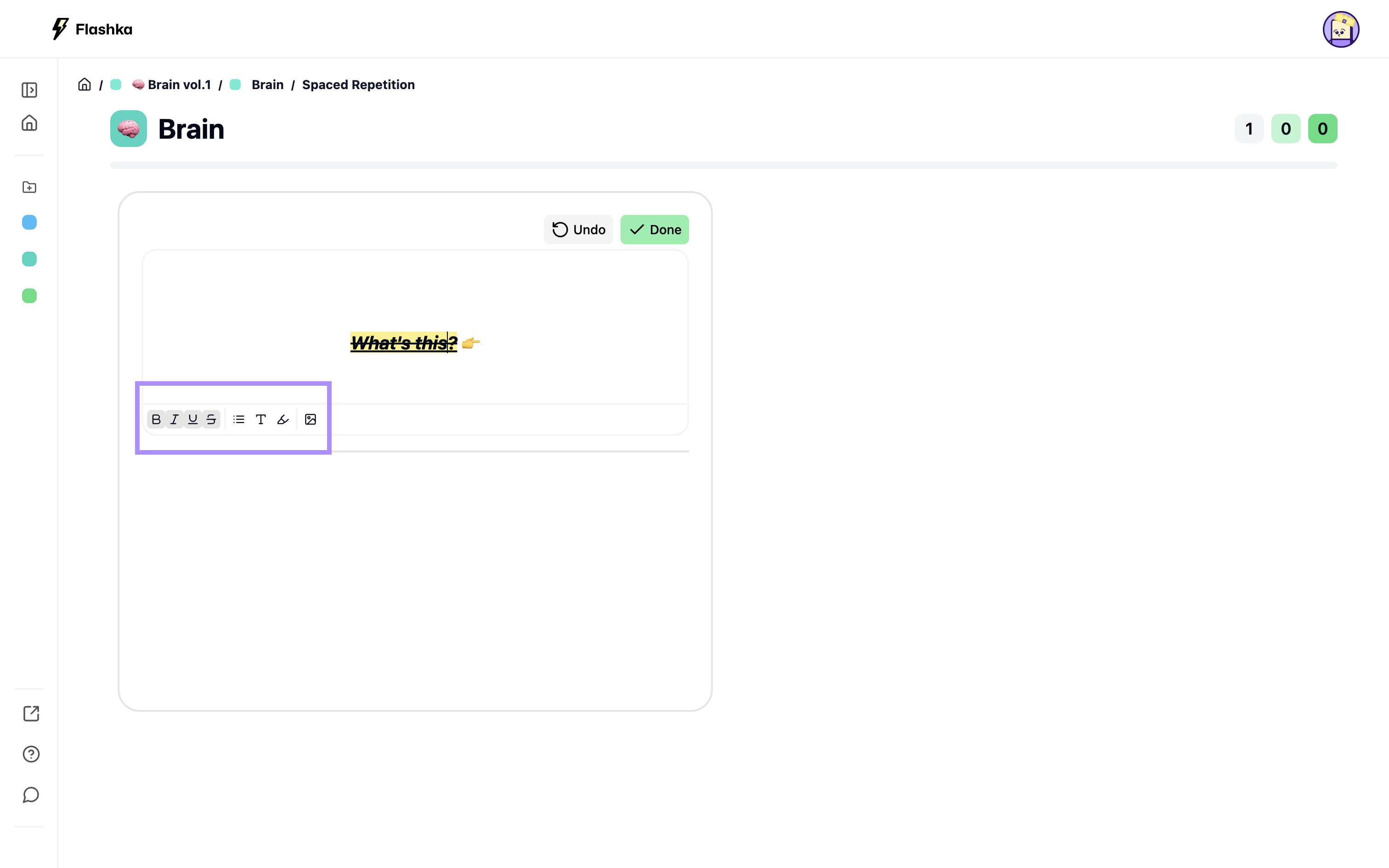
You can also add colourful highlights to make your flashcards pop! 🌈
3. Study a whole Folder 📂
Got tons of decks in the same folder?
Now, you can study them all together with our spaced repetition feature.
How to Study a Folder👇
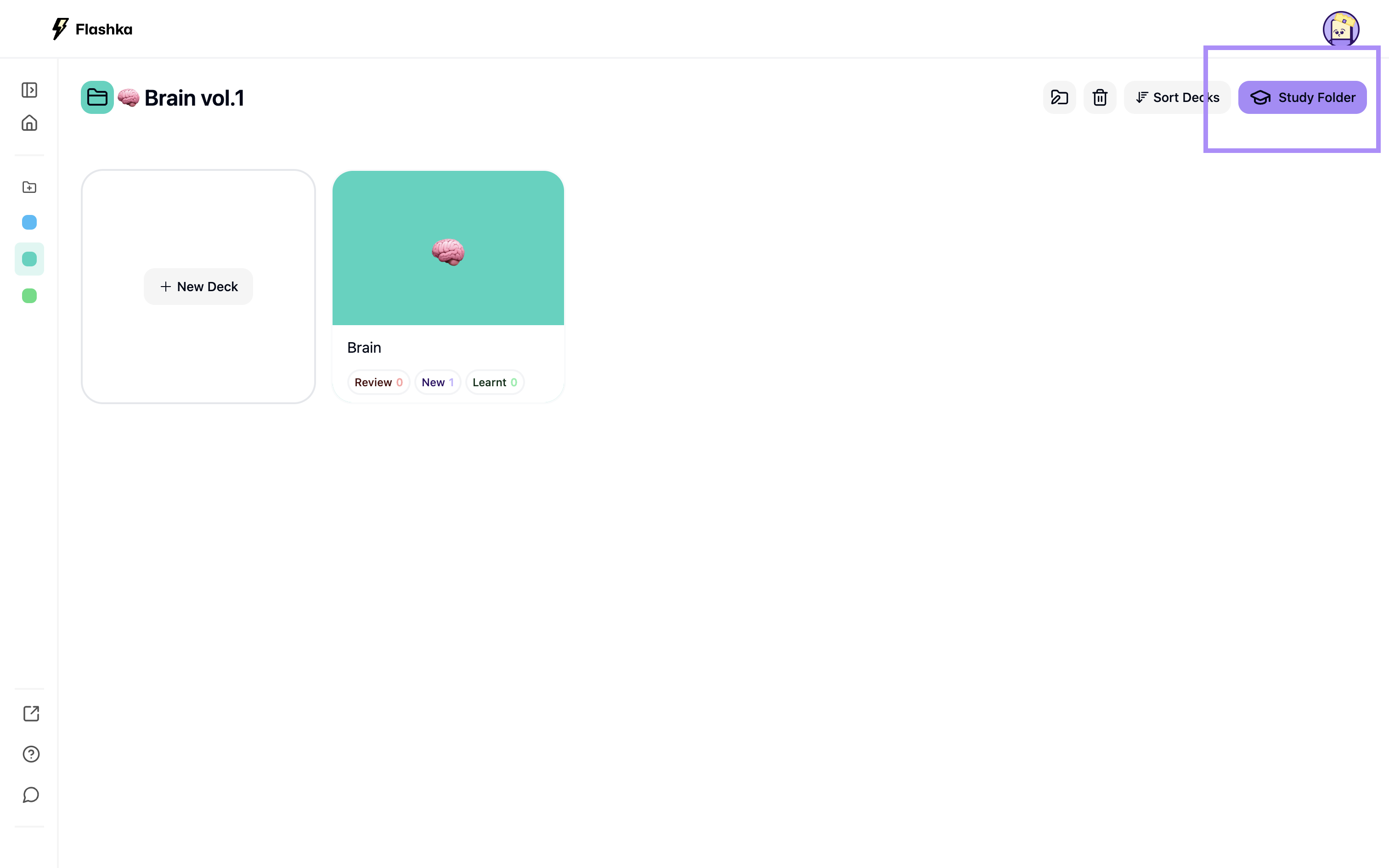
Click the study folder icon to open the Spaced Repetition mode
All your cards will appear, with small tags to tell them apart
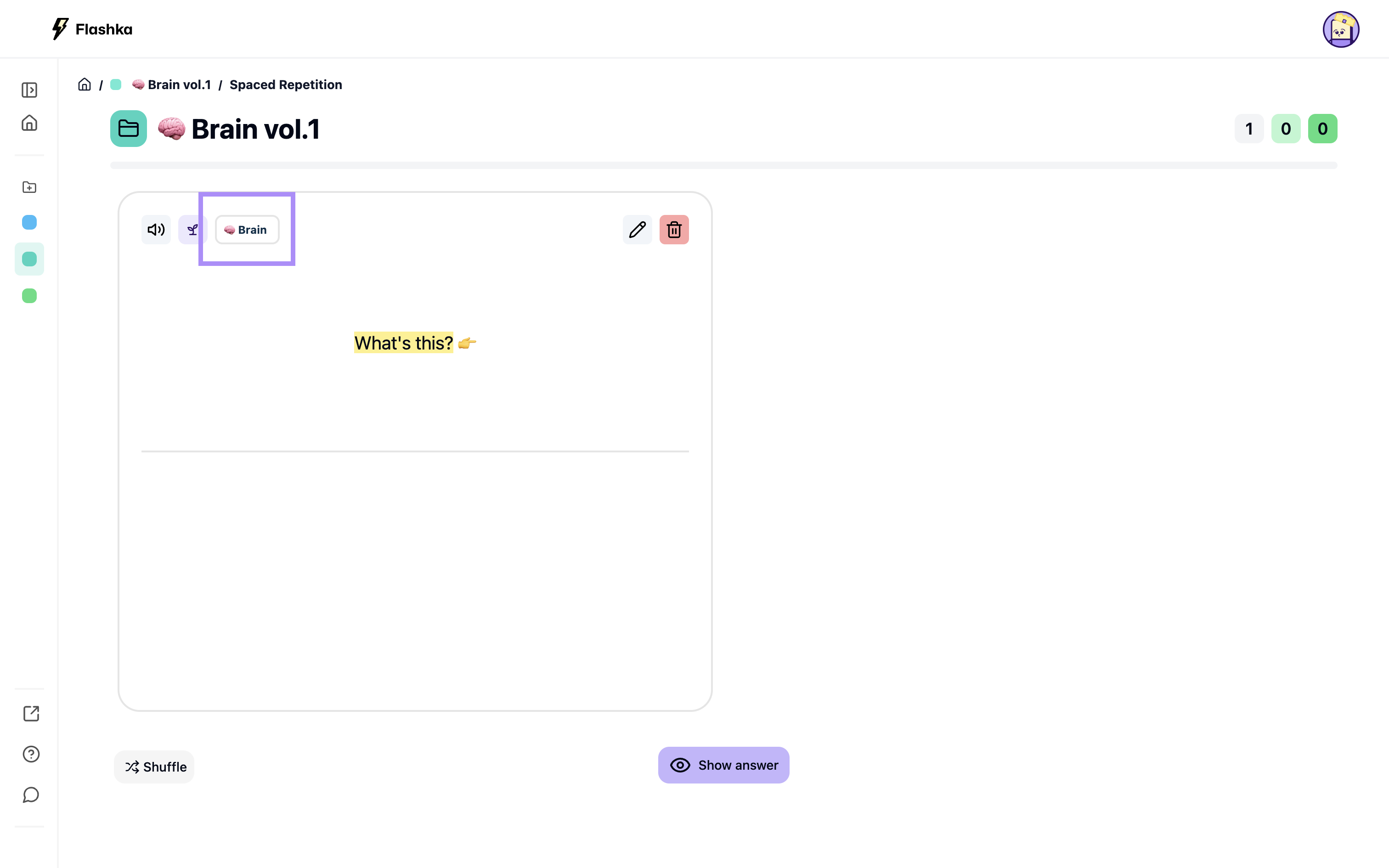
Perfect for speeding up exam prep! 🏃
4. Download Images ⬇️
Finally, we thought, why not make it simple to download images and add them to your flashcards? Now, you can with our rectangle tool! 💭
How to Download Images👇
Select the rectangle tool
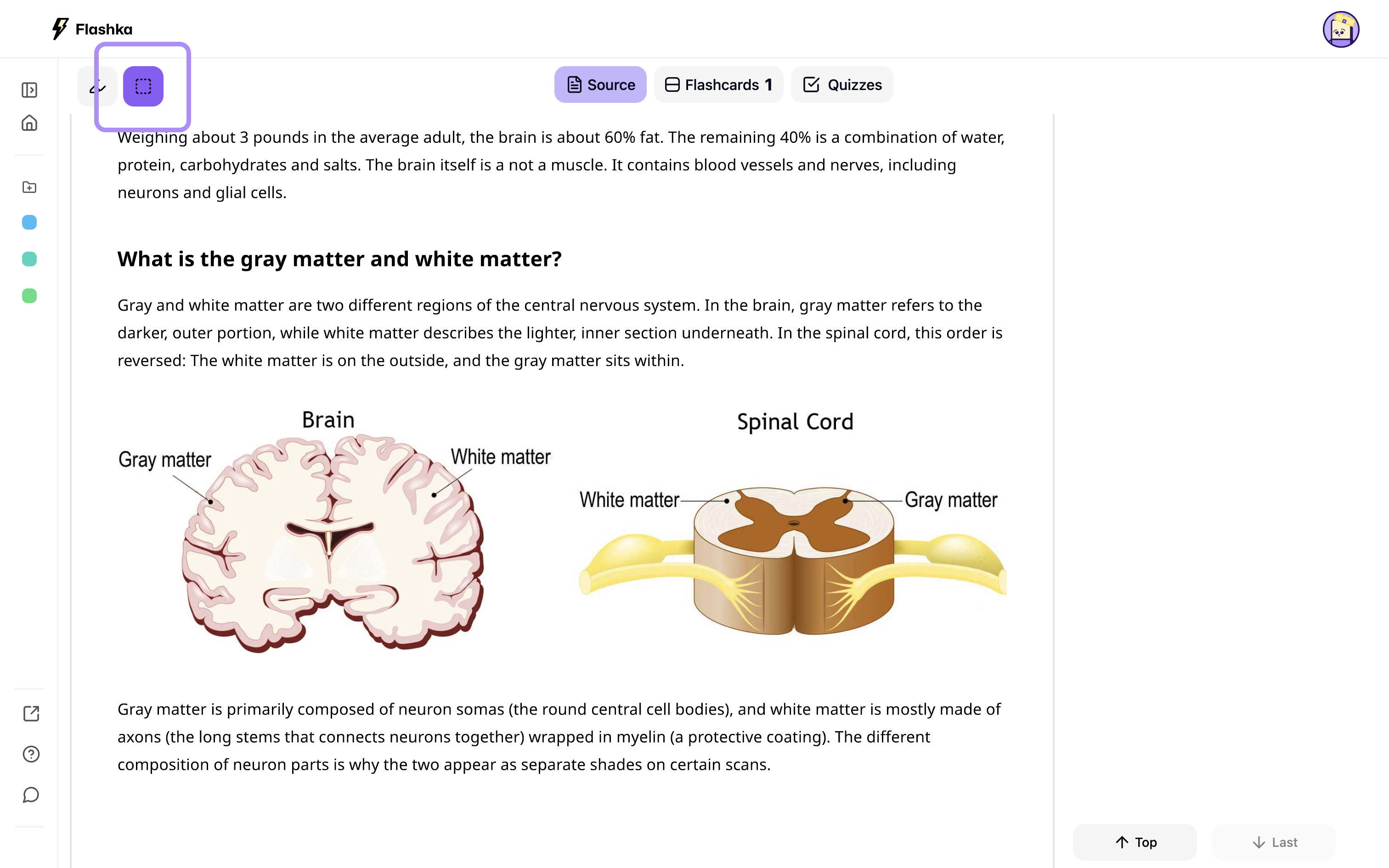
Drag to select the image
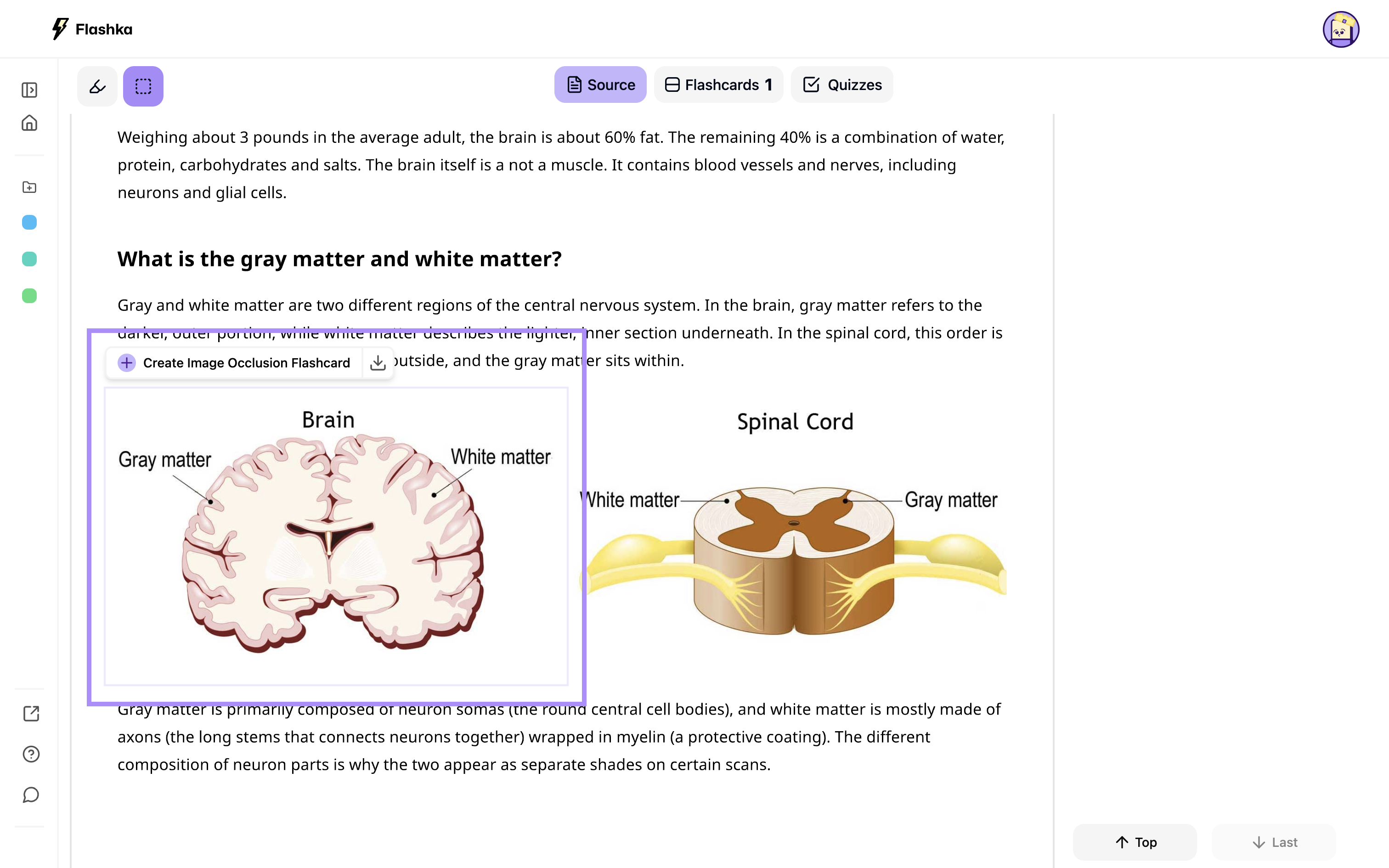
Hit the download button
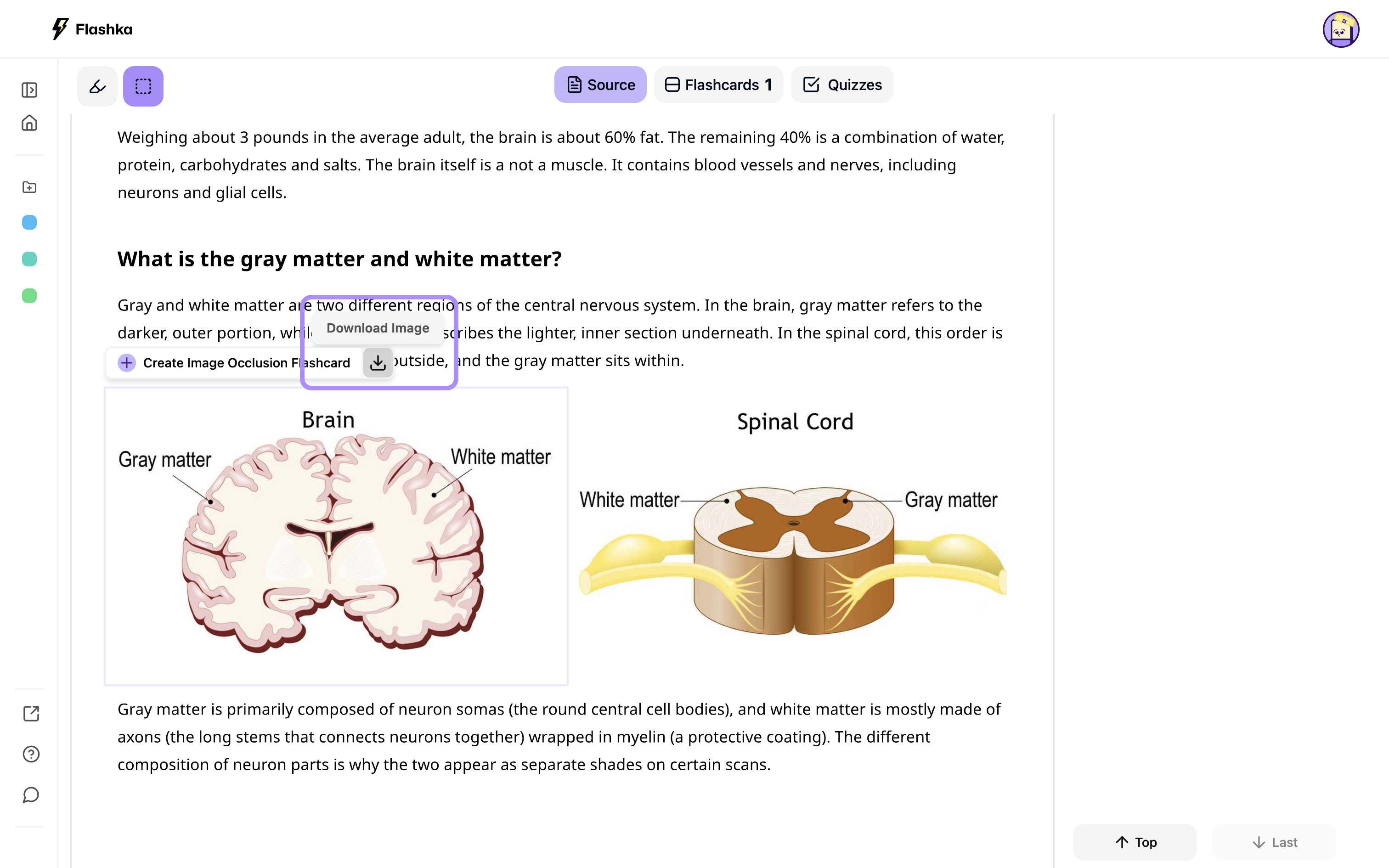
This is a beta feature, but we’re working to make it even better! 🚀
Let us know what you think!
Drop a comment or emoji to share your thoughts and feedback😊
Happy studying! 💜