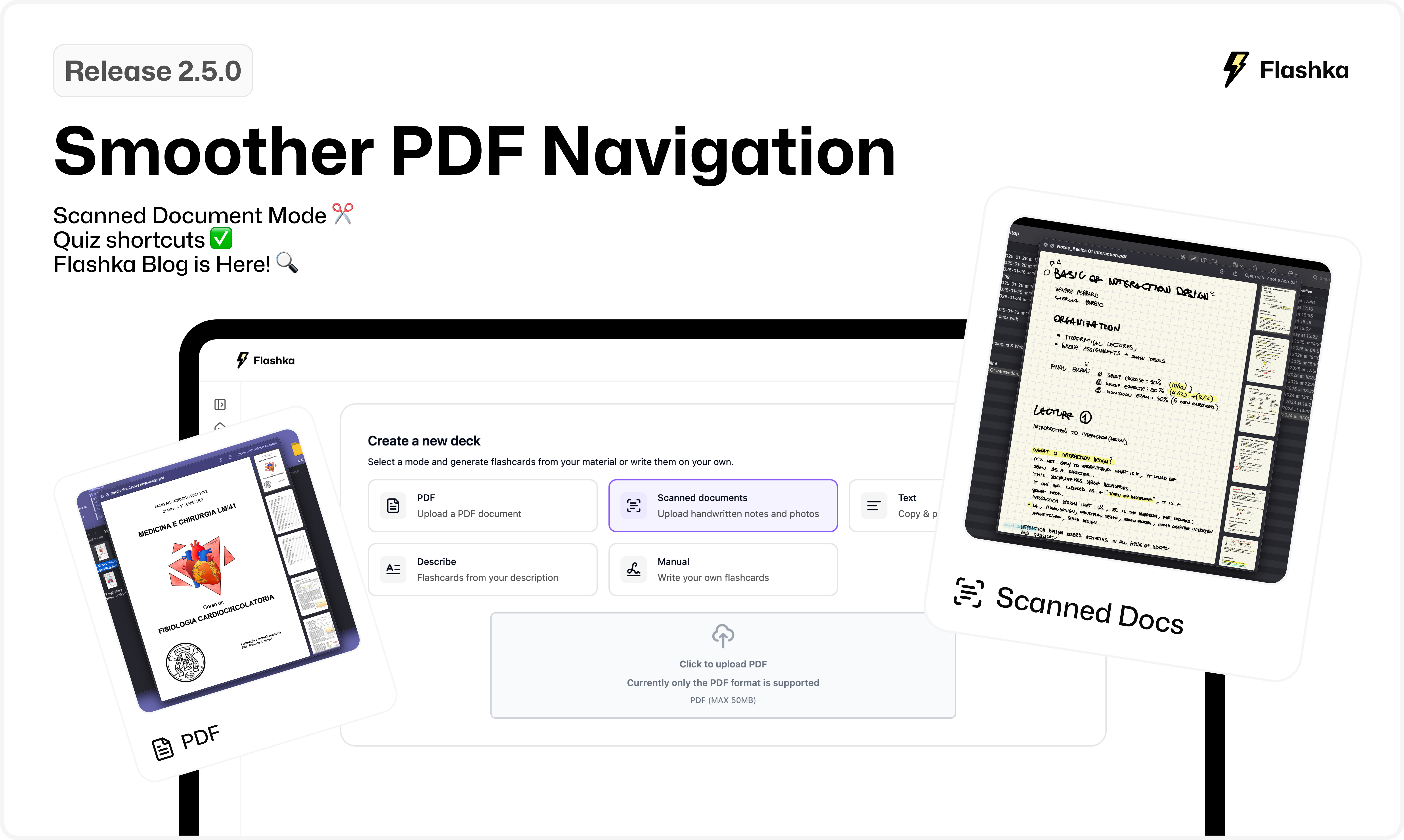
2.5.0: Quiz shortcuts, Smoother PDF Navigation, Flashka Blog💬
Hey there, Flashka fam! 👋
How are you doing?
We’ve been working hard over the holidays, and taking a little Christmas break, to bring you some fresh features to level up your studying game.
Check them out below! 👇
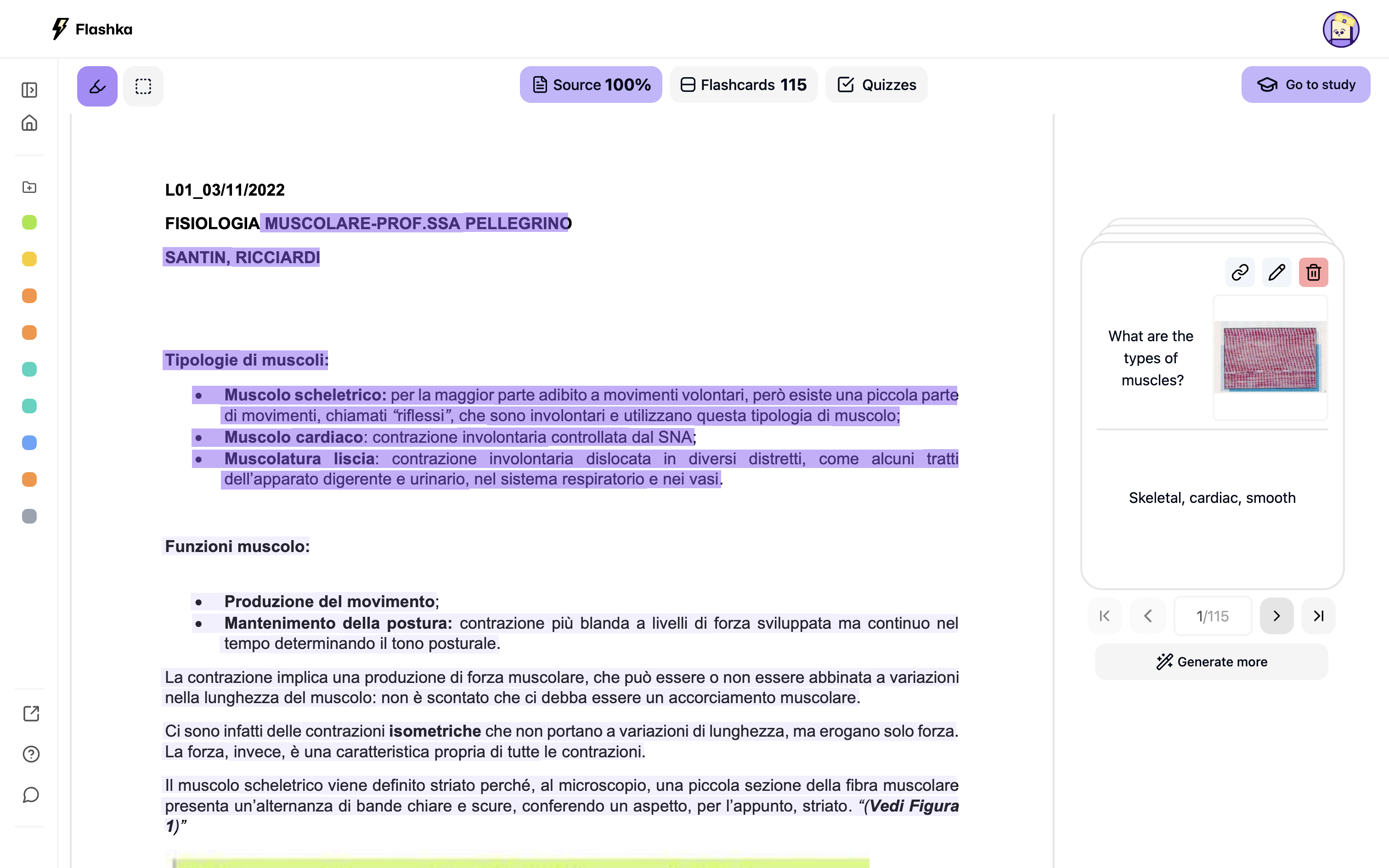
1. Smoother PDF Navigation 📄
Flashcards now stay docked on the right side of your screen while you navigate through your PDFs—making it easier to reference both your notes and cards simultaneously.
🔍 New Arrow Buttons:
Quickly jump through your PDF with navigation buttons located right behind each flashcard.
🎨 Better Highlighting:
We’ve merged the highlight strokes for a sleeker, more polished UI and a smoother highlighting experience.
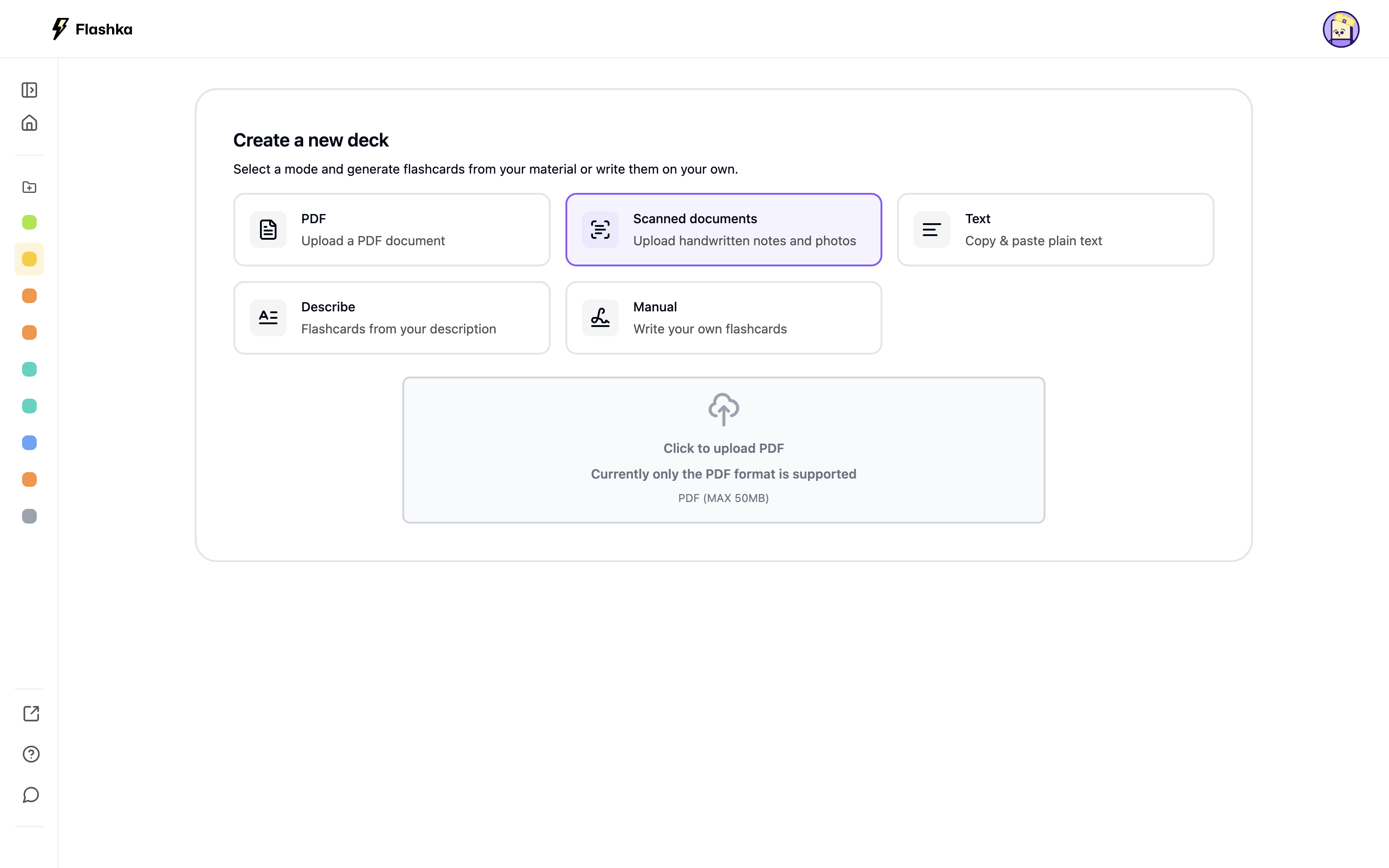
2. Scanned Document Mode ✂️
We’ve split the PDF modes in two for better performance and organisation:
PDF Mode:
For files with extractable text (e.g., exported PDFs).
Scanned Document Mode:
For scanned notes or PDFs without selectable text.
This change improves speed and accuracy across the app, making studying even smoother.
Let us know if this distinction is clear to you :)
3. Quiz shortcuts ✅
We finally added shorcuts
🎯 Keyboard Shortcuts:
Select answers with letter keys (A, B, C, D) and press ENTER to move on.
🚩 Report Issues:
Notice something wrong? Use the new “Report” button to send feedback and help us improve quiz quality.

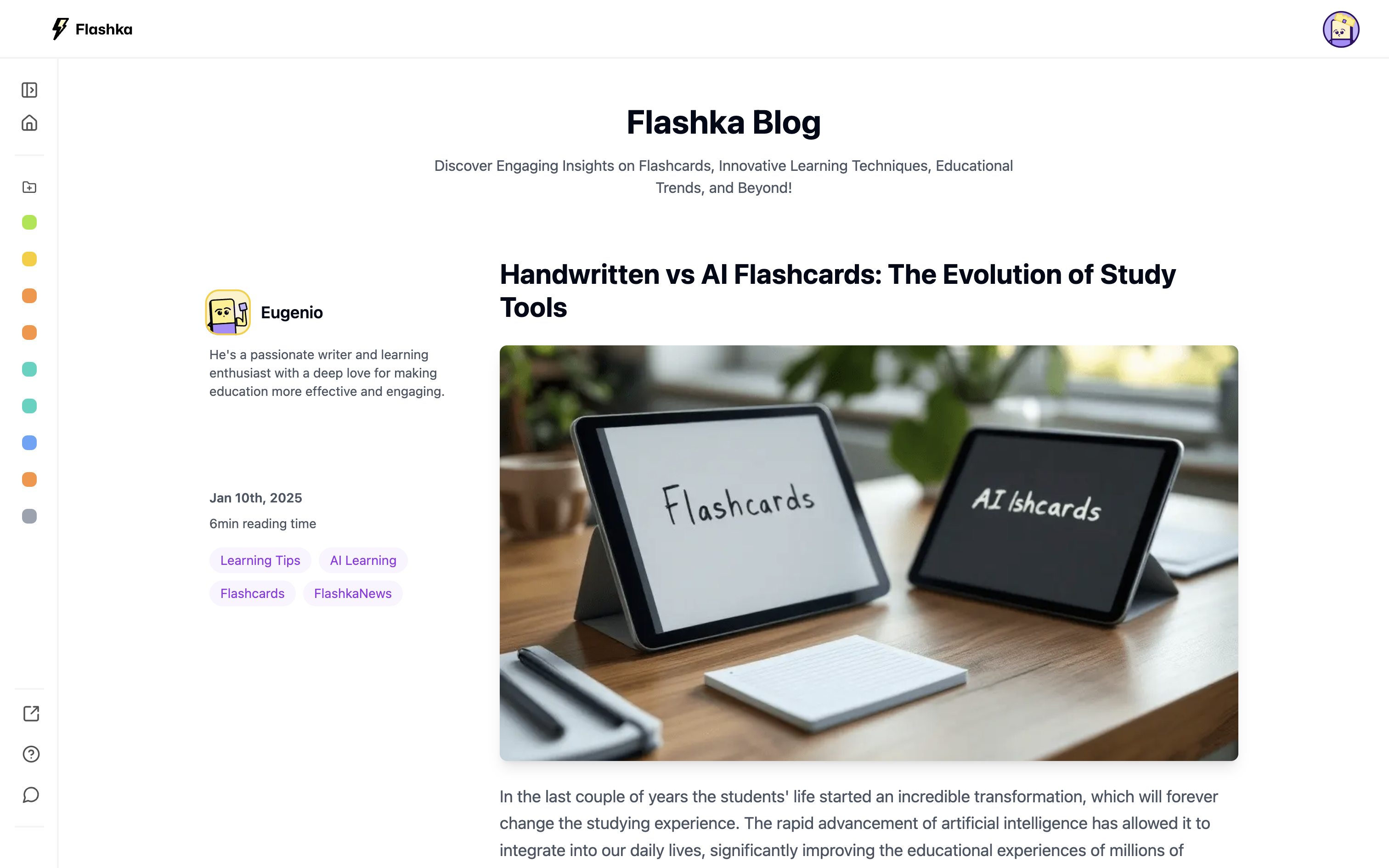
4. Flashka Blog is Here! 🔍
We’re excited to launch our blog, where we’ll dive into study tips, tricks, and techniques to help you succeed.
Our newest team member, Eugenio, is curating posts designed to help you get the most out of Flashka.
Coming Soon: Dark Mode + Design Refresh 🌑
Professor Ka is getting ready for a stylish night out! We’re working on a dark mode and a brand-new design system to make studying even more delightful.
✨ Sneak peek below 👇
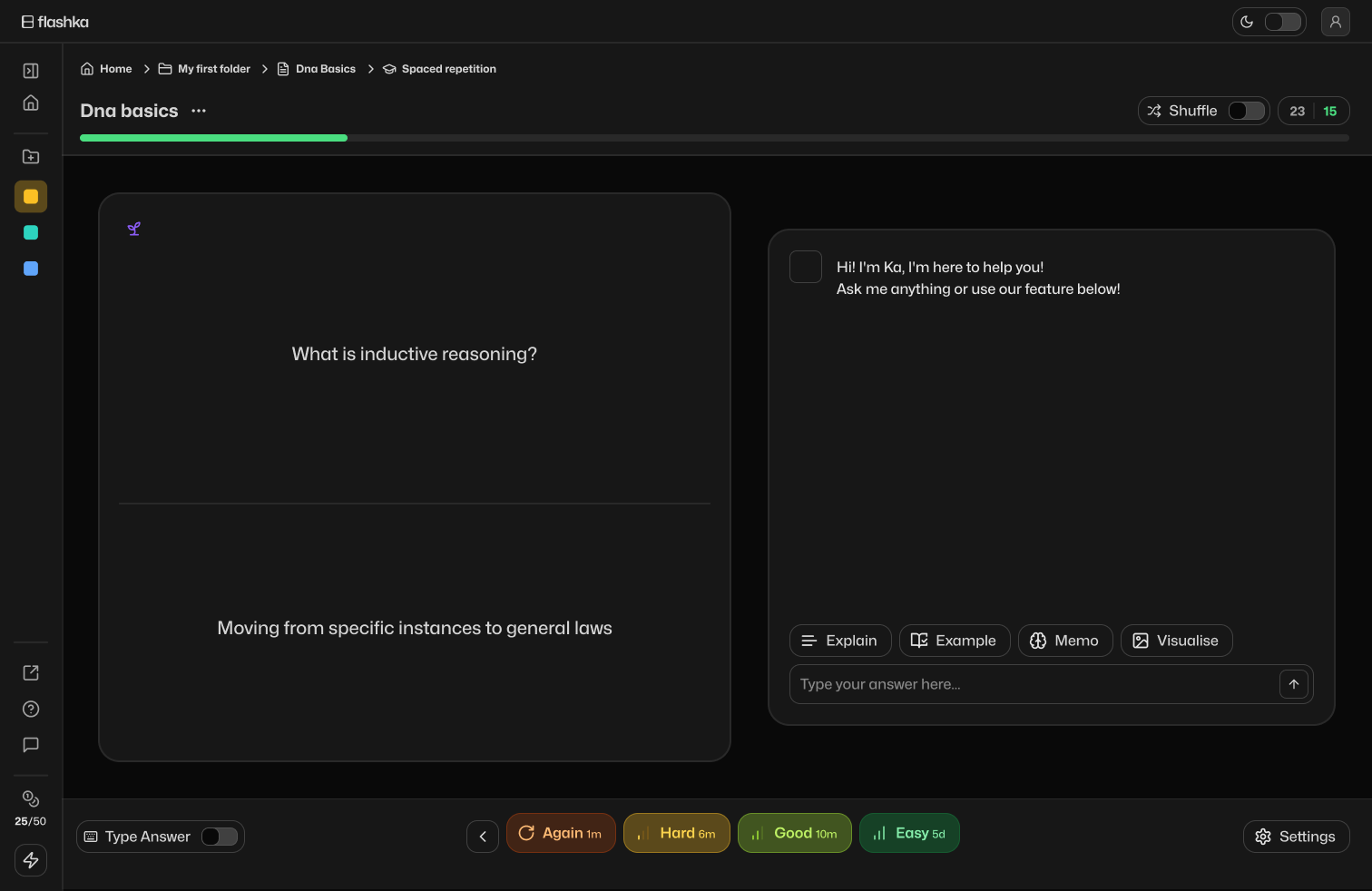
Give these updates a try and share your thoughts!
Even a quick emoji helps 👇
Happy studying! 📚
From Flashka Team with 💜