Flashka 4.6 — Pre-Save Android App + Study Filters💥🧨
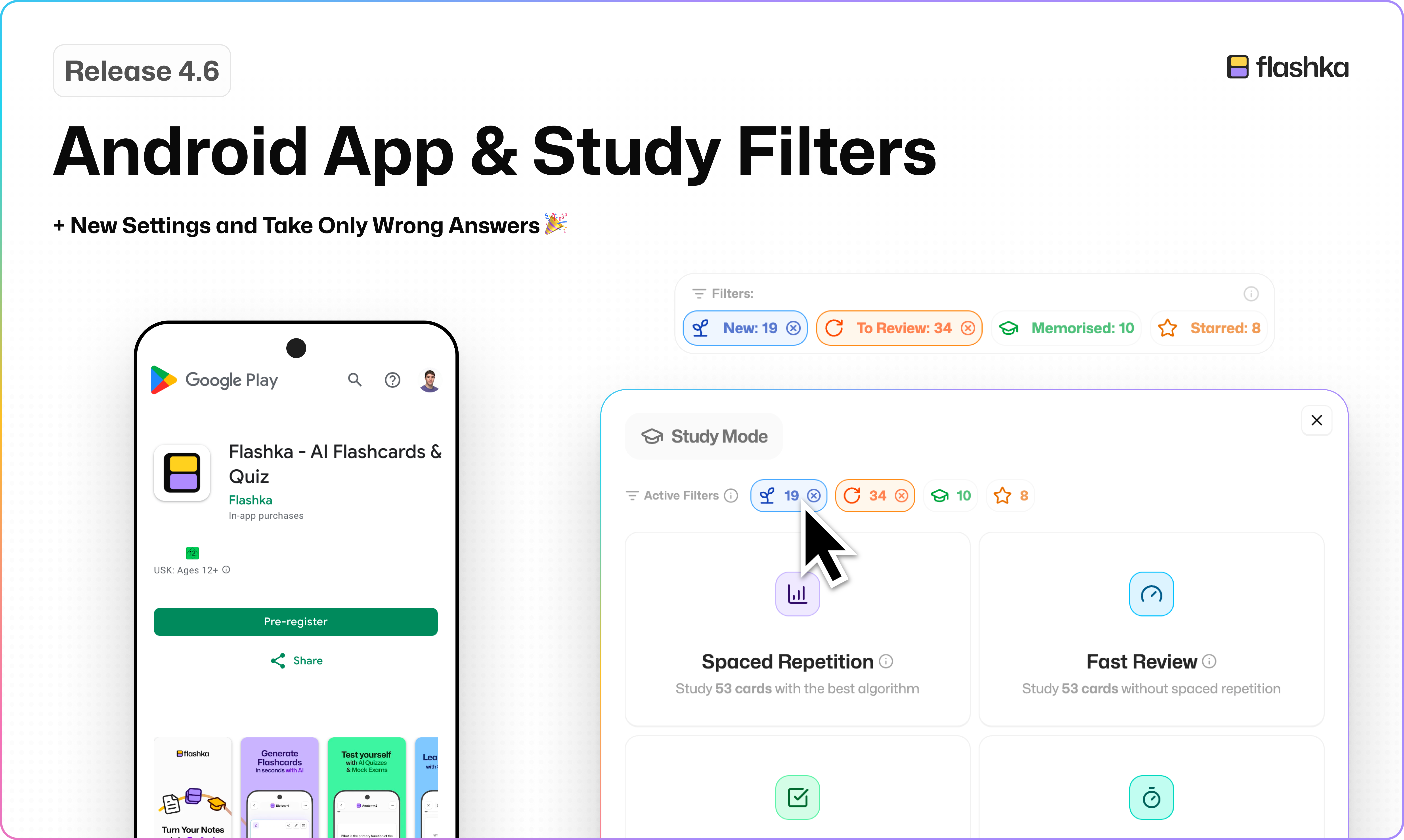
Okay fam, this time I’m too excited not to shout it:
THE ANDROID APP IS AVAILABLE FOR PRE-SAVE AND STUDY FILTERS ARE FINALLY OUT!!!!!And that’s not all. We also shipped new beautiful settings, a new Help Center module, and a way to retake only wrong answers in quizzes and track all attempts.
Ready?
Let’s dive in 👇
(with cute videos this time — yes I finally learnt how to edit videos lol)
1. Pre-Save Android App
The Android app is ready for pre-save.
It will automatically download next week when we release it to everyone.
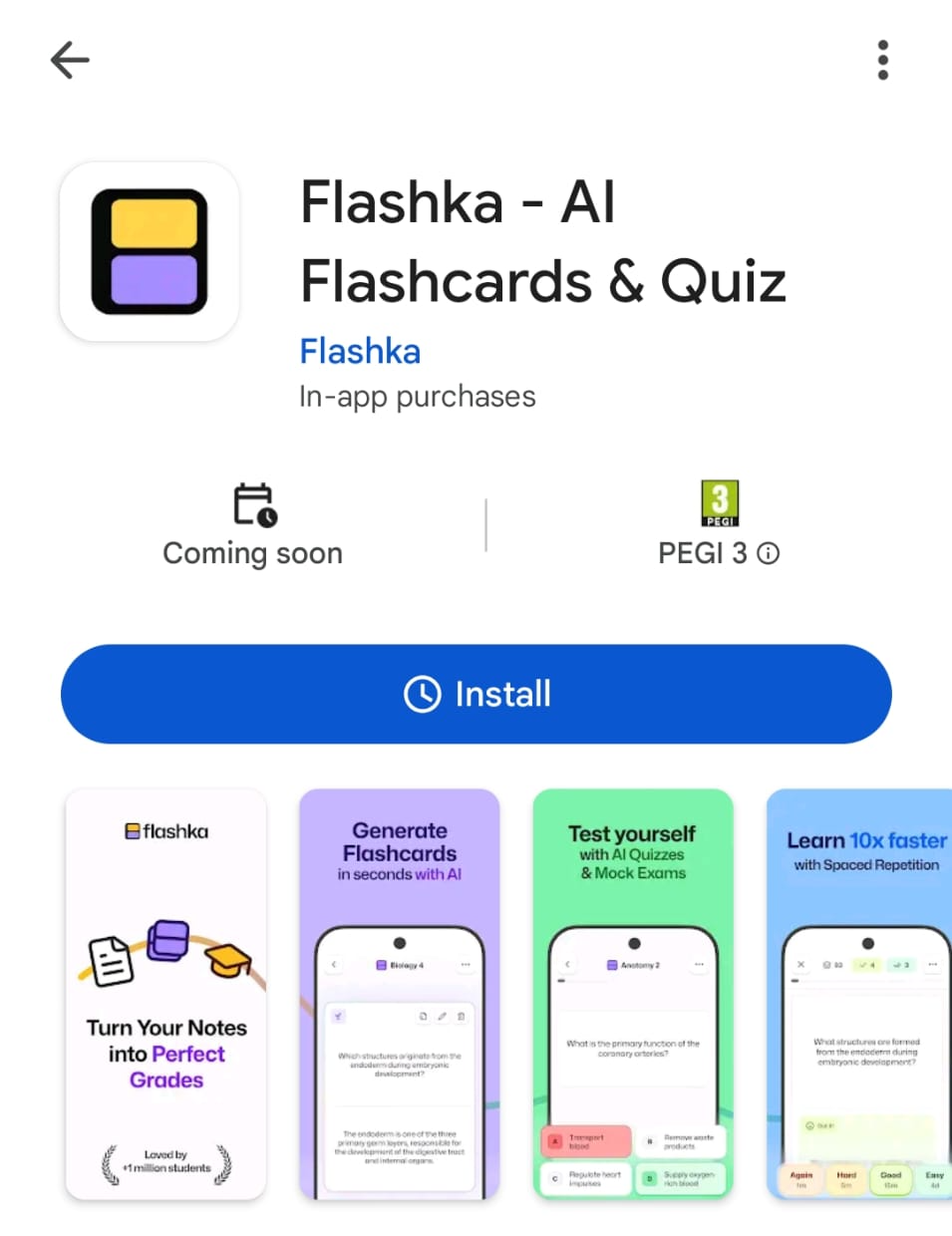
Go on the PlayStore and search for “Flashka”
Click on “Install”
Then “Got it”
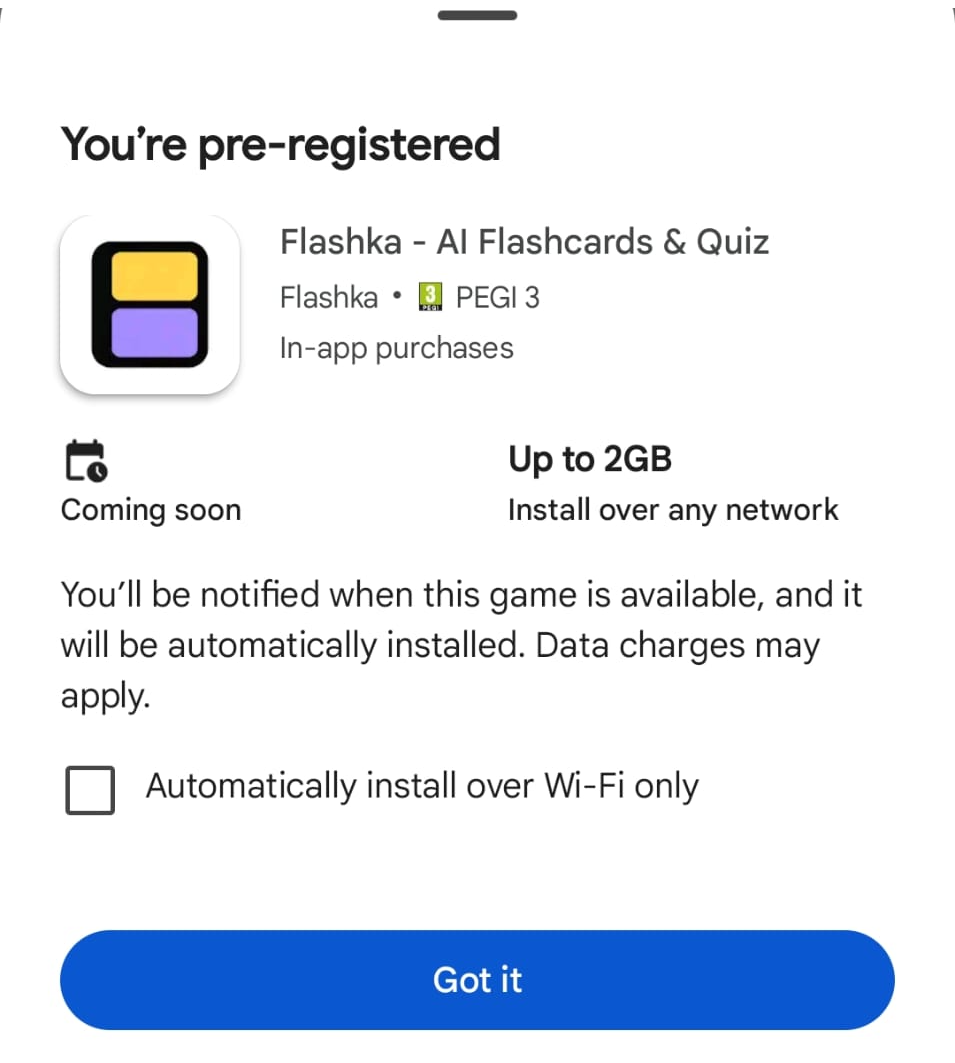
And on the day of the release the app will be automatically downloaded on your device🎉
2. Study filters
In the last update we introduced stars and new categories like New, To Review and Memorised cards.
Now you can use them to fully personalise your study sessions.
Here’s how it works:
Select the cards you want to study in Flashcards view or directly in the Study modal
Choose between Spaced Repetition or Fast Review
Start studying your selected batch
⚠️ Remember: whenever you filter cards in the Flashcards view, those filters automatically apply to Study Mode as well.We also redesigned the end-of-session screen to make it clearer and more session-based.
You can now jump directly into another study mode.
If you’re curious about how filters interact with the study algorithm, reach out to kuba@flashka.ai — he’s the grandmaster behind this feature :))
3. New settings modal ⚙️
Yes… we procrastinated this forever :3
But now Settings finally got a proper upgrade.
Cleaner, more organised, and everything you need to personalise your Flashka experience in one place.
You can find Settings by clicking the Profile icon in the top-right corner.
Feel free to explore and don’t miss the experimental section 👀
4. New help center module — meet Professor Ka’s Assistant!
Getting help is now faster and more interactive.
Click Help Center and you’ll meet Professor Ka’s Assistant, an AI that knows everything about Flashka.
You can:
• Ask questions about features
• Get step-by-step help
• Search documentation
• Read changelogs
• Or ask to be connected with a real human (me) if needed :)
5. Take Only Wrong Answers in Quizzes
Small feature, big impact.
After finishing a quiz, you can now retake only the questions you got wrong.
Perfect for quick improvements before an exam.
Every new attempt is saved, so you can track your progress over time.
📰 Flashka News
Since I love this format where I show who's behind each feature, let me introduce:
Kuba, Study Filters Master ⭐
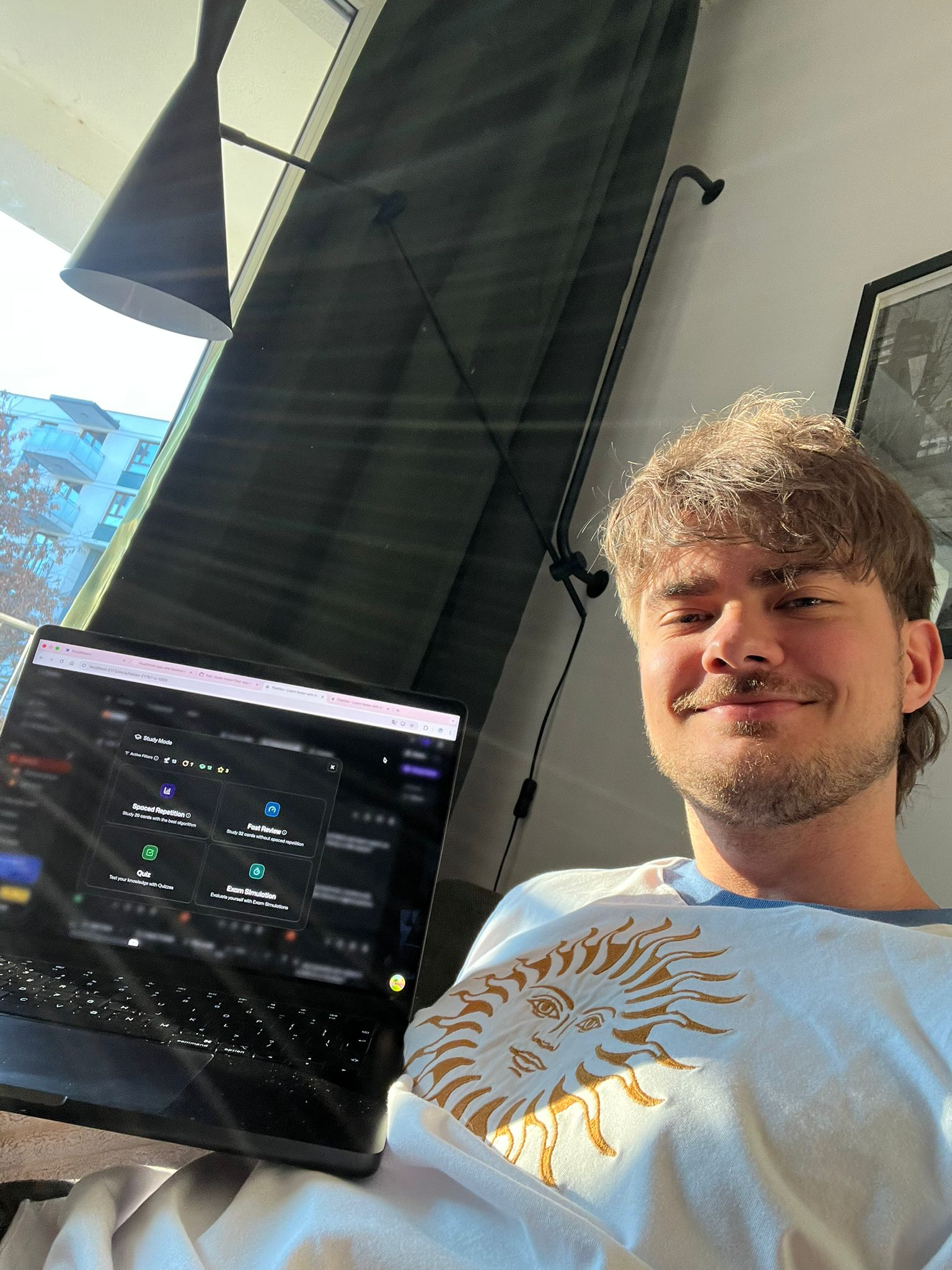
Dario, Android App Magician 🤖
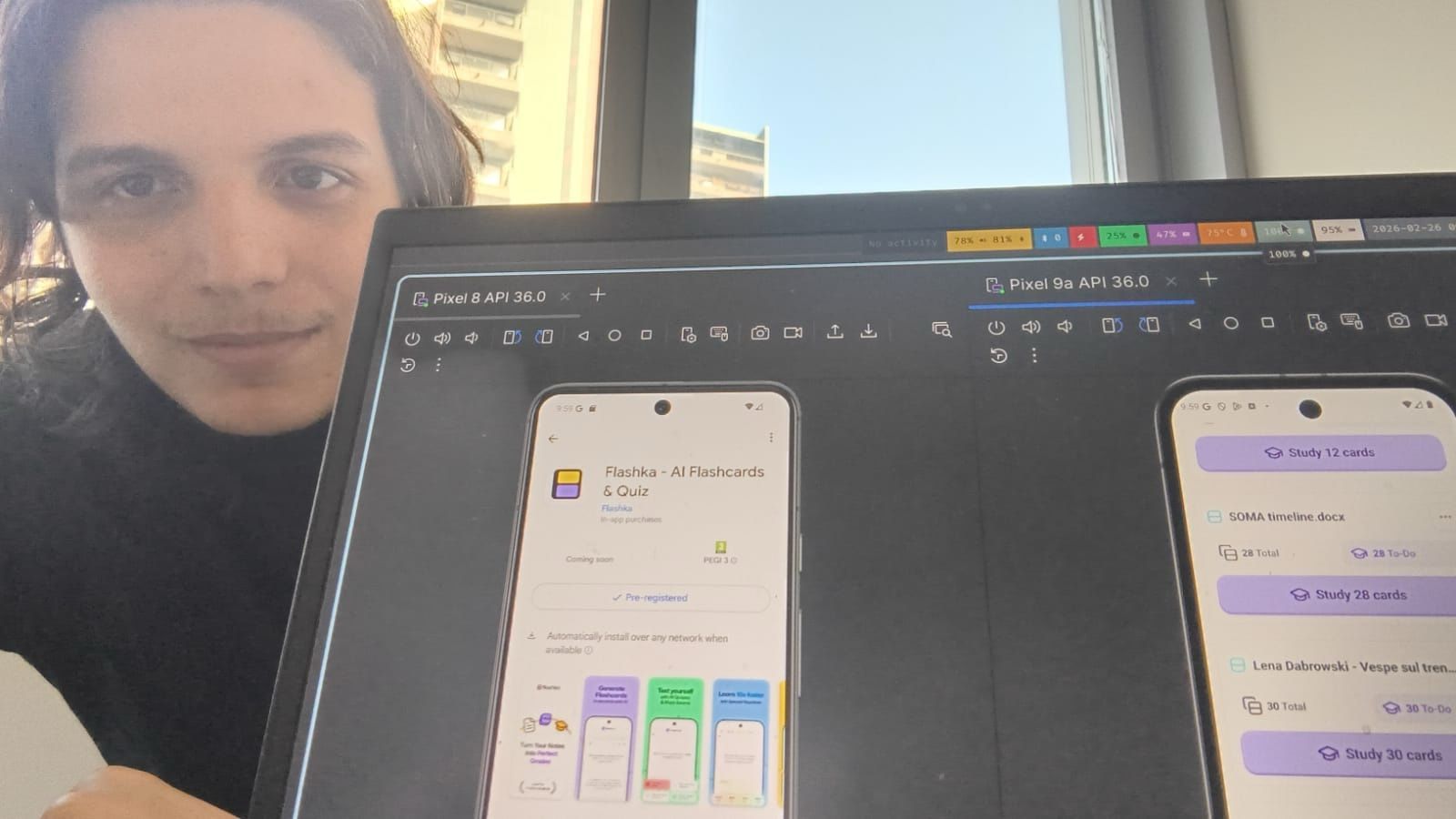
They’re not new members, but they worked insanely hard on these releases, so show them some love 👇💜💛
That’s it for today.
Excited for the Android release next week?
As always, your feedback shapes what we build next.
Try the new features and tell us what you think, here or on Discord, we’re listening.
Happy studying ✨
— Simo & The Flashka Team 💜