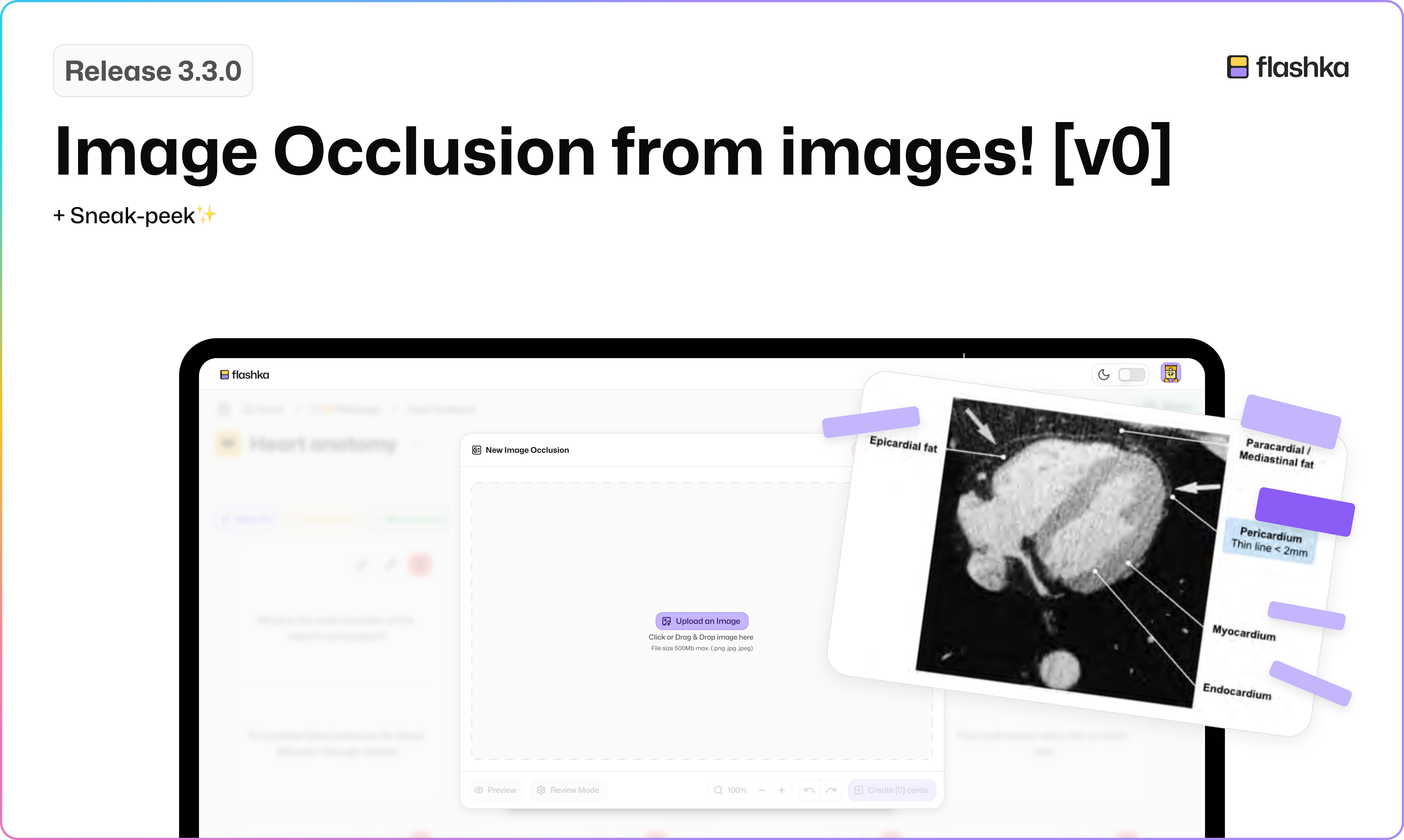
Flashka 3.3.0: Image Occlusion from images! [v0]
Hey Flashka fam! 👋
Things are moving fast at Flashka lately and that’s because we’ve got a new dev onboard!
Welcome Daniel, our newest code wizard, who’s already speeding things up in the product team🚀
This week, we’re super excited to bring you a big step forward in one of your most loved features: Image Occlusion
Here’s what’s new 👇
🖼️ Image Occlusions from Any Image
You can now create image occlusion flashcards not only from PDFs, but from any image you upload!
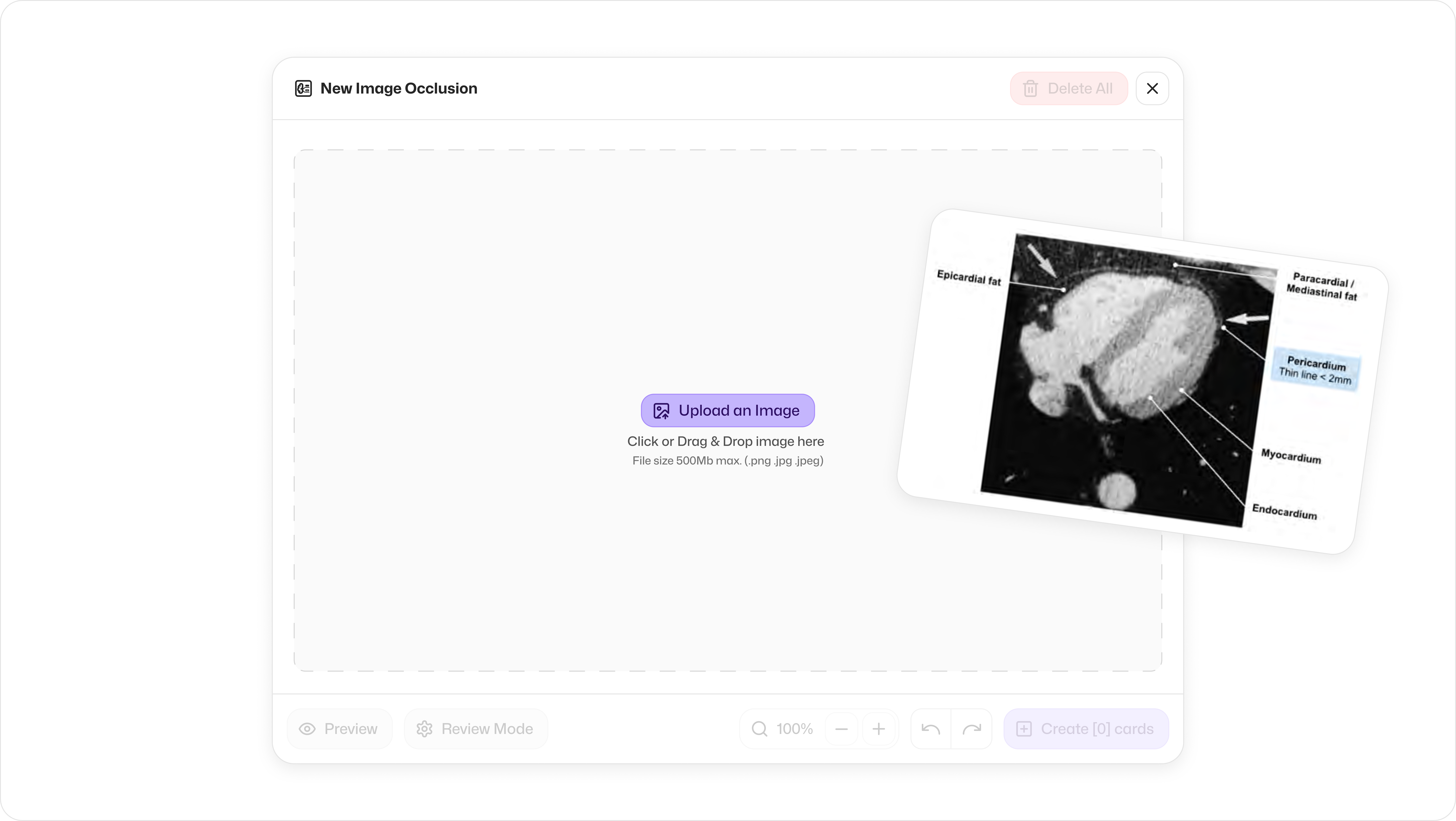
Whether it’s a screenshot, a diagram, or a picture from your camera roll, just upload and go!
This makes occlusions perfect for anatomy, graphs, complex slides… or anything you need to mask and memorise.
✏️ How to Create Image Occlusion Flashcards from an Image
Open your deck and go to the Flashcard View
Click the dropdown next to the “Write Card” button
Select Image Occlusion
Upload your image
Edit the existing rectangles or draw new masks
Click Create flashcards and your occluded flashcards are ready to study!
🚨 What’s Next?
We’re not done yet, this is just v0 of a major update!
Expect even more improvements soon for image occlusion:
Better UI for editing occlusion masks
Grouping masks together in one card
New reviewing modes → Hide all, guess one | Hide one, guess one
etc…
Let us know what you’d love to see added, your feedback shapes our roadmap! 🛣️
Got an idea or feedback? Or do you wanna just say Hi to Daniel?
Drop a comment here or email simone@flashka.ai, we’re all ears! 👂
Give this update a try and let us know what you think!
Even a quick emoji helps 👇
Happy studying! 📚
—The Flashka Team 💜