Flashka 4.17: Mindmaps Are Here 🧠
Hey Flashka fam! 👋
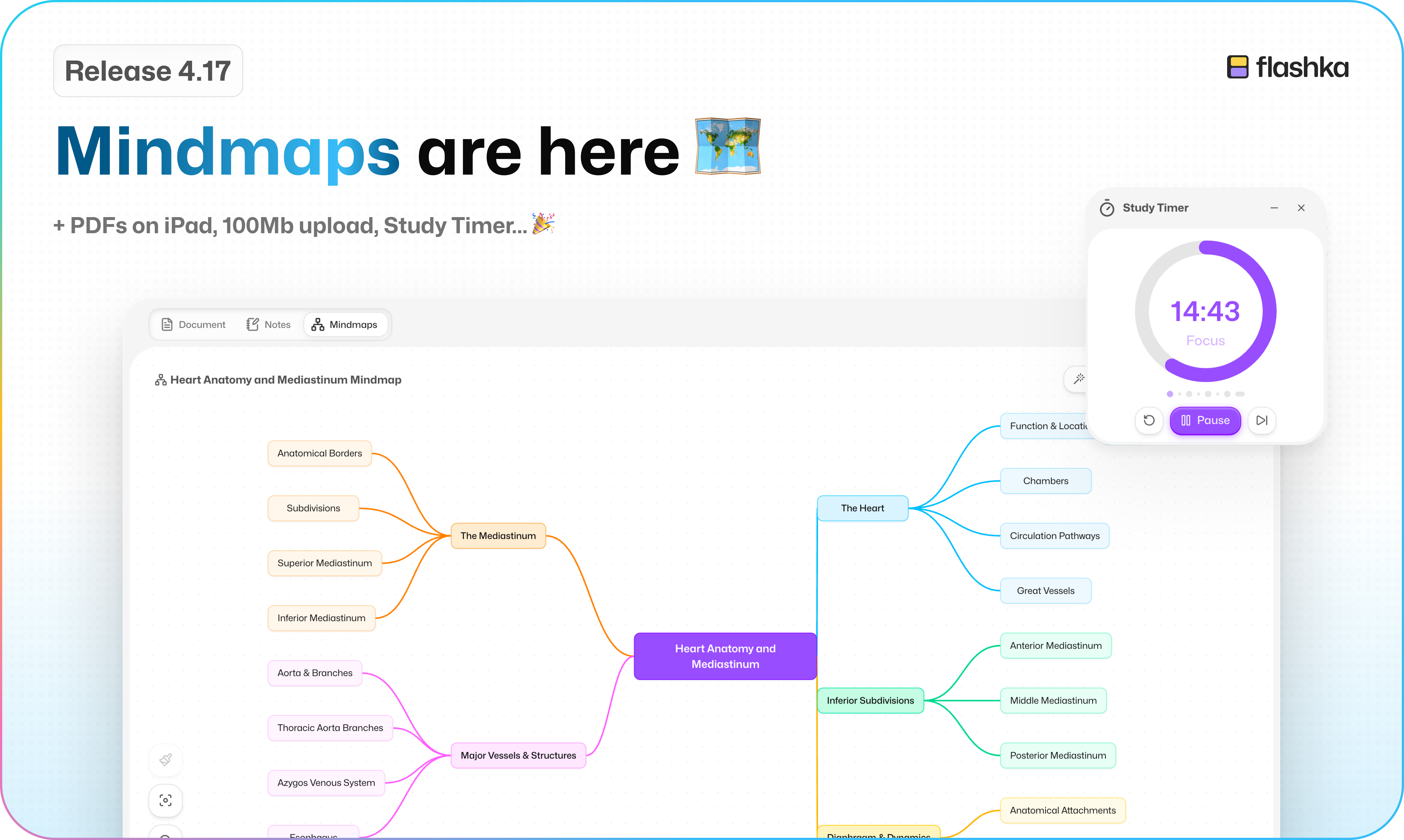
You've been asking for this one for a while, and it's finally here: Mindmaps 🎉
We also built a Pomodoro timer right into Flashka, doubled your upload limit, and kept polishing the new look.
Let's dive in 👇
1. Mindmaps Are Here 🧠
Some things just click better when you can see them.
So now you can turn anything you're studying into a mindmap.
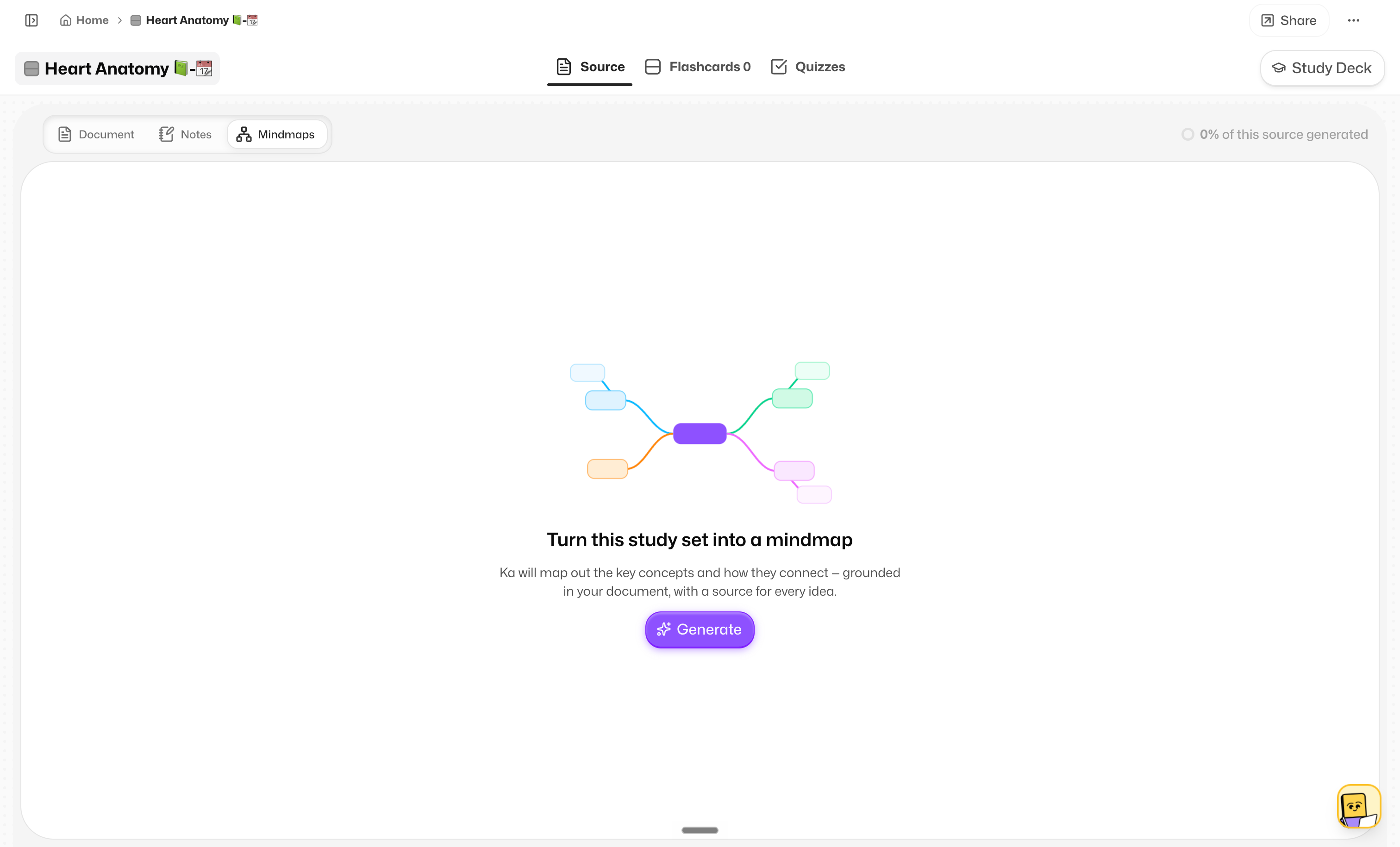
Head to the Mindmaps tab (right next to Notes), hit Generate, and pick what to build it from:
Your document
Your notes
Your flashcards
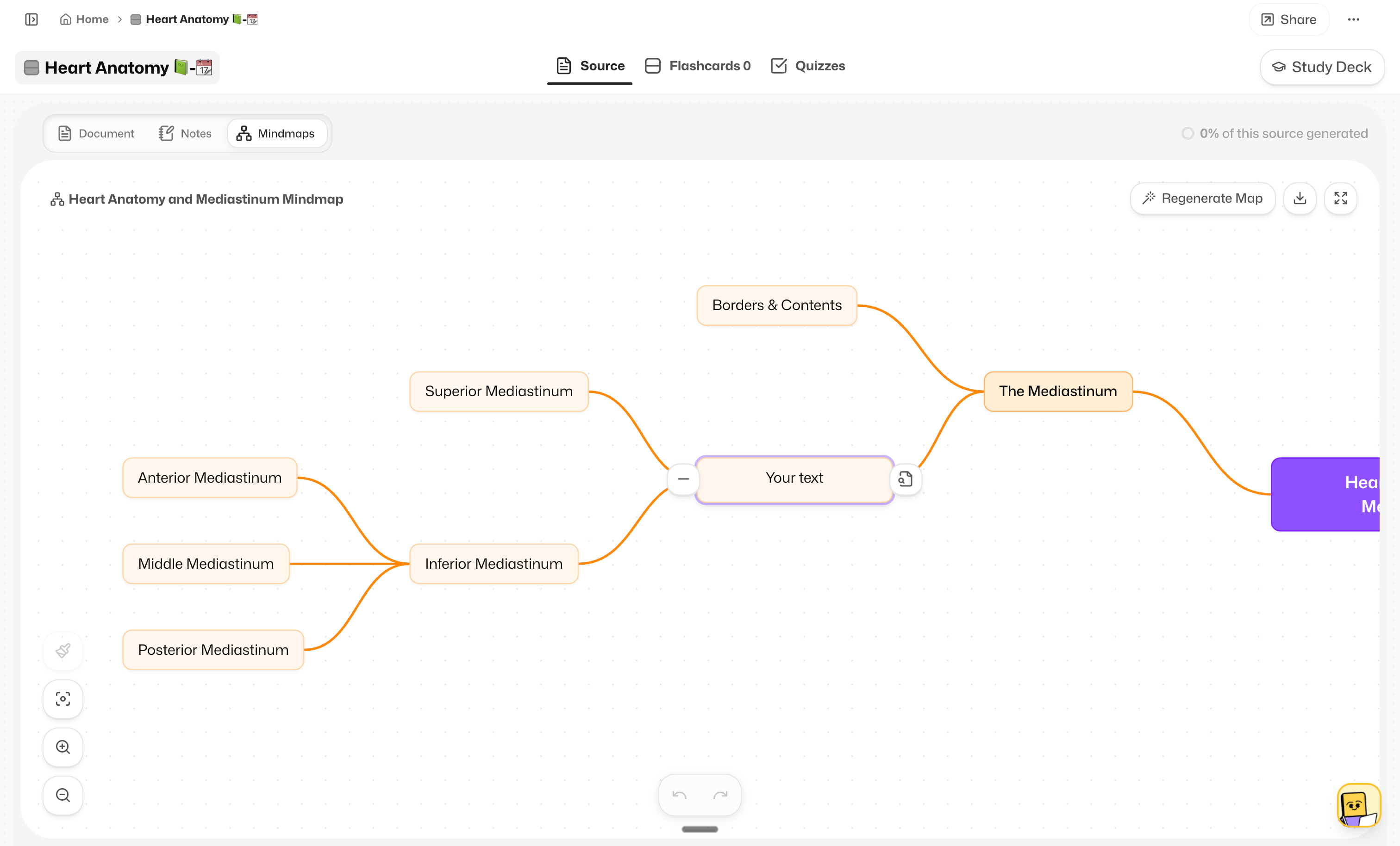
Ka creates it for you, then it's yours to play with. Move things around, change the colours, or regenerate it if you want a fresh take.
See where it came from 🔍
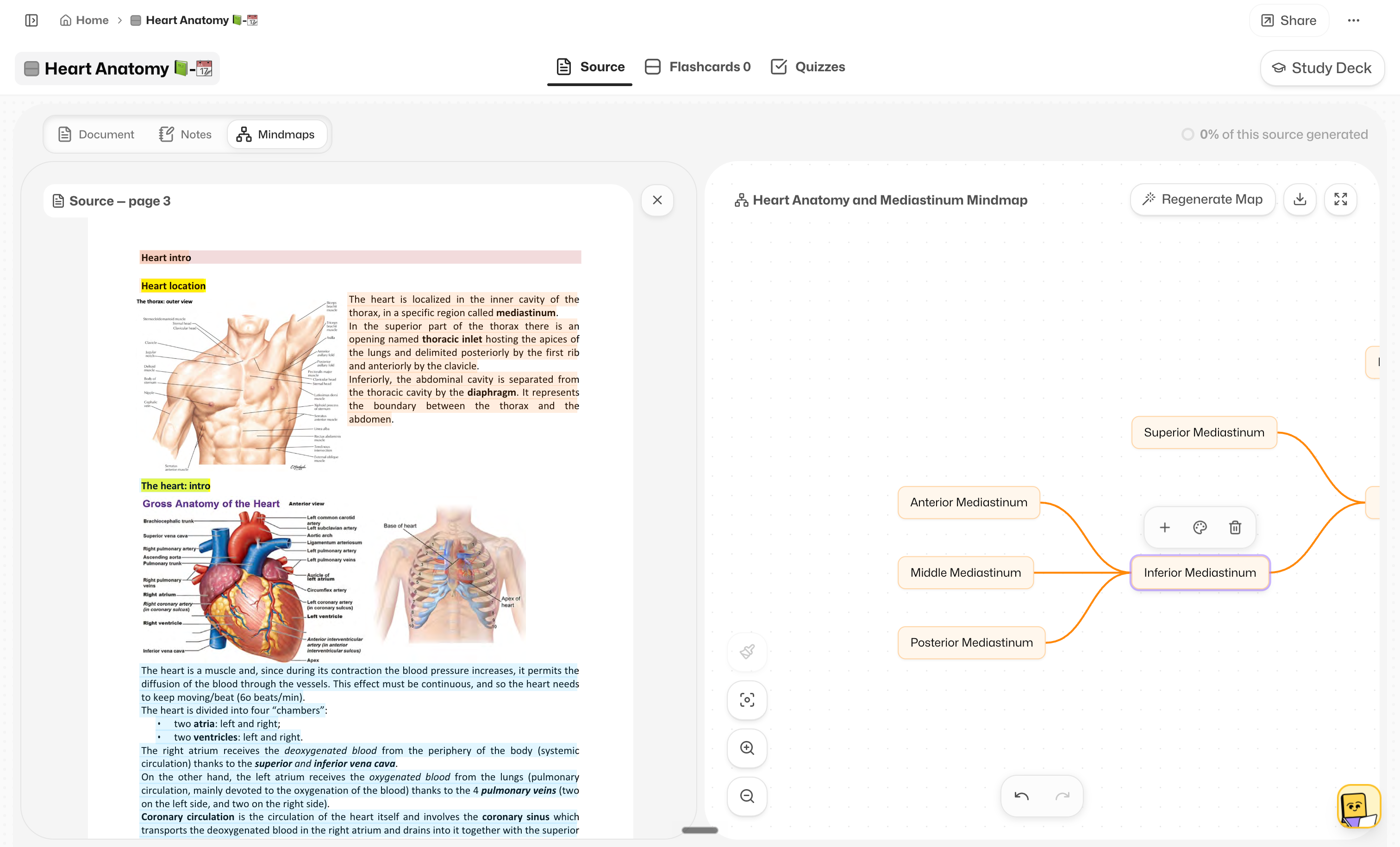
Switch to the source view and every part of your mindmap is highlighted back in your document, colour-coded. So you always know exactly where each branch came from.
And if you'd rather just ask?
Prof. Ka can make one for you straight from the mini chat 💬
2. Study Timer, Built In ⏱️
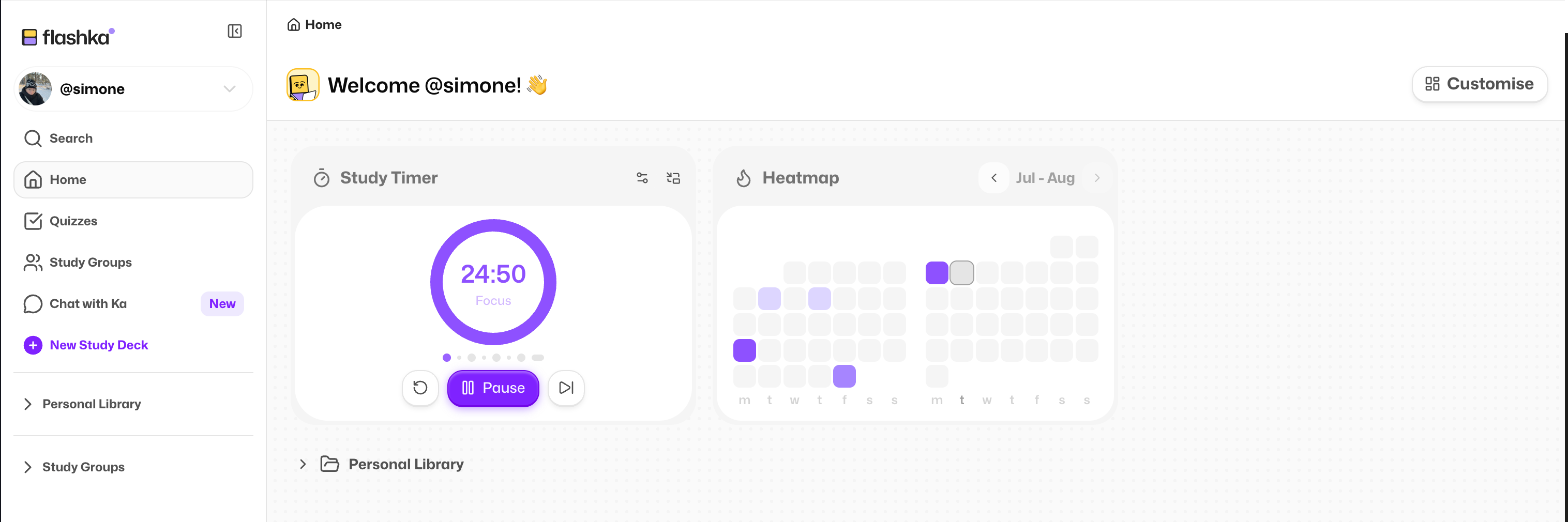
No more juggling a Pomodoro app in another tab.
It lives in Flashka now.
Click Customise on your Home and add the Study Timer widget. Set your focus time, your short break and your long break, then press start.
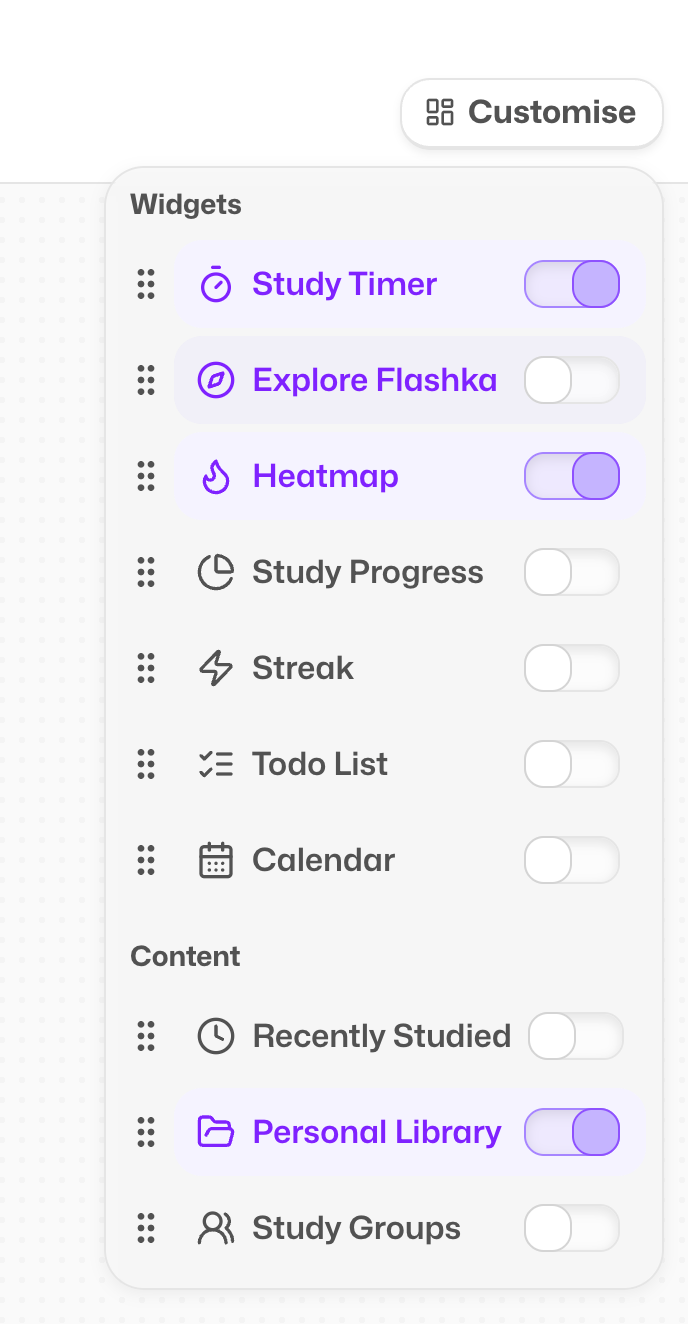
You can also pop it into overlay mode so it follows you around wherever you're studying. When the time's up, a little sound lets you know your break has arrived 🔔
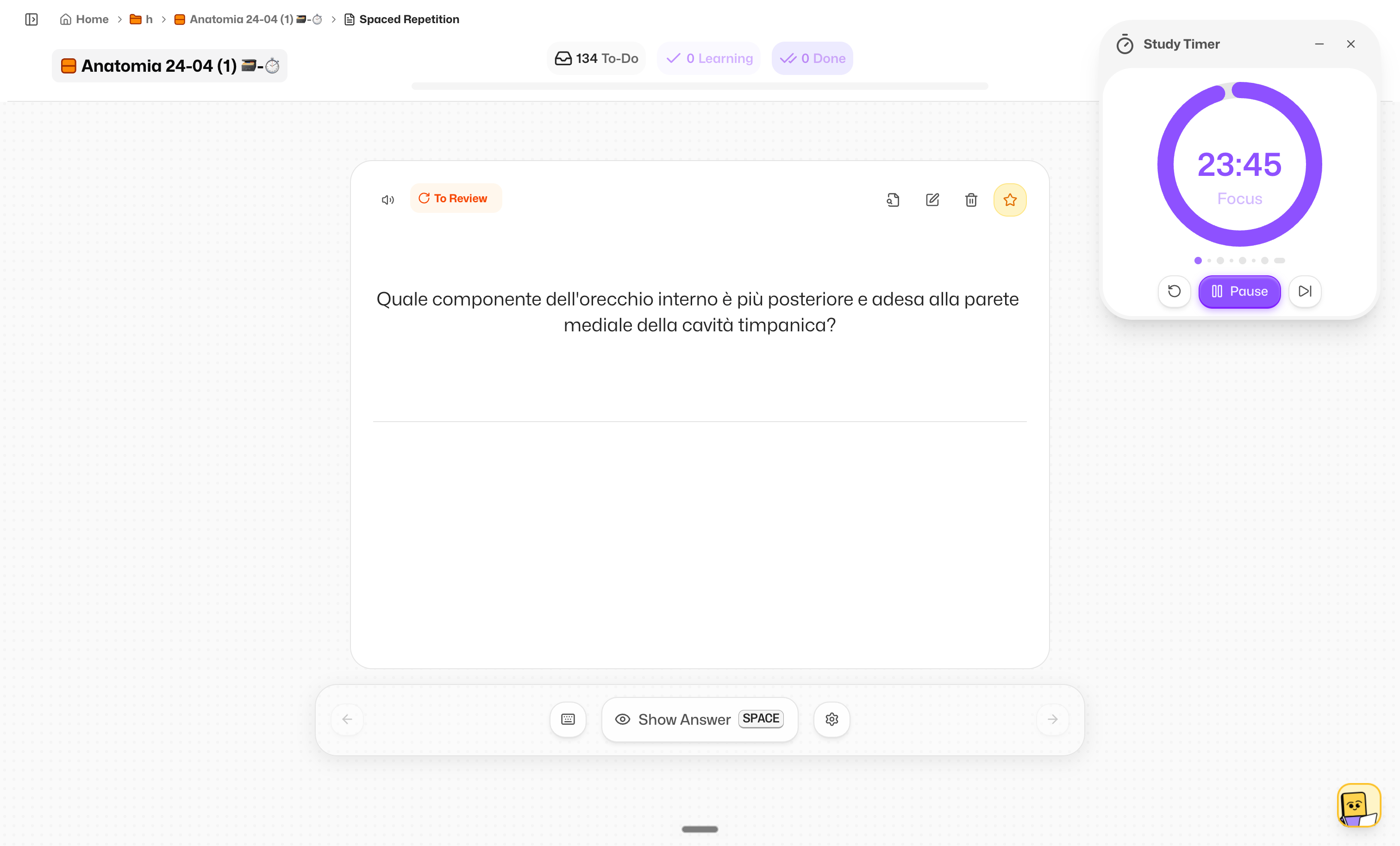
Oh, and while we were in there: widgets are now unlimited.
The old limit of three is gone, so build whatever Home you like 🎉
3. Upload Limit Doubled to 100MB 📋
We raised the file limit from 50MB to 100MB, so you can stop compressing your slides just to get them in.
Is that enough?
Let us know if you're still hitting the ceiling and we'll see what we can do 👀
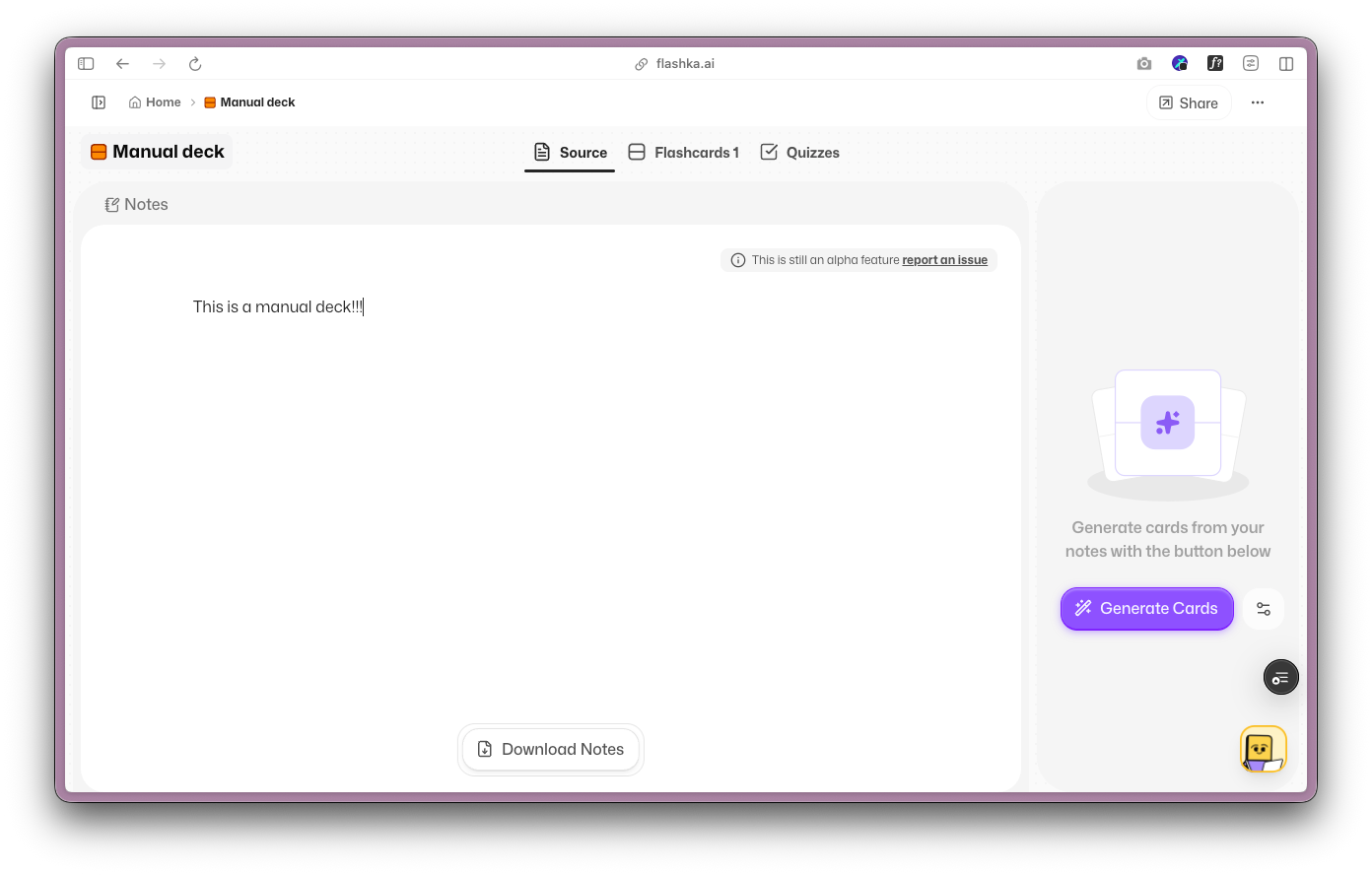
4. Notes in Manual Decks Too 📝
Small change, big deal if you build your decks by hand.
The Source tab now shows up in manual decks as well. So you can write notes next to what you're studying, generate summaries from your flashcards, and keep everything in one place.
A New Look + Drag & Drop 🎨
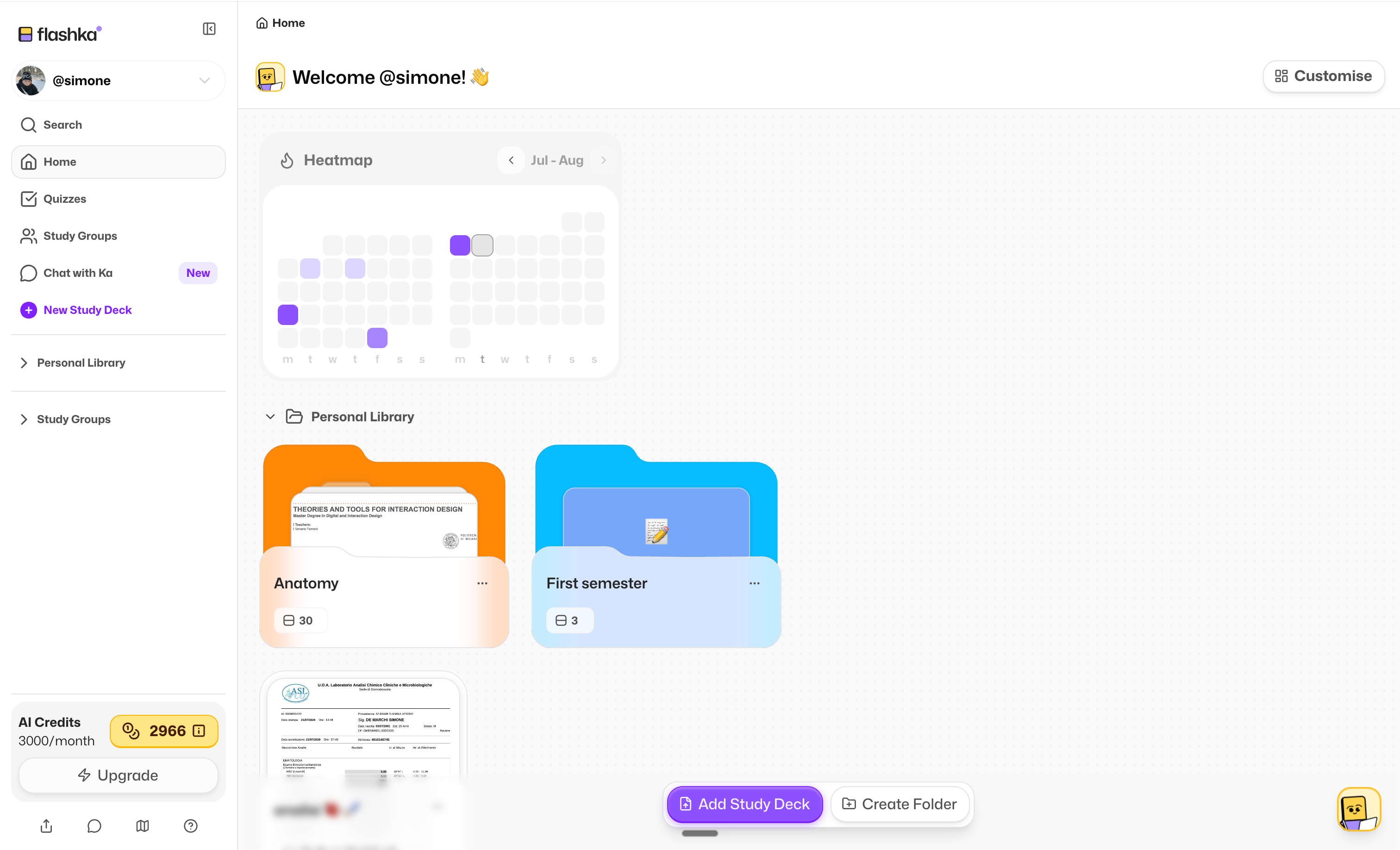
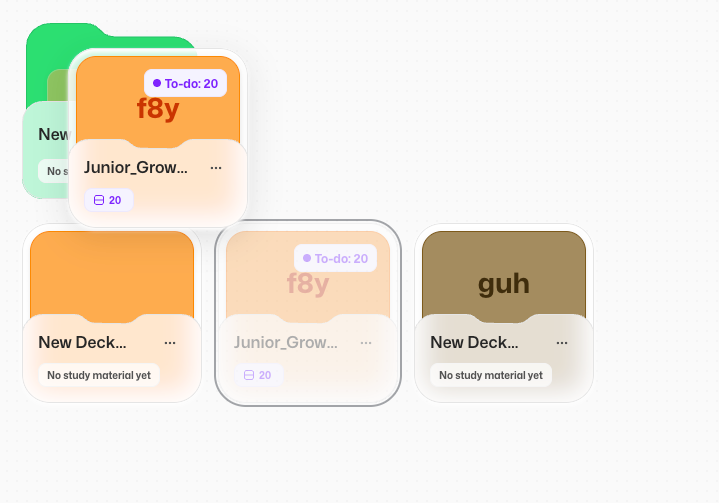
Spotted the new folders and decks?
You're not imagining it.
We added drag and drop, and we're making Ka smarter every week.
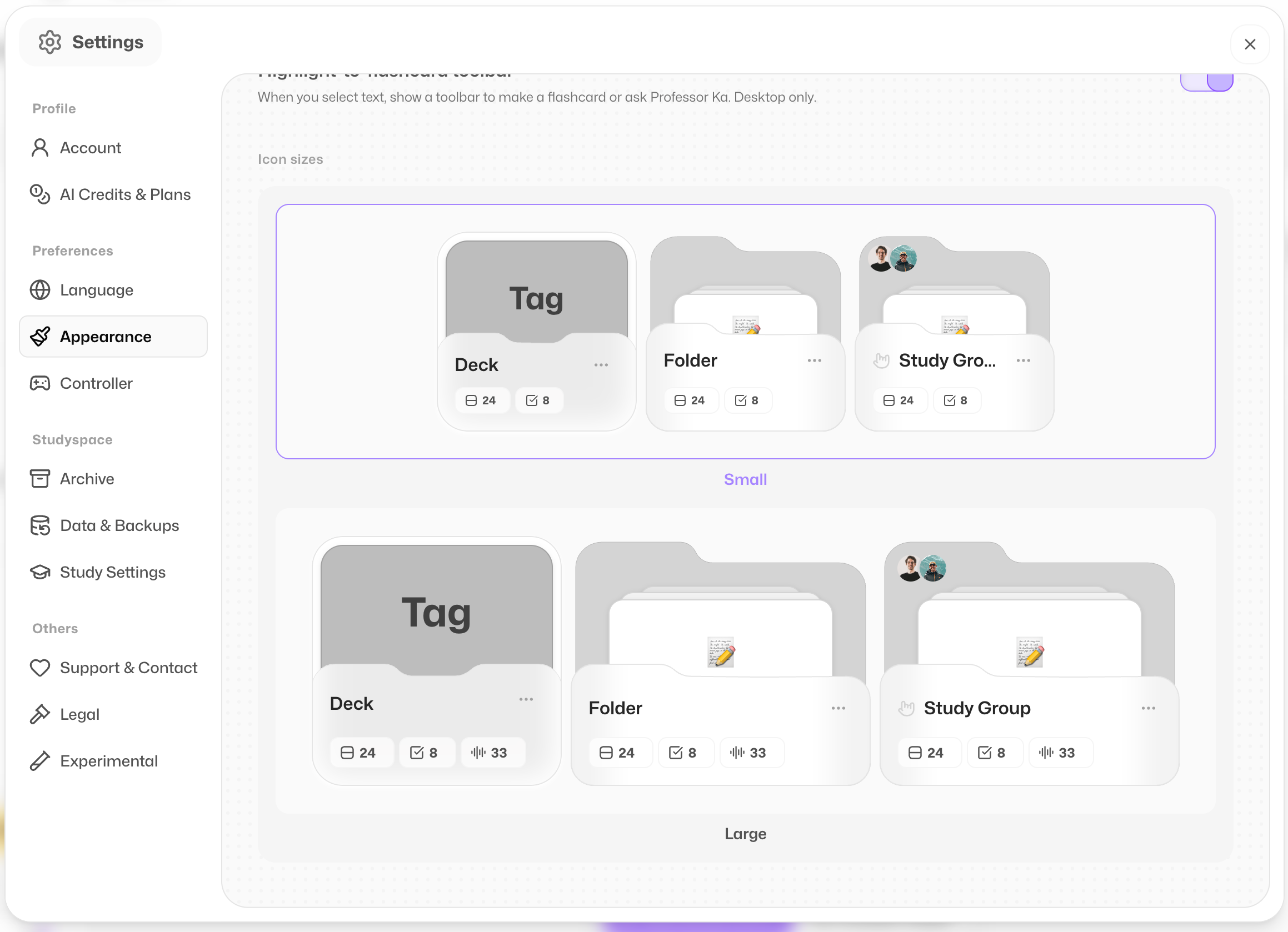
Some of you told us decks and folders were too big, so here's a tip: go to Settings > Appearance and you can now pick between two sizes. Bigger or smaller, your call 👀
Behind all this, we're rebuilding Flashka's entire design system from scratch to make it prettier, easier to use, and finally consistent between web and app.
Huge shout-out to @ayushi and @Massimo P for leading this monster of a project 👏
A whole new look is coming soon.
Tell us what you think so far, it only gets better from here :))
6. Little Fixes & Polish ✨
We also shipped a pile of smaller improvements:
Importing decks in study groups works properly now, and deleted cards no longer come back from the dead
New decks are created in the folder you started from, not thrown onto Home
Anki exports now keep the same order you see in your flashcards view
Coming Soon @Flashka 💜
As always, you decide 🫵 Drop a comment with the one you want next:
Calendar to plan your study sessions 📅
Add a friend and see their activity 👯
A full app redesign 🎨
Flashka News 📰💜
While we hope you're enjoying your holidays, we're back here cooking up new features for you 👨🍳
We can't wait to show you what's coming next week.
In the meantime, fancy a chat with us?
Grab a slot 👇
📞 Book your slot here: https://cal.com/simoneflashka/have-a-chat-with-me-get-life-time-access
So go turn your messiest chapter into a mindmap and tell us how it goes 🧠
Happy studying ✨
Simo & The Flashka Team 💜